01 Source Code Only
₹99
One-time Payment
- Complete project source code
- Database / data resources
- Dependencies & configuration
- README / setup guide
- Instant download access
Complete final-year project source code with frontend, backend, database and setup documentation. Instant download after secure payment.
Hover to zoom · Click to expand
Simple pricing. Instant access. Secure checkout.
01 Source Code Only
One-time Payment
02 Code + Setup Support
One-time Payment
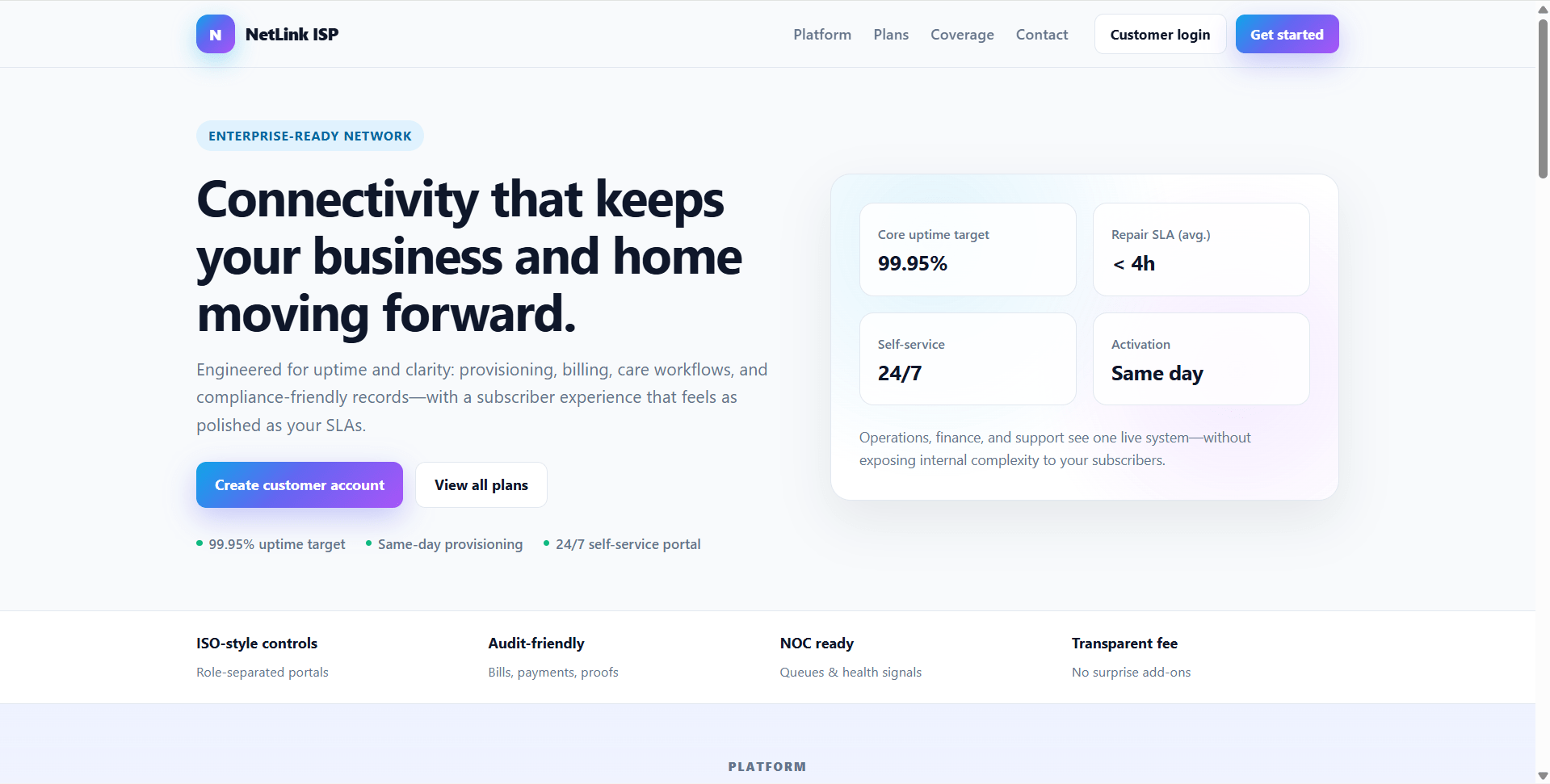
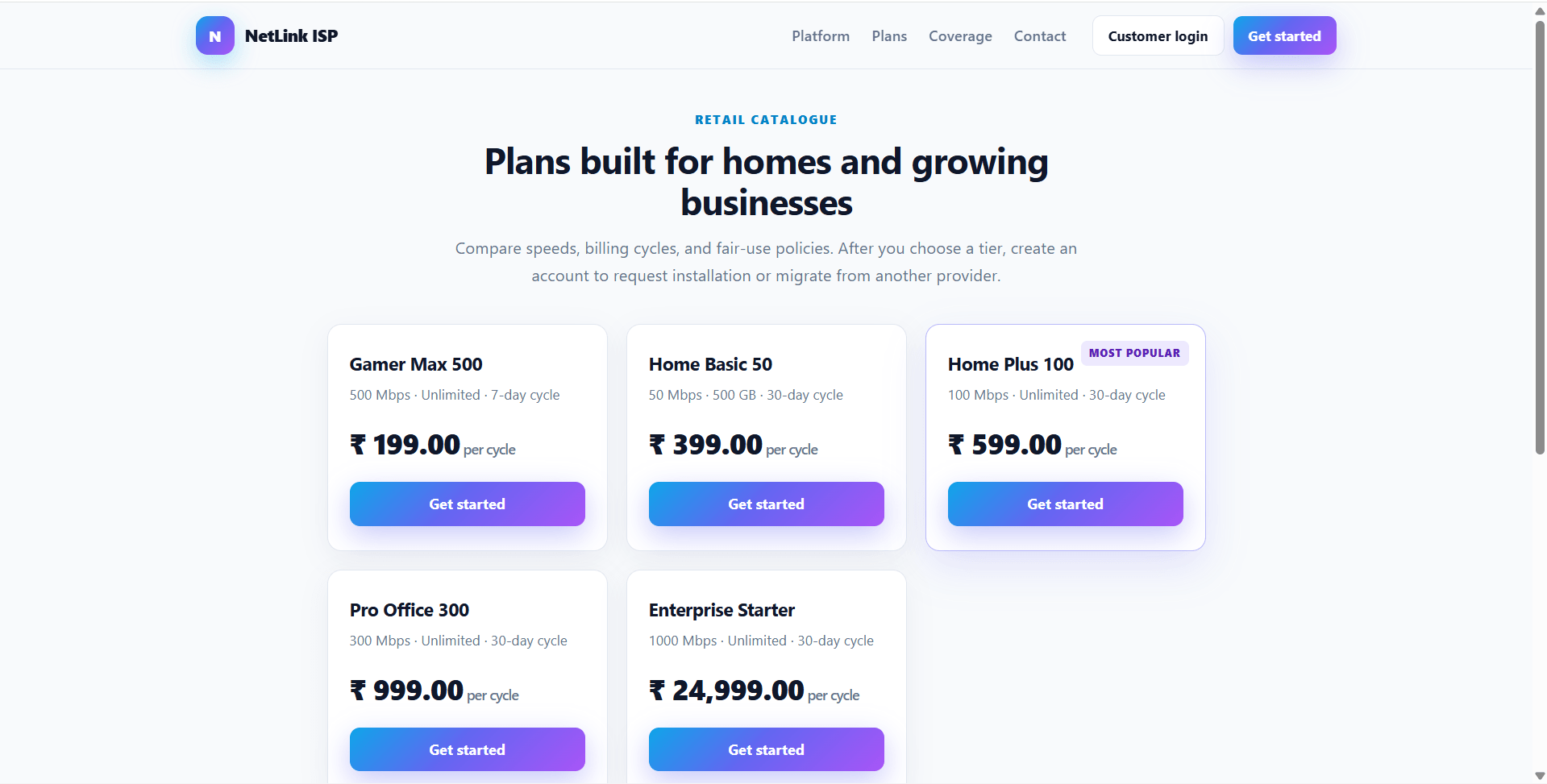
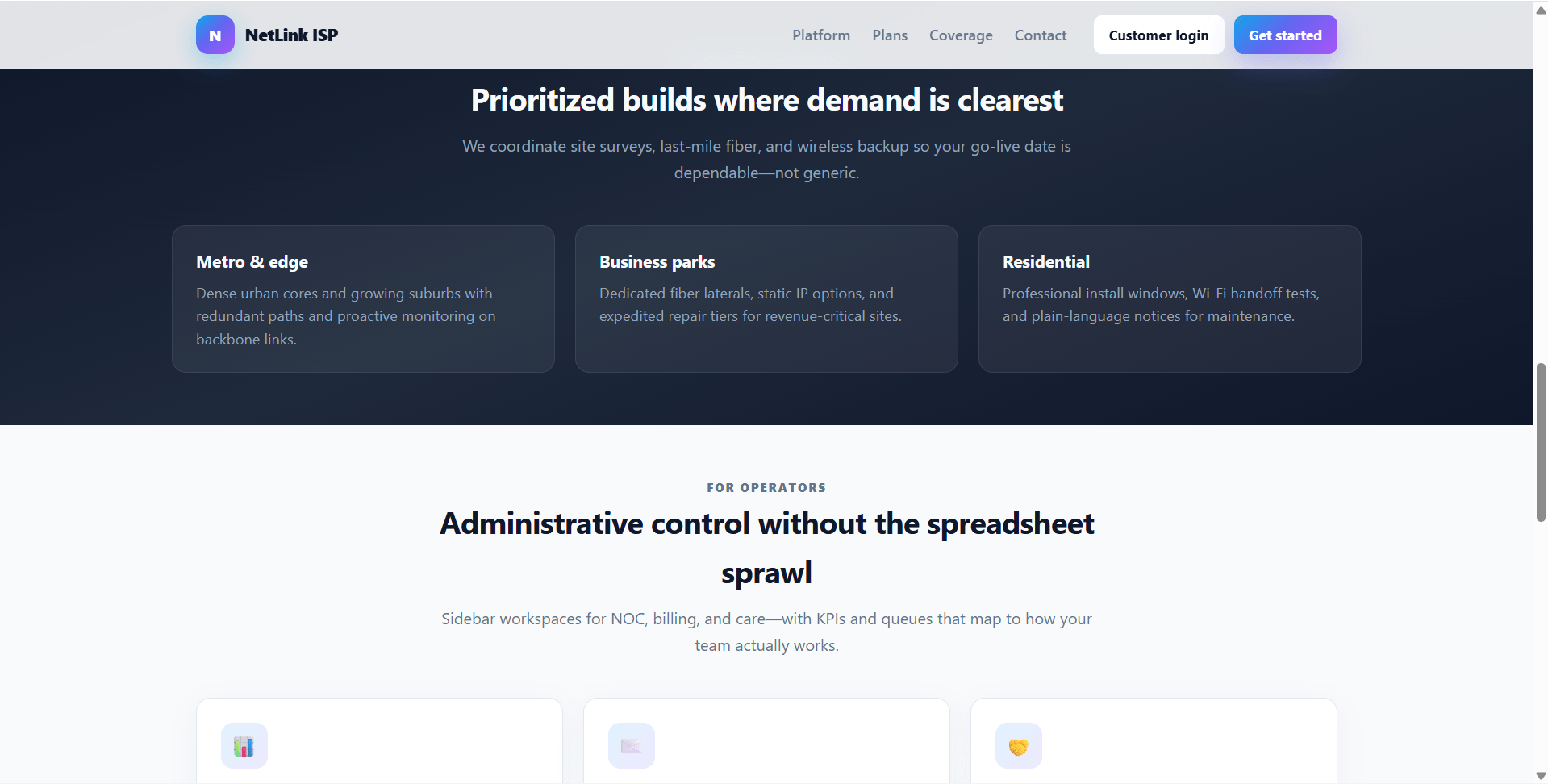
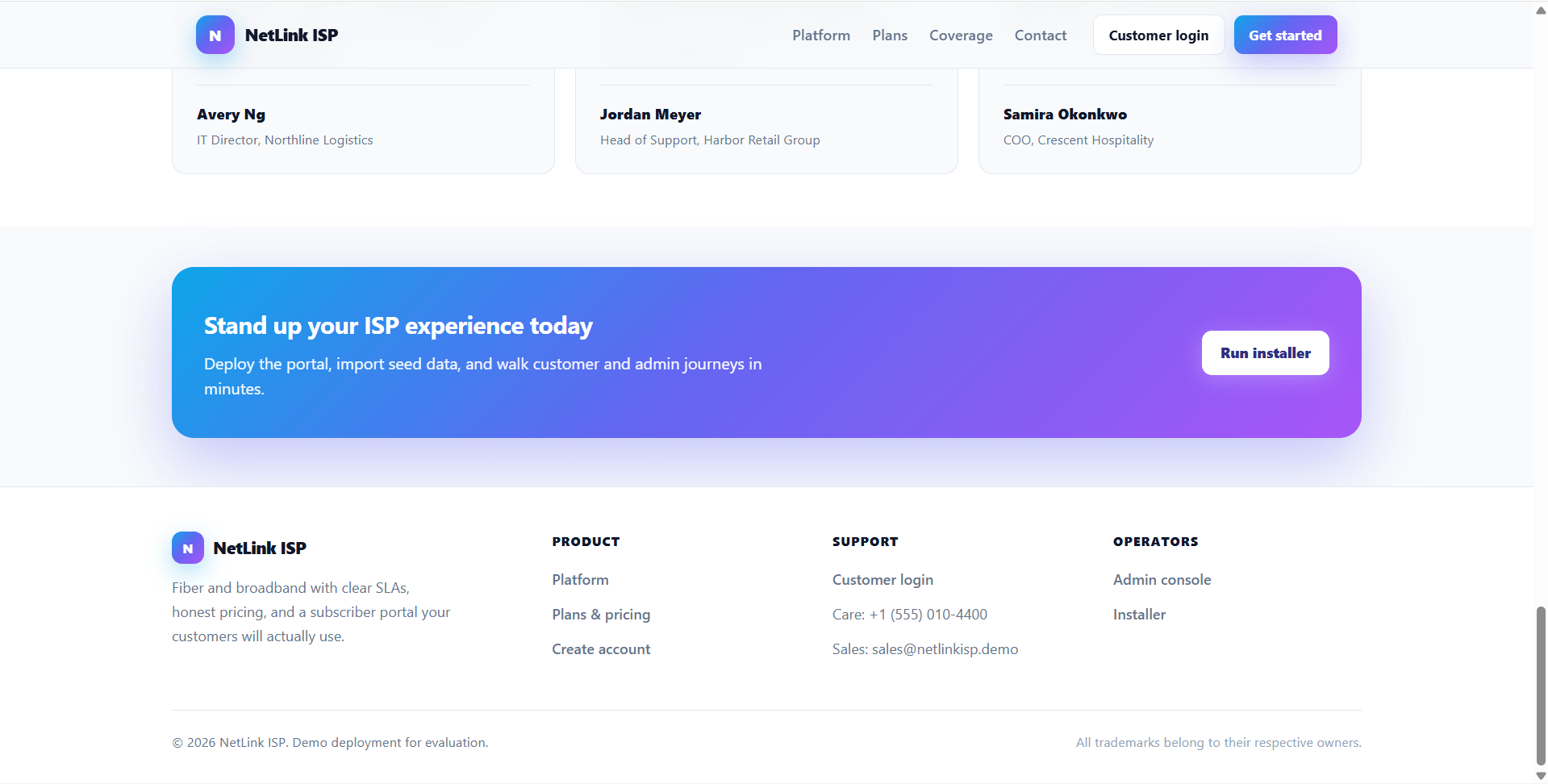
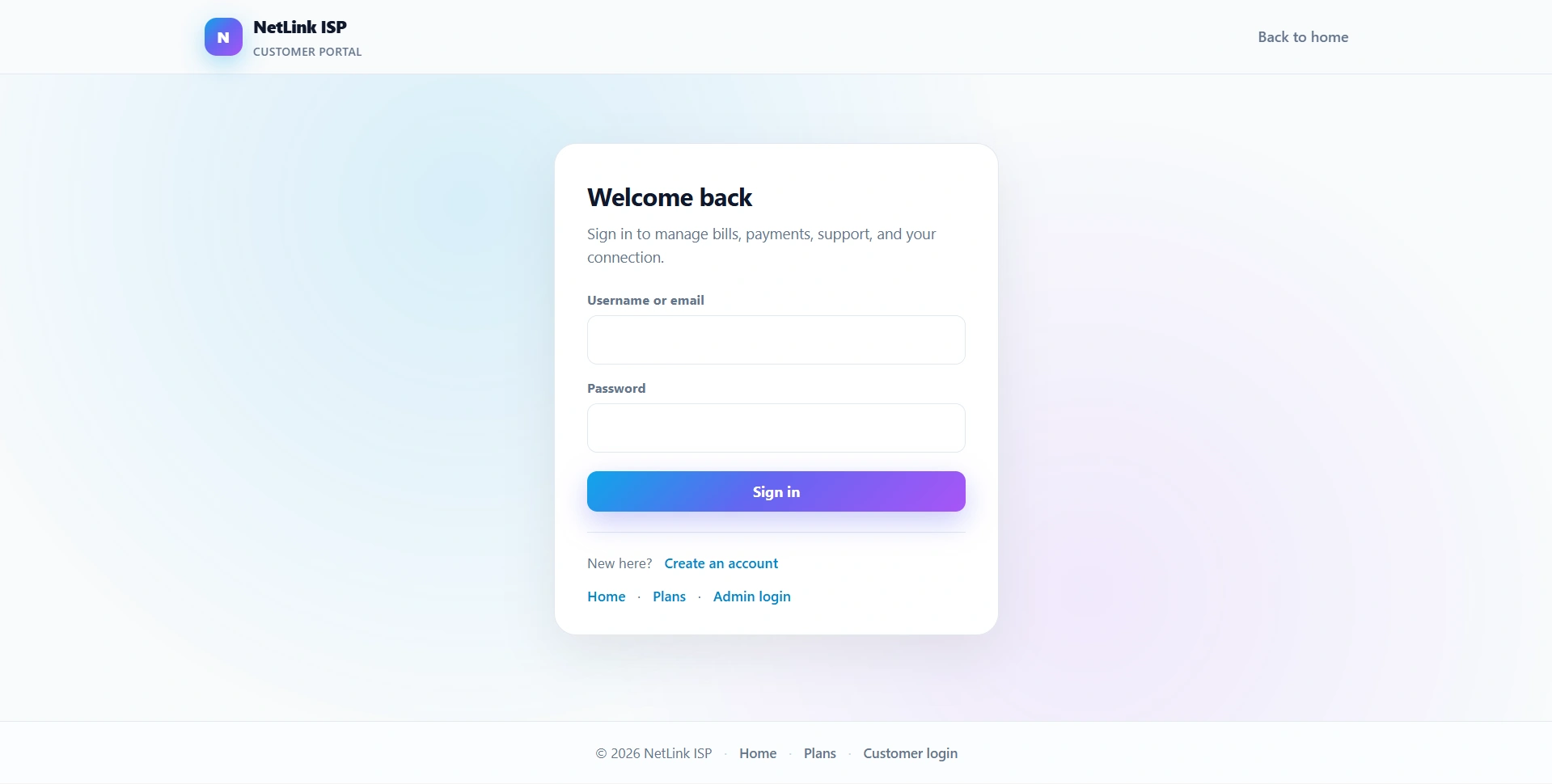
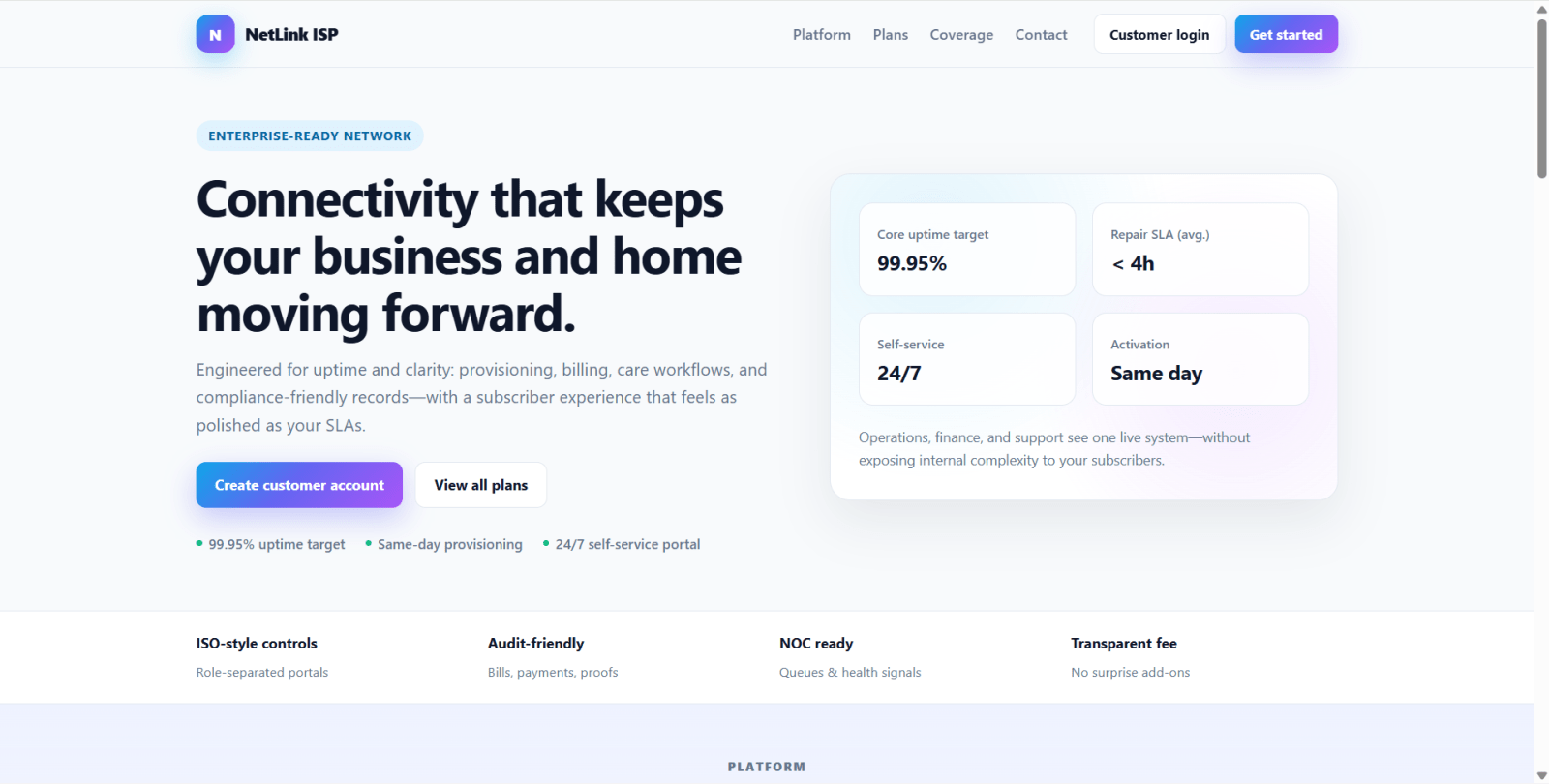
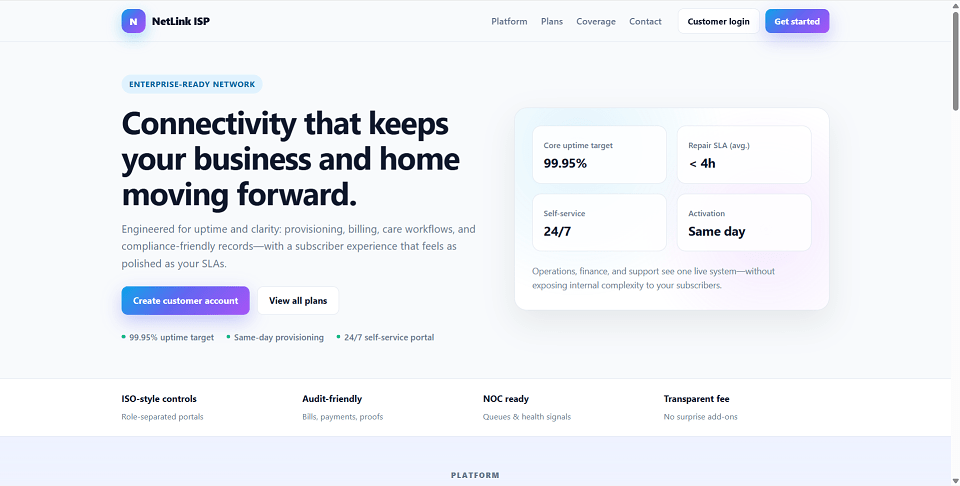
NetLink ISP is a final year project built with PHP and MySQL for students who want a practical Internet Service Provider management web application. This final year project includes a public marketing site, subscriber customer portal, and separate admin operations console. Subscribers can register, browse plans, manage connection requests, view bills, submit payments with optional proof uploads, track complaints, raise service requests, read notices, update profiles, and submit feedback. The admin side of this final year project supports subscriber management, plans, connections, brands, bills, payments, complaints, service requests, notices, reports, feedback, and password management. With INR billing, CSRF-protected forms, local upload handling, seed data, and installer-based setup, NetLink ISP is suitable for a final year major project in PHP, MySQL, billing systems, and customer operations portals
Admin
admin[email protected]passwordDemo Subscribers
All demo subscribers use password: password
averyb / [email protected] — active account, active connectionjordanl / [email protected] — active account, active connectionsamr / [email protected] — active account, expired connectiontkim / [email protected] — inactive account, cannot log inrmorgan / [email protected] — active account, active connectioncnguyen / [email protected] — active account, suspended connectionmpatel / [email protected] — active account, active connectionjcarter / [email protected] — active account, no connectionuploads/ directory for payment proof filesformat_inr() helper for Indian Rupee displayinstall.phputf8mb4 supportconfig/database.php with your MySQL details:
hostportdbnameuserpasscharsetconfig/config.php and set BASE_URL based on where the project is hosted.http://localhost/install.phpdatabase/schema.sqldatabase/seed.sql/index.php/plans.php/user/login.php/admin/login.phpphp -S localhost:8080 -t .http://localhost:8080/install.phpinstall.php after setup.Admin
admin[email protected]passwordDemo Subscribers
All demo subscribers use password: password
averyb / [email protected] — active account, active connectionjordanl / [email protected] — active account, active connectionsamr / [email protected] — active account, expired connectiontkim / [email protected] — inactive account, cannot log inrmorgan / [email protected] — active account, active connectioncnguyen / [email protected] — active account, suspended connectionmpatel / [email protected] — active account, active connectionjcarter / [email protected] — active account, no connection