01 Source Code Only
₹99
One-time Payment
- Complete project source code
- Database / data resources
- Dependencies & configuration
- README / setup guide
- Instant download access
Complete final-year project source code with frontend, backend, database and setup documentation. Instant download after secure payment.
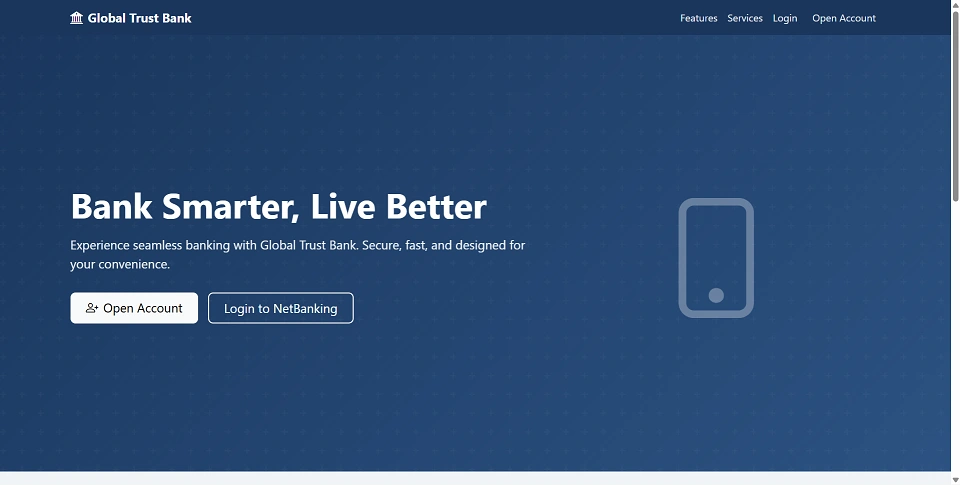
Hover to zoom · Click to expand
Simple pricing. Instant access. Secure checkout.
01 Source Code Only
One-time Payment
02 Code + Setup Support
One-time Payment
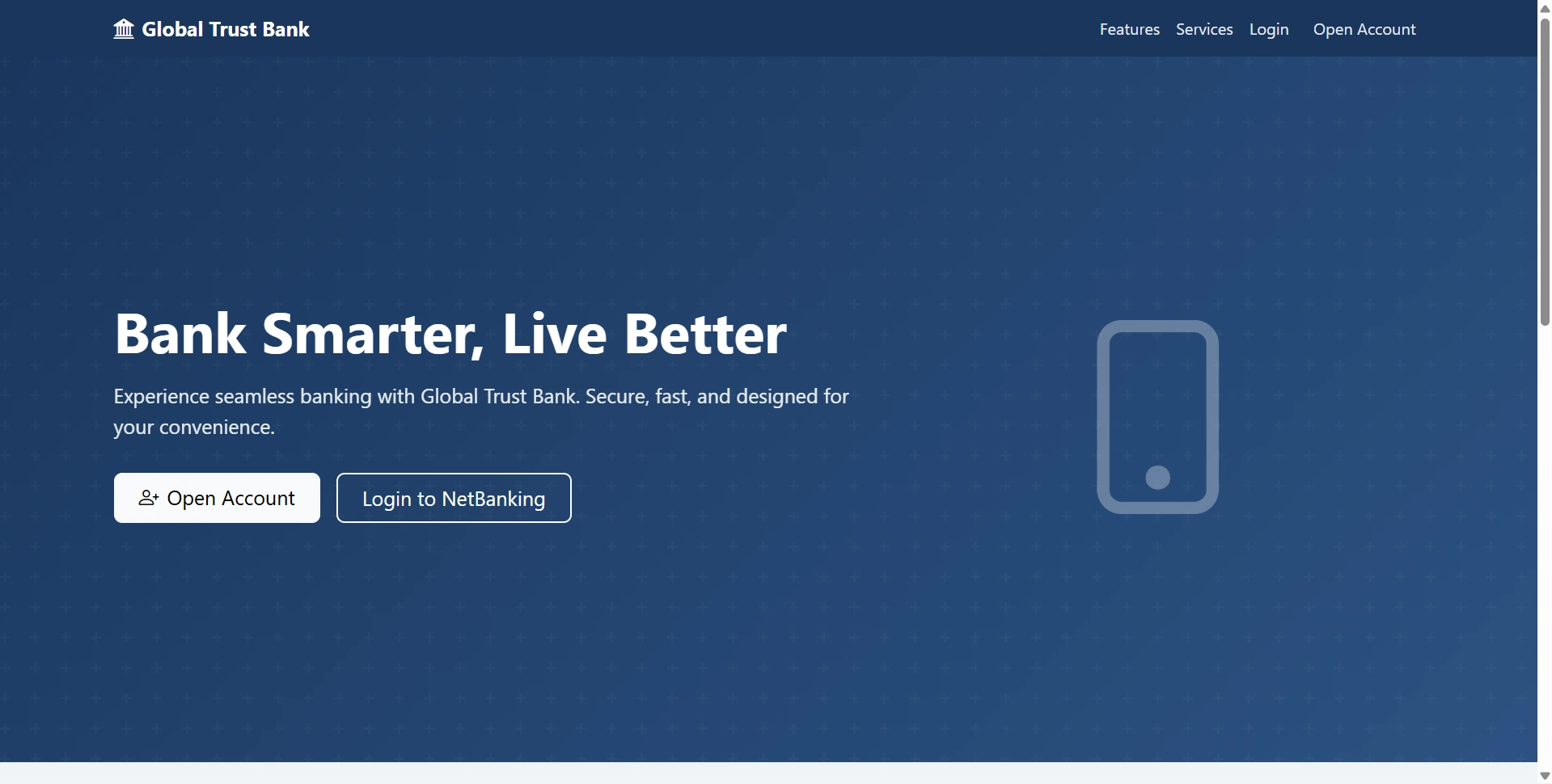
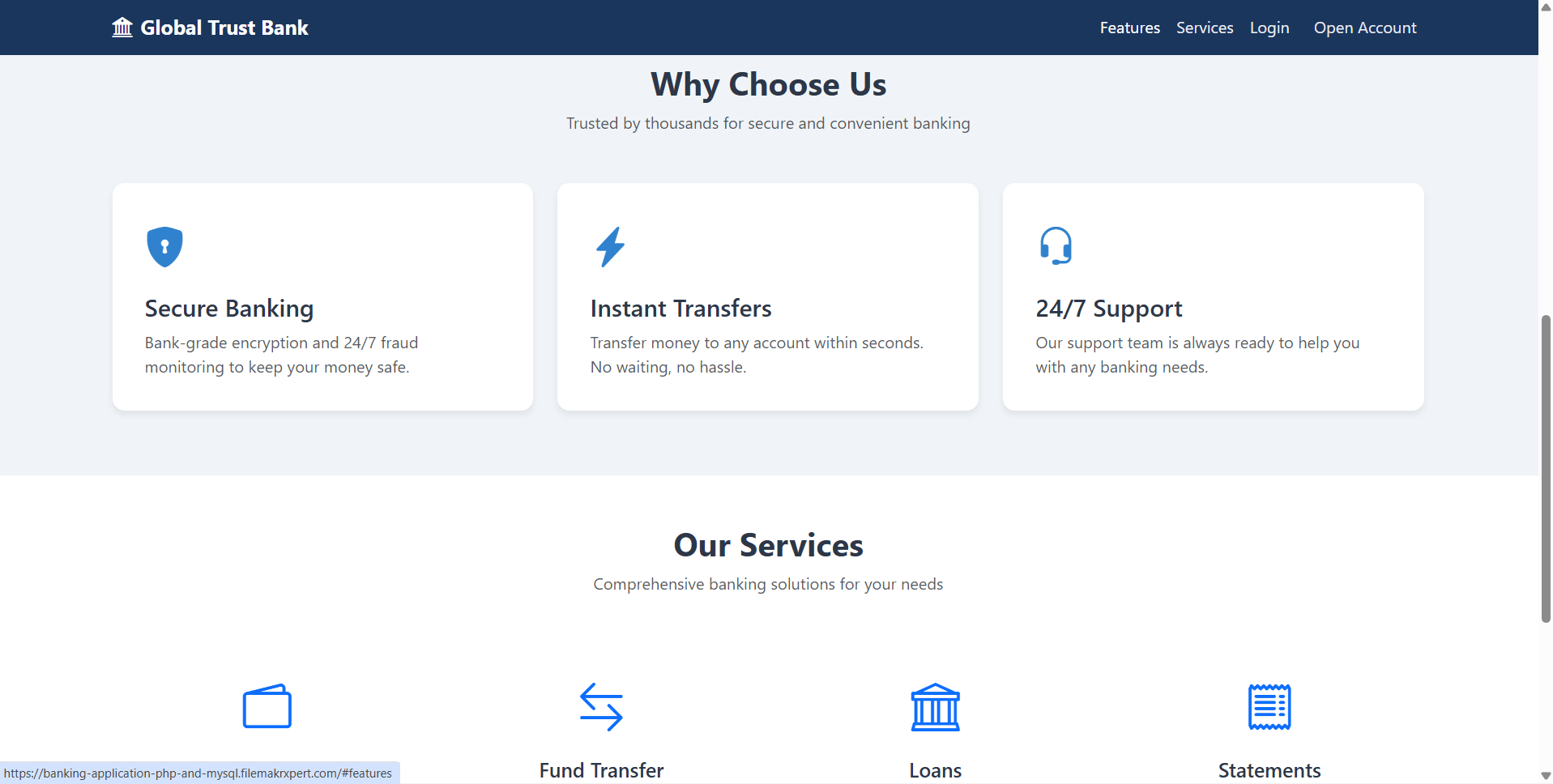
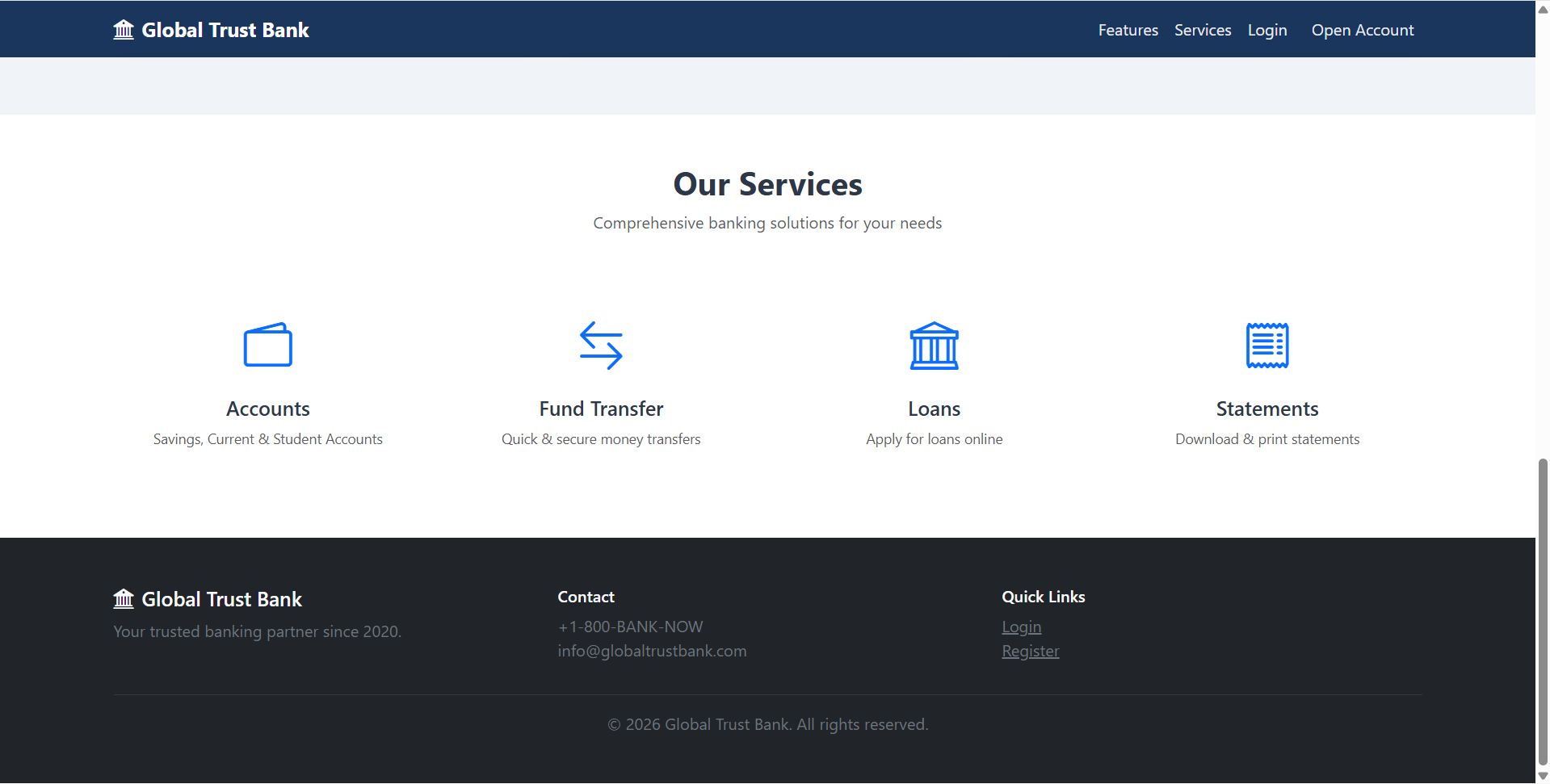
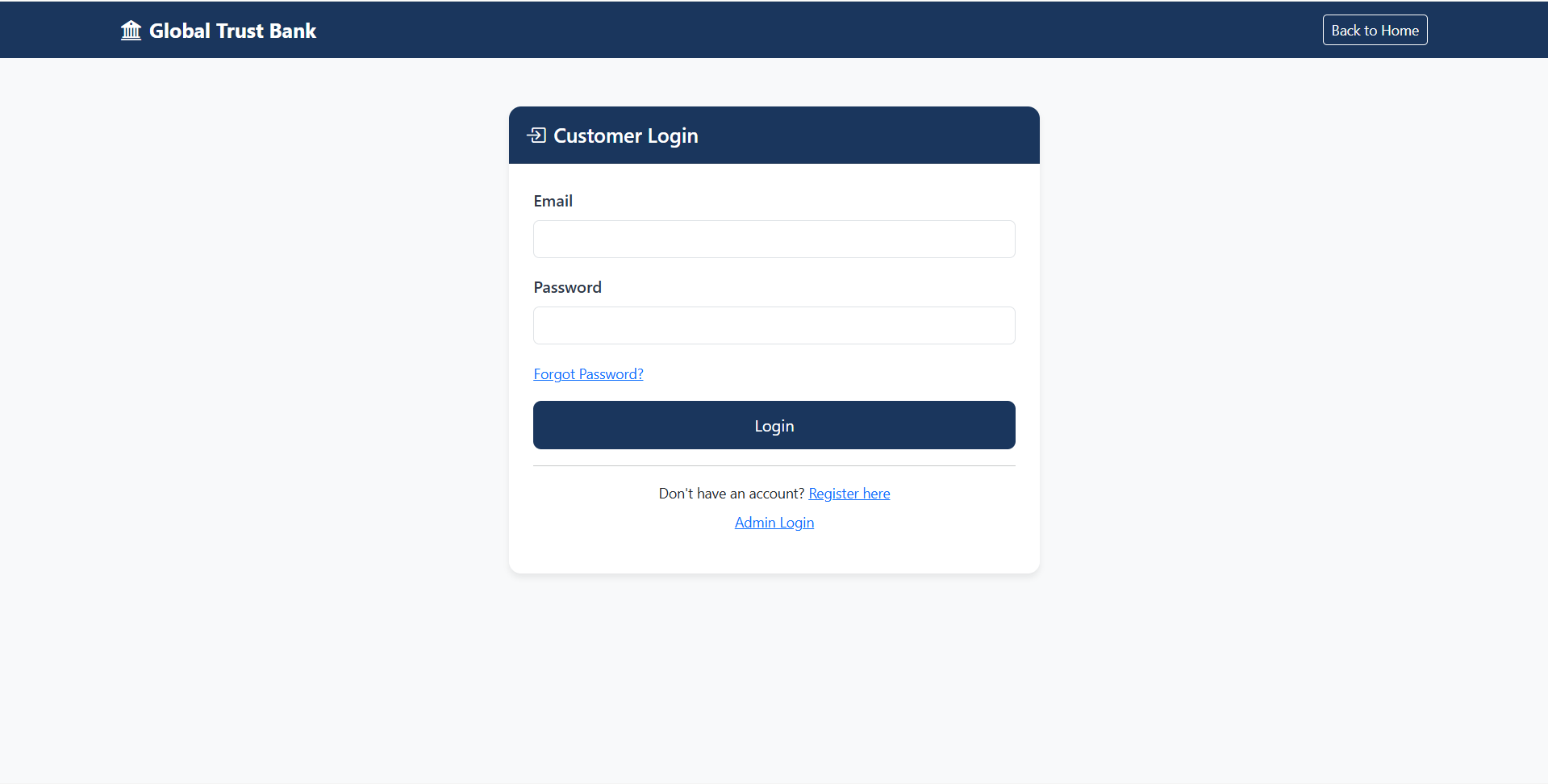
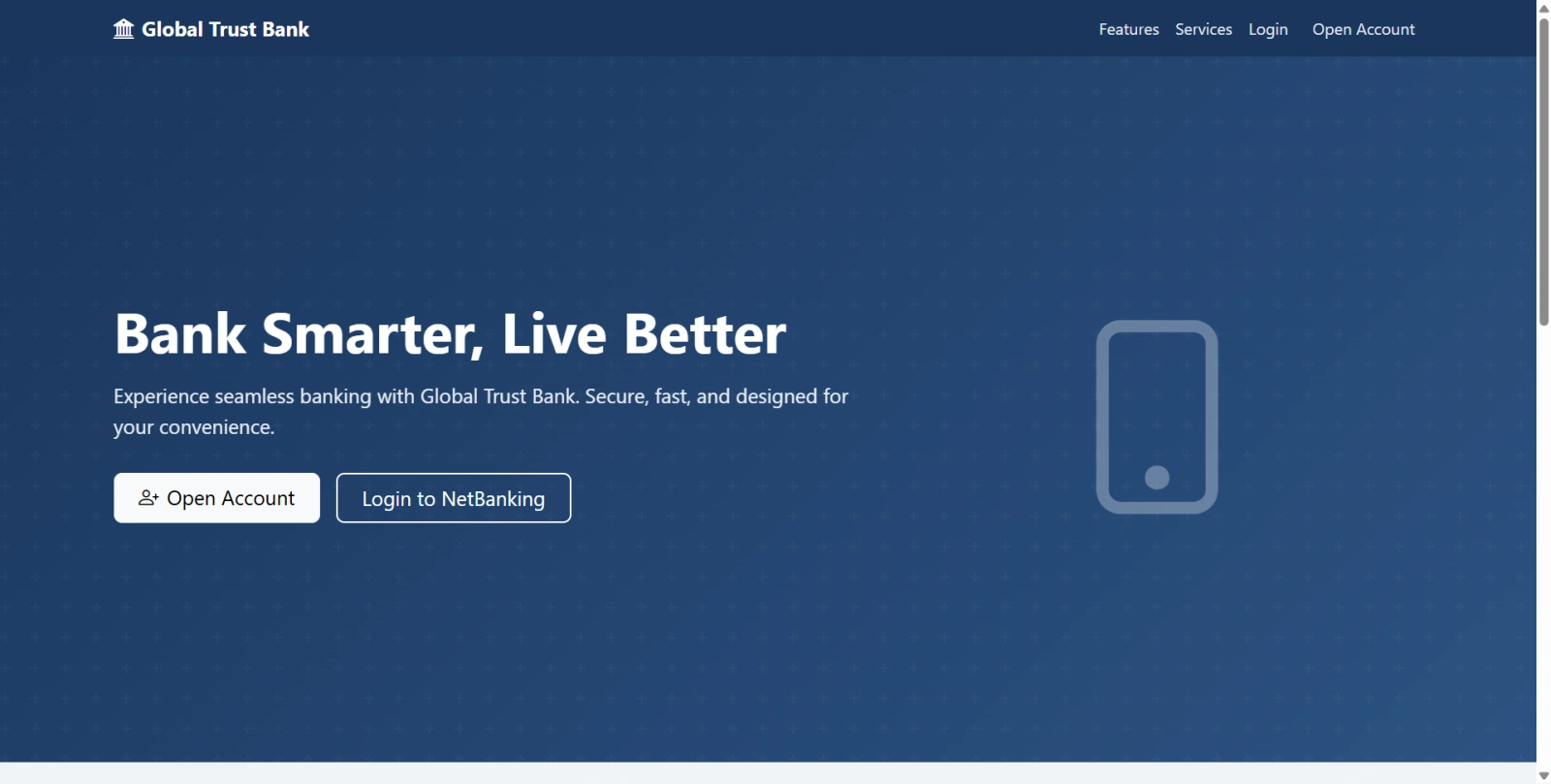
Online Banking Application in PHP and MySQL is a complete web-based banking management system developed using Core PHP, MySQL, HTML5, CSS3, JavaScript, and Bootstrap 5. This project comes with a professional user interface and includes both Admin Panel and User Panel to manage all essential banking operations efficiently. This PHP Online Banking System is designed for students, developers, and businesses looking for a ready-to-use banking web application project. It includes advanced modules such as user registration and login, account management, fund transfer, deposit and withdrawal requests, beneficiary management, loan requests, transaction history, reports, announcements, and support enquiries. The application is built with security best practices such as password hashing, prepared statements, input validation, and session-based authentication, making it a reliable and practical solution for learning and real-world customization. This project is ideal for anyone searching for: online banking system in PHP, bank management system project, internet banking project in PHP MySQL, banking application source code, or PHP banking management software
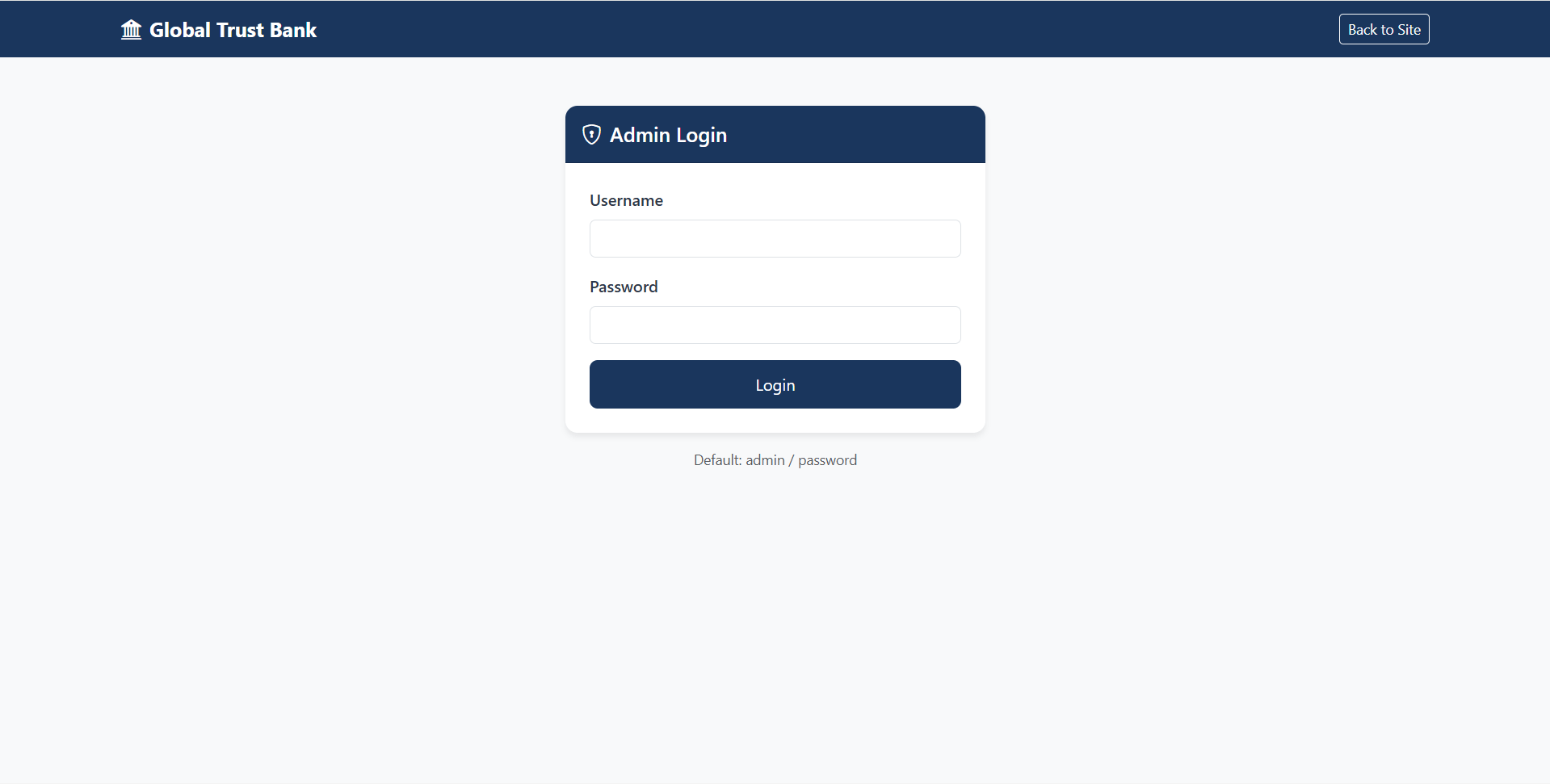
http://localhost/Banking%20Application/admin/login.phpadminpassword[email protected]passwordYou can also log in with any other user account created in the seed data.
Follow the steps below to run this PHP Online Banking Application on your local server:
Download the source code and place the project folder inside your local server directory such as:
htdocs for XAMPPwww for WAMPImport the database files into MySQL using the following commands:
mysql -u root -p < database/schema.sql
mysql -u root -p < database/seed.sql
You can also import the SQL files manually using phpMyAdmin.
Open the file config/config.php and update your database details:
define('DB_HOST', 'localhost');
define('DB_USER', 'root');
define('DB_PASS', 'your_password');
define('DB_NAME', 'banking_db');
Set the correct project URL in config/config.php according to your local or live server path.
Make sure the profile upload folders exist and are writable:
mkdir -p uploads/profiles
chmod 755 uploads uploads/profiles
Open your browser and visit the project URL.
Example:
http://localhost/Banking%20Application/
http://localhost/Banking%20Application/admin/login.phpadminpassword[email protected]passwordYou can also log in with any other user account created in the seed data.