01 Source Code Only
₹99
One-time Payment
- Complete project source code
- Database / data resources
- Dependencies & configuration
- README / setup guide
- Instant download access
Complete final-year project source code with frontend, backend, database and setup documentation. Instant download after secure payment.
Hover to zoom · Click to expand
Simple pricing. Instant access. Secure checkout.
01 Source Code Only
One-time Payment
02 Code + Setup Support
One-time Payment
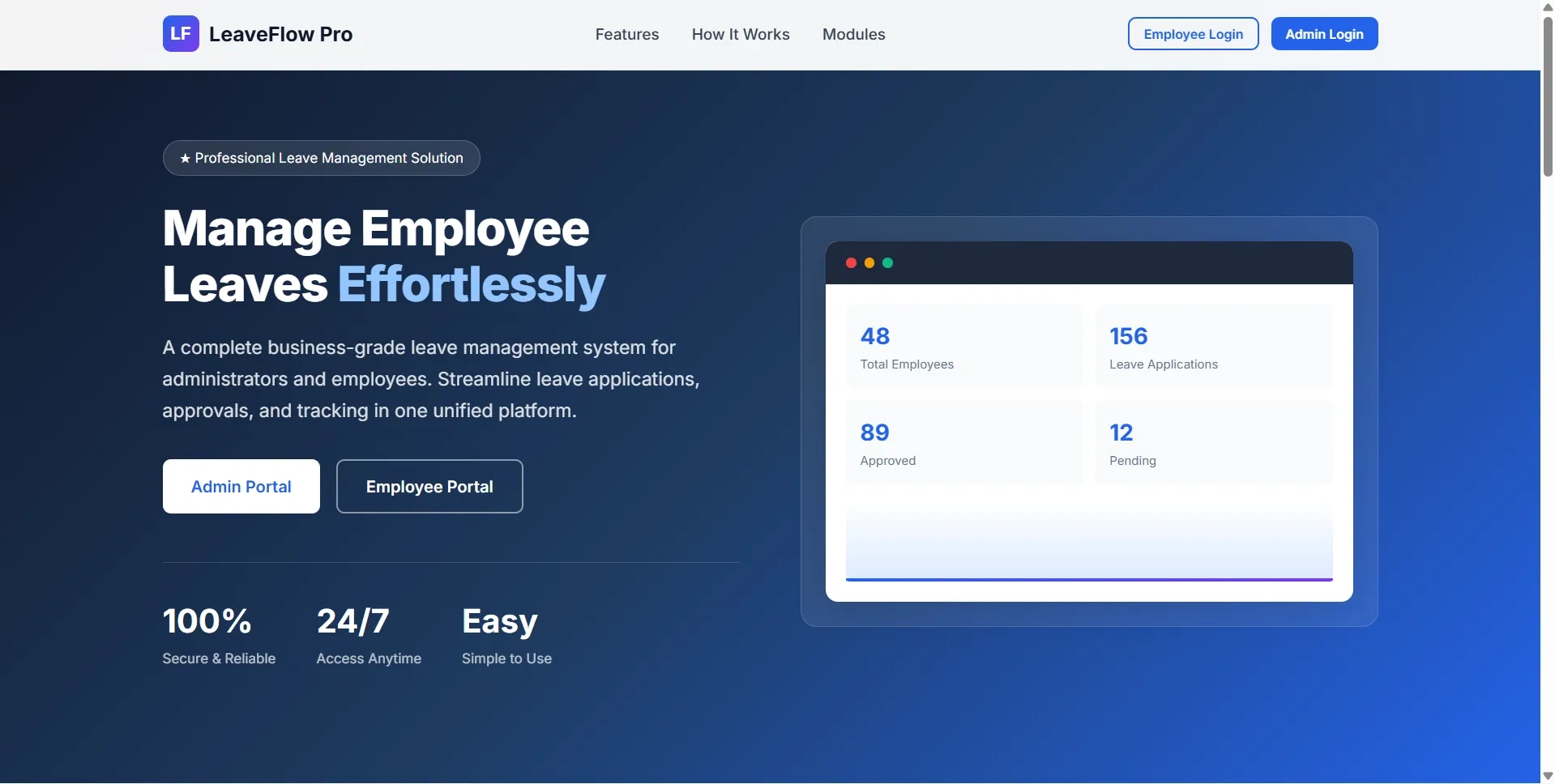
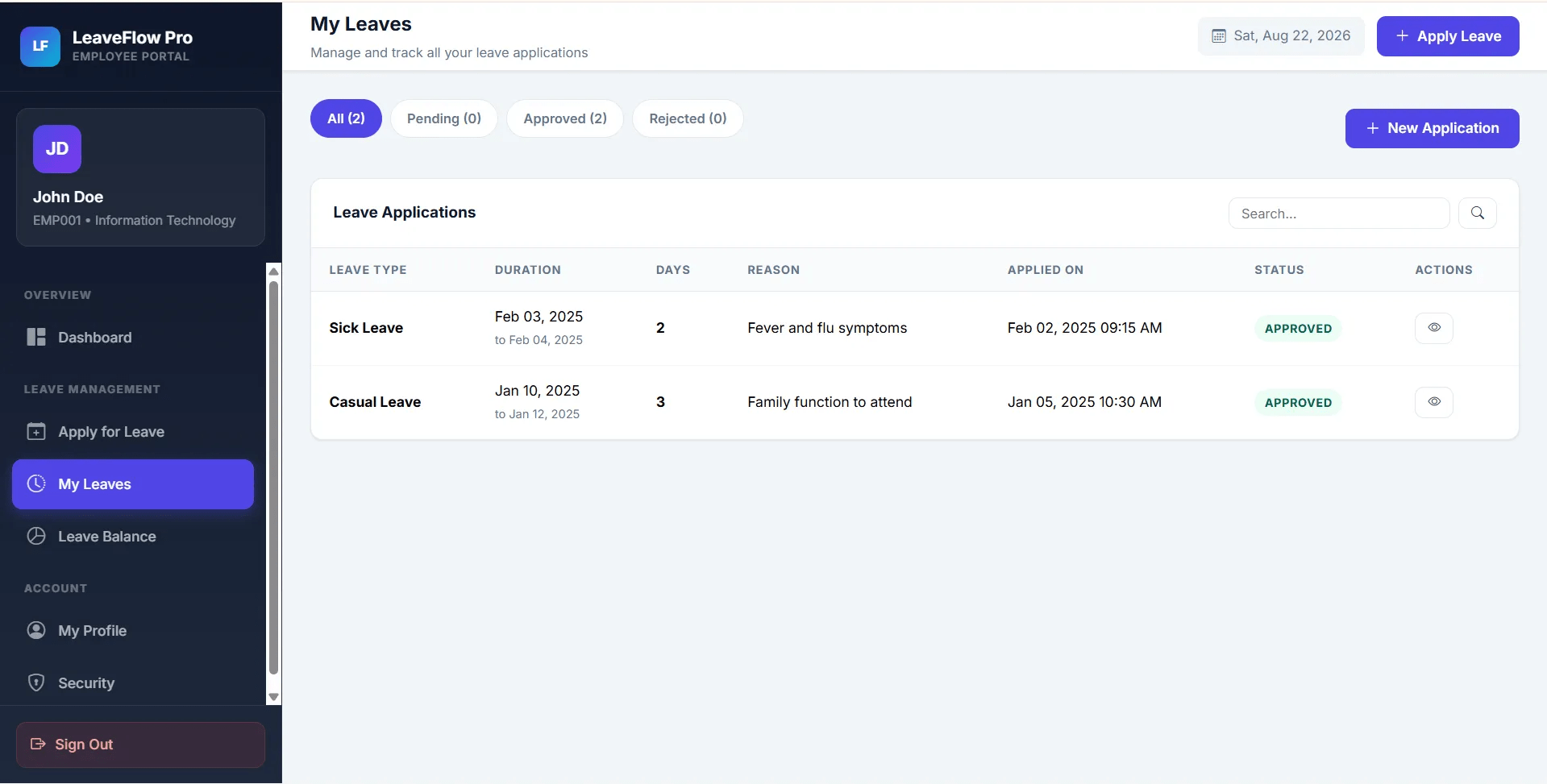
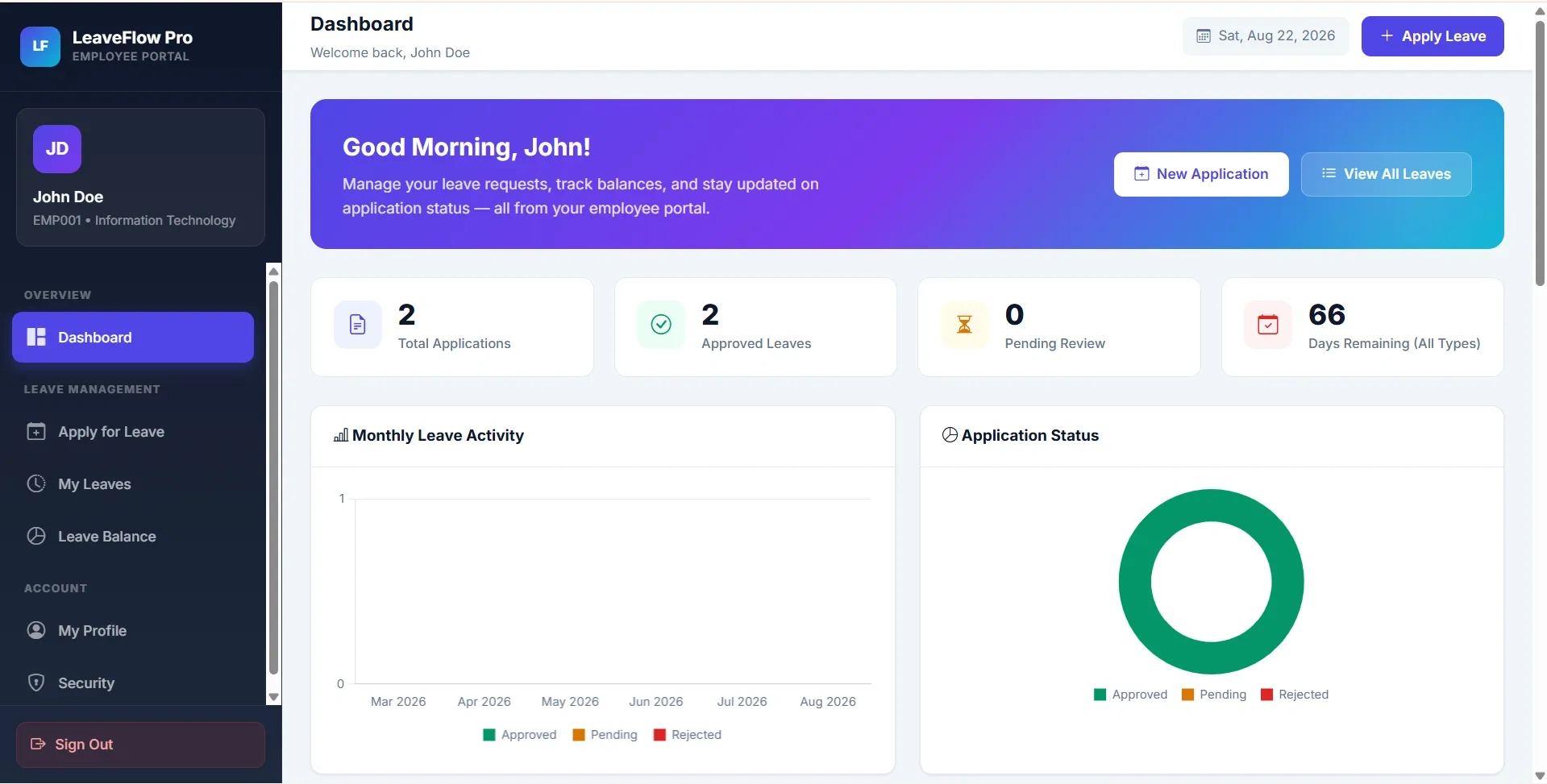
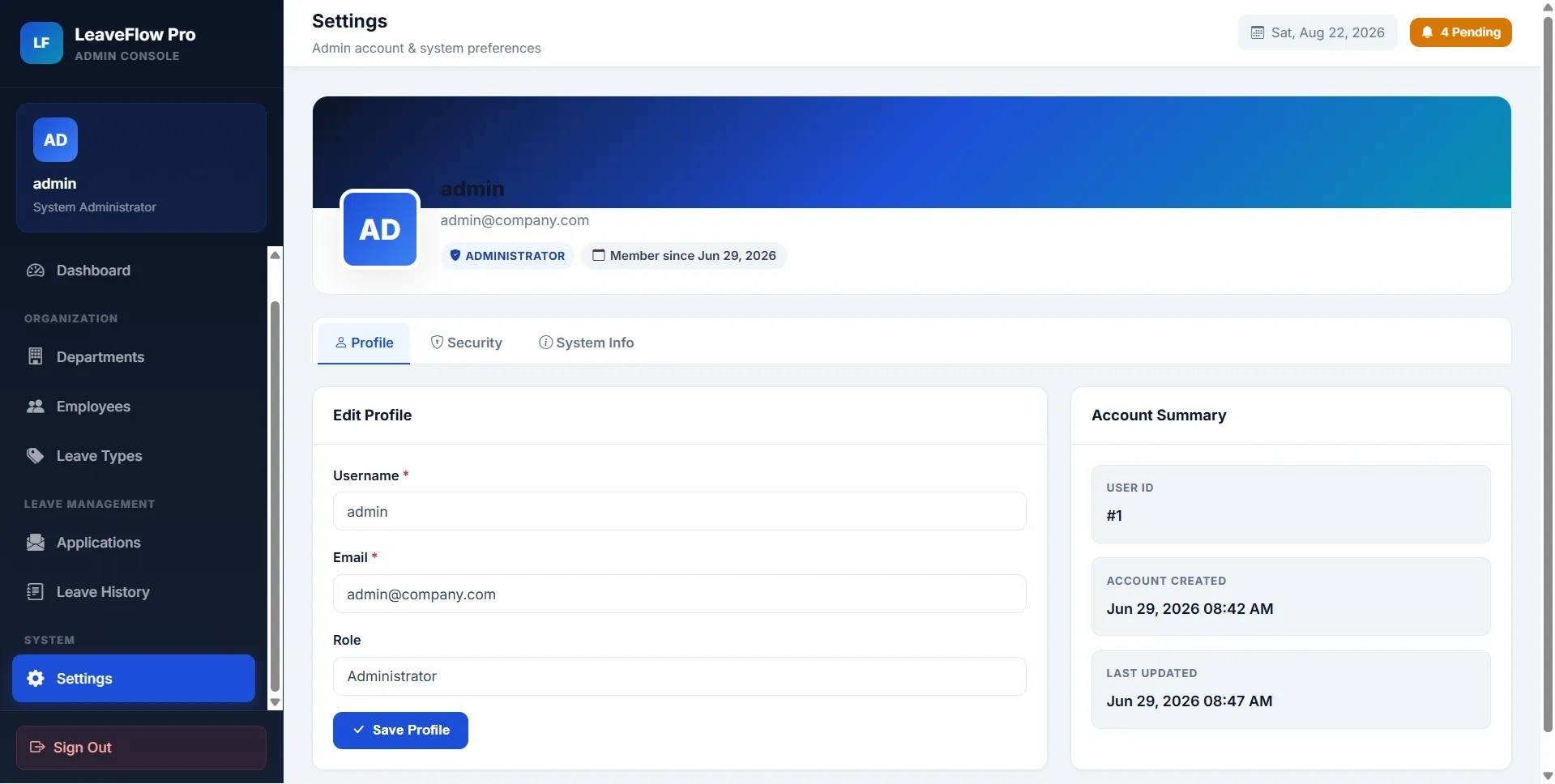
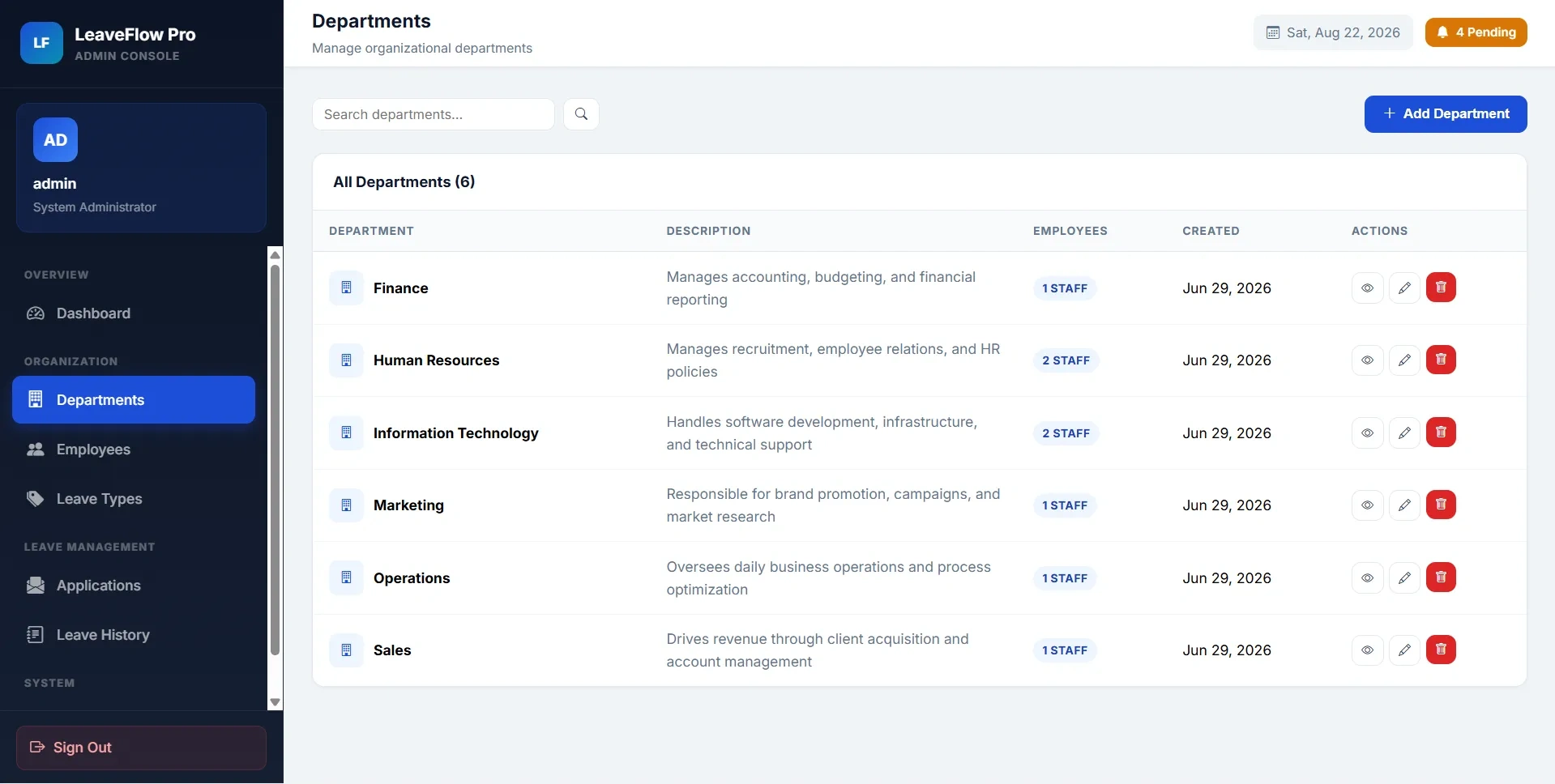
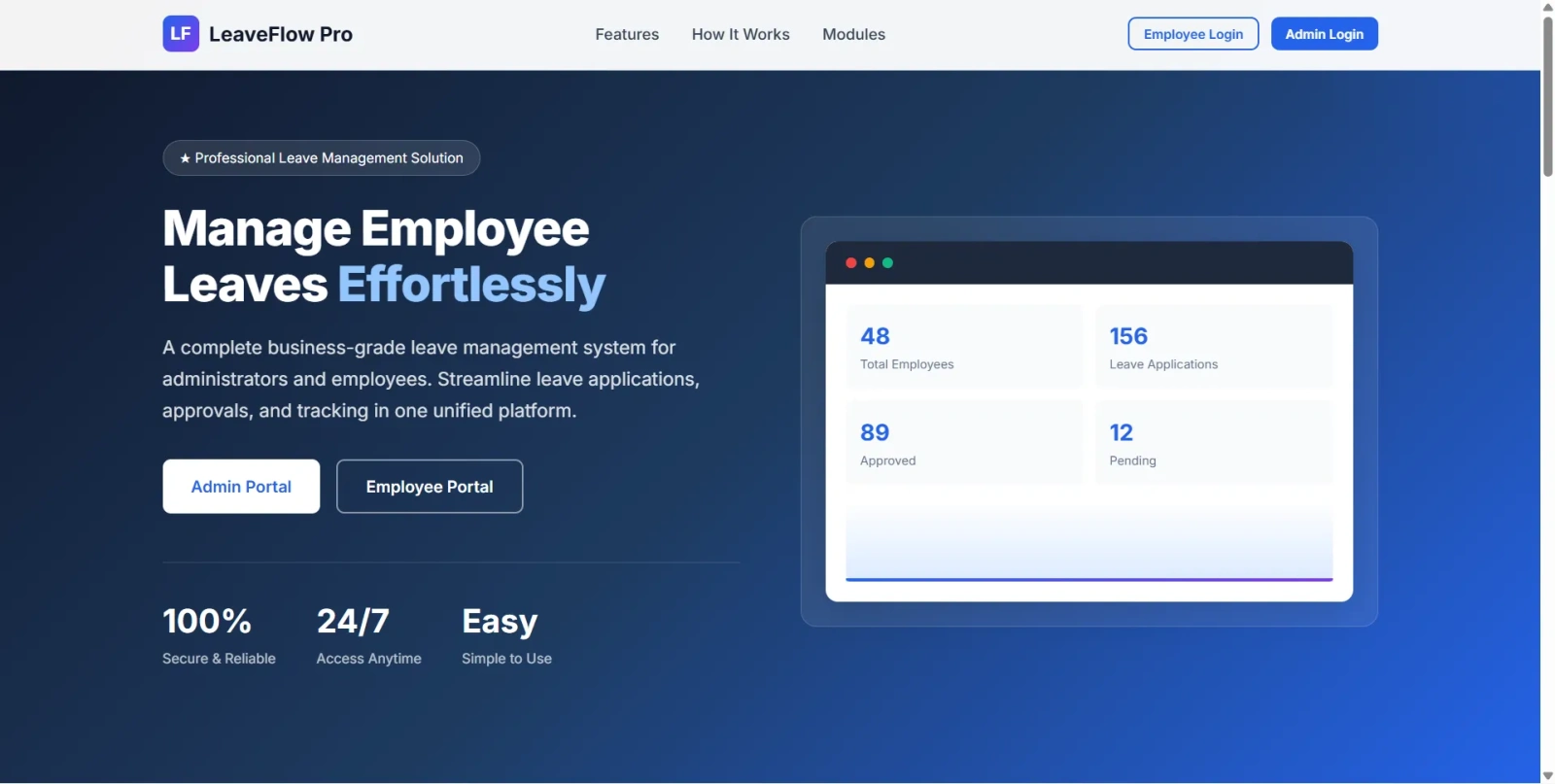
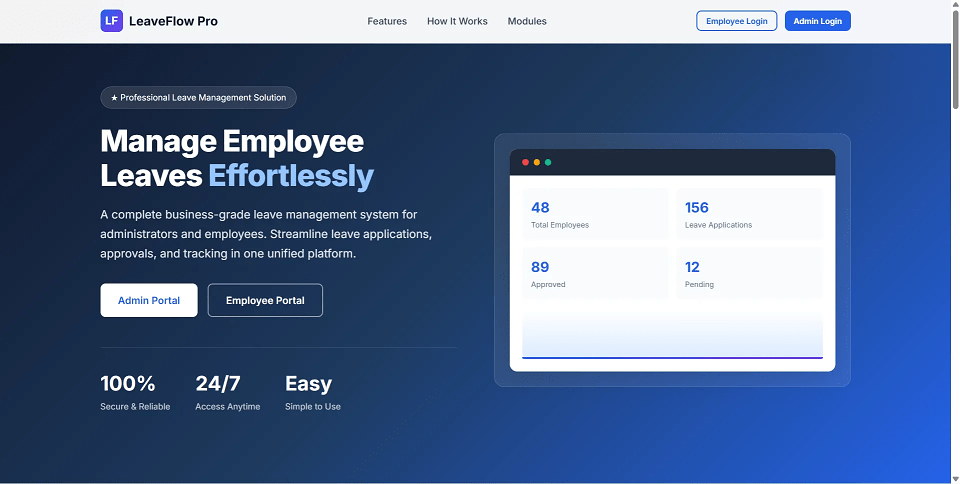
Employee Leave Management System is a final year project developed using Core PHP and MySQL for managing employee leave requests digitally. This final year project includes separate Admin and Employee portals with role-based login. Employees can apply for leave, track pending, approved, and rejected requests, view leave balances, edit or cancel pending applications, update profiles, and change passwords. Admins can manage departments, employees, leave types, leave applications, approval remarks, leave history, profiles, and system settings. With leave quota tracking, working-day calculation, overlap validation, approval workflow, and professional dashboards, this project is suitable for a final year major project in PHP, MySQL, and HR management systems.
Admin
admin[email protected]password123Sample Employee
EMP001john.doe[email protected]password123install.phphtmlspecialchars()Copy the final year project folder into:
C:\xampp\htdocs\Employee Leave Management System\
Open installer:
http://localhost/Employee%20Leave%20Management%20System/install.php
Enter database details:
Host: localhost
User: root
Password: empty for XAMPP default
Database: leave_management_db
Open application:
http://localhost/Employee%20Leave%20Management%20System/
install.php before production use.Admin
admin[email protected]password123Sample Employee
EMP001john.doe[email protected]password123