01 Source Code Only
₹99
One-time Payment
- Complete project source code
- Database / data resources
- Dependencies & configuration
- README / setup guide
- Instant download access
Get runnable Dairy Farm Shop Management System Source Code with database files, project setup instructions, live demo options and installation support. This project resource helps students understand the implementation, modules, workflow and technical architecture of a complete PHP project.
Hover to zoom · Click to expand
Simple pricing. Instant access. Secure checkout.
01 Source Code Only
One-time Payment
02 Code + Setup Support
One-time Payment
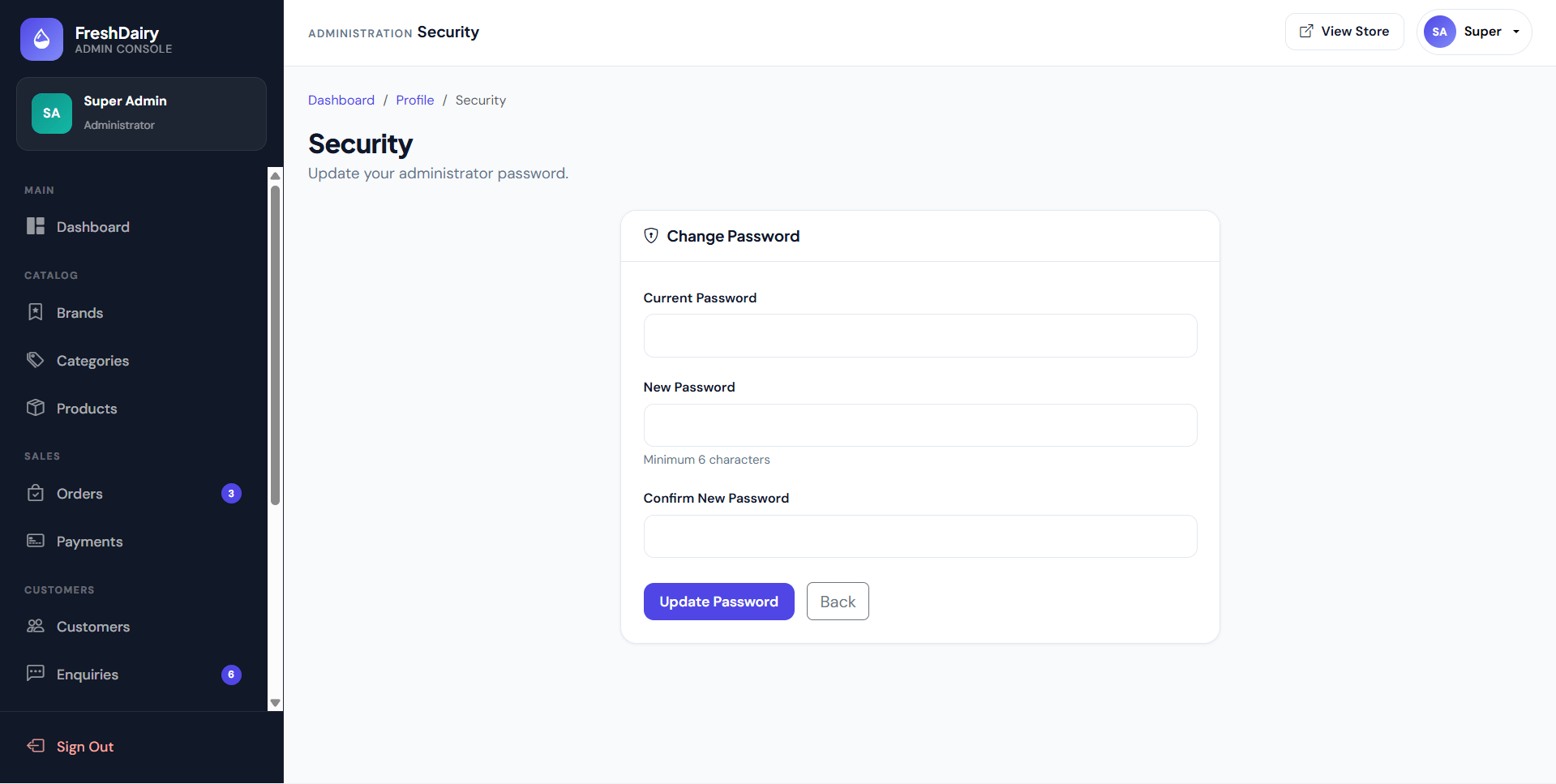
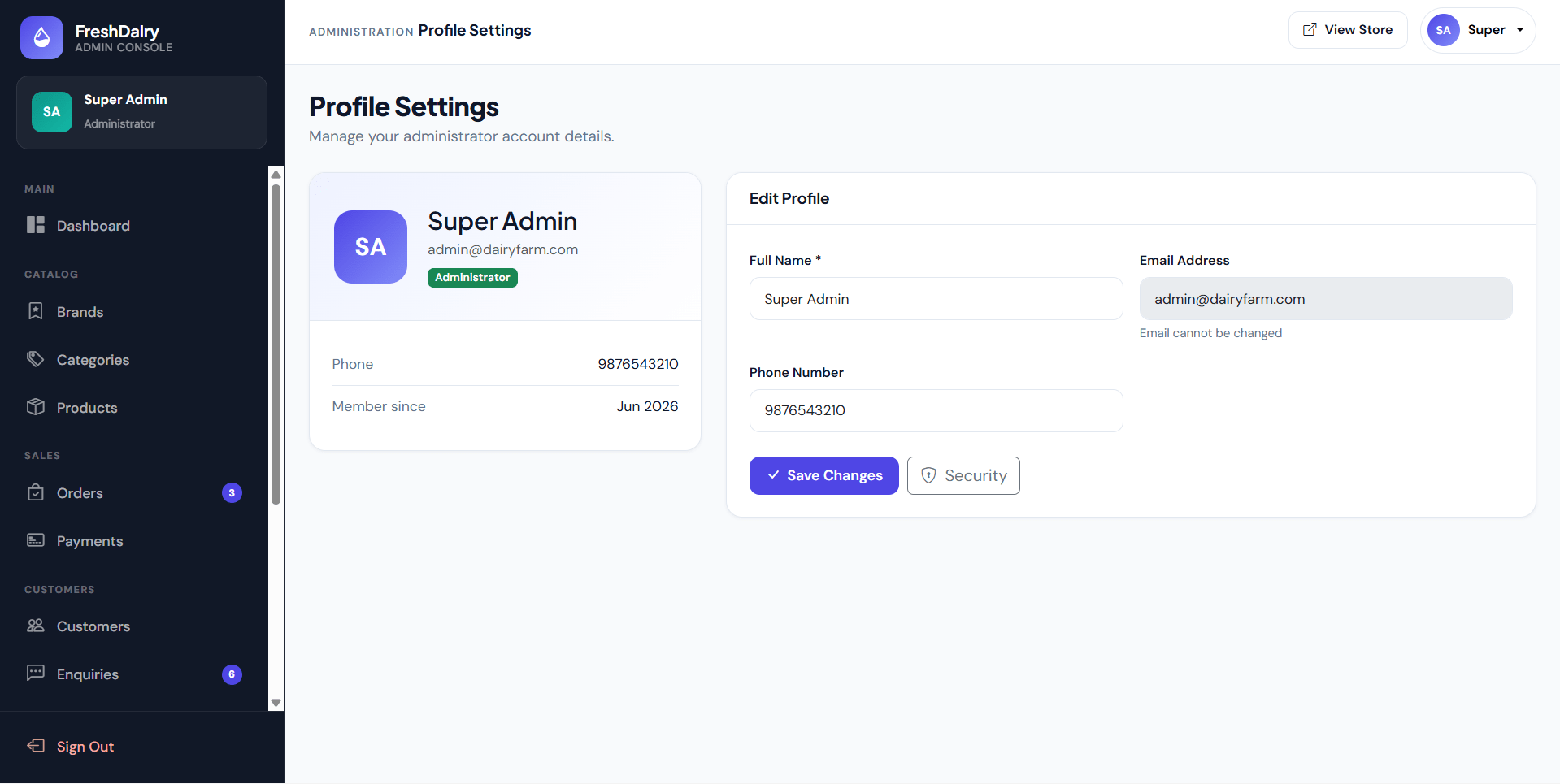
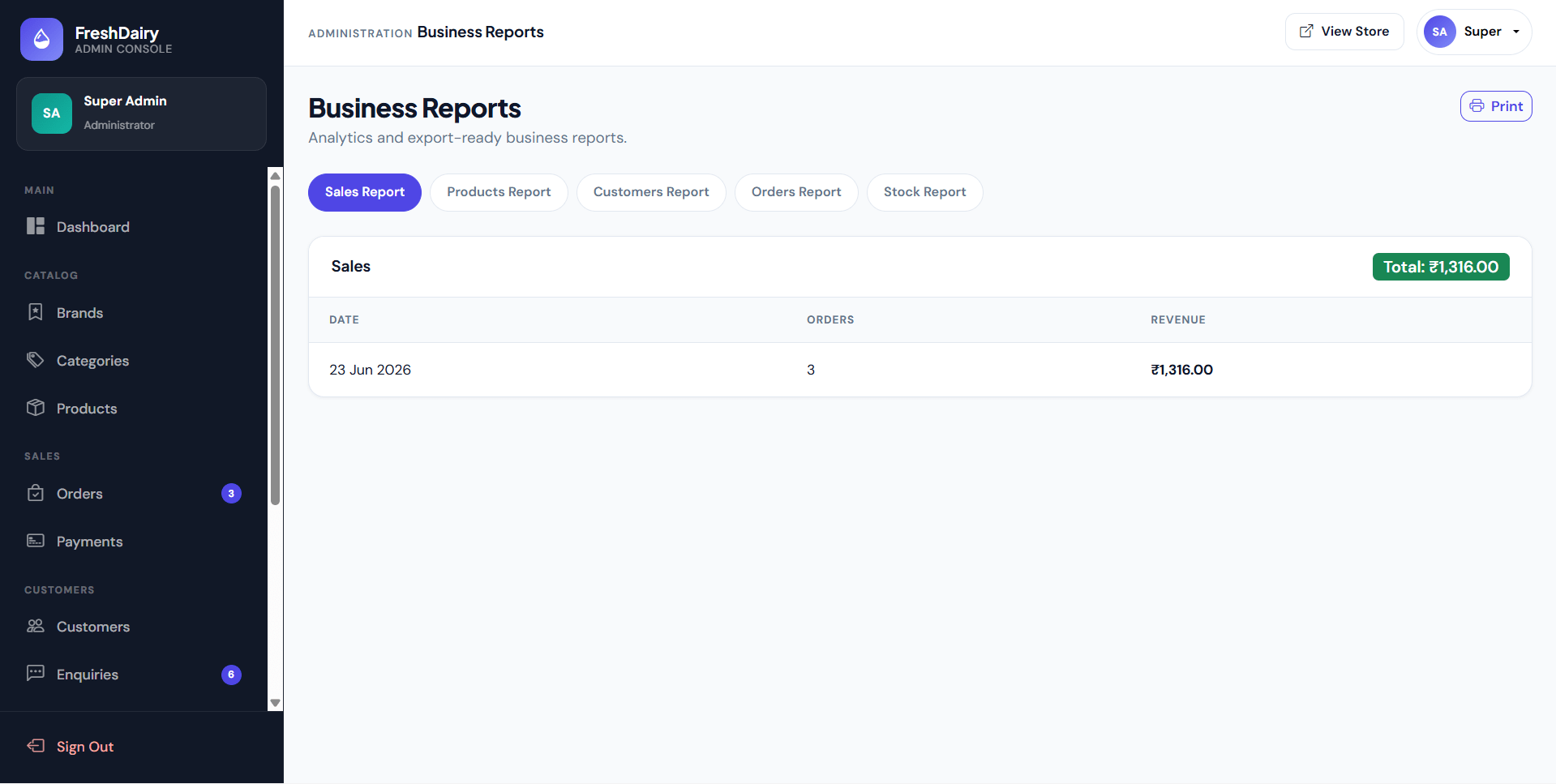
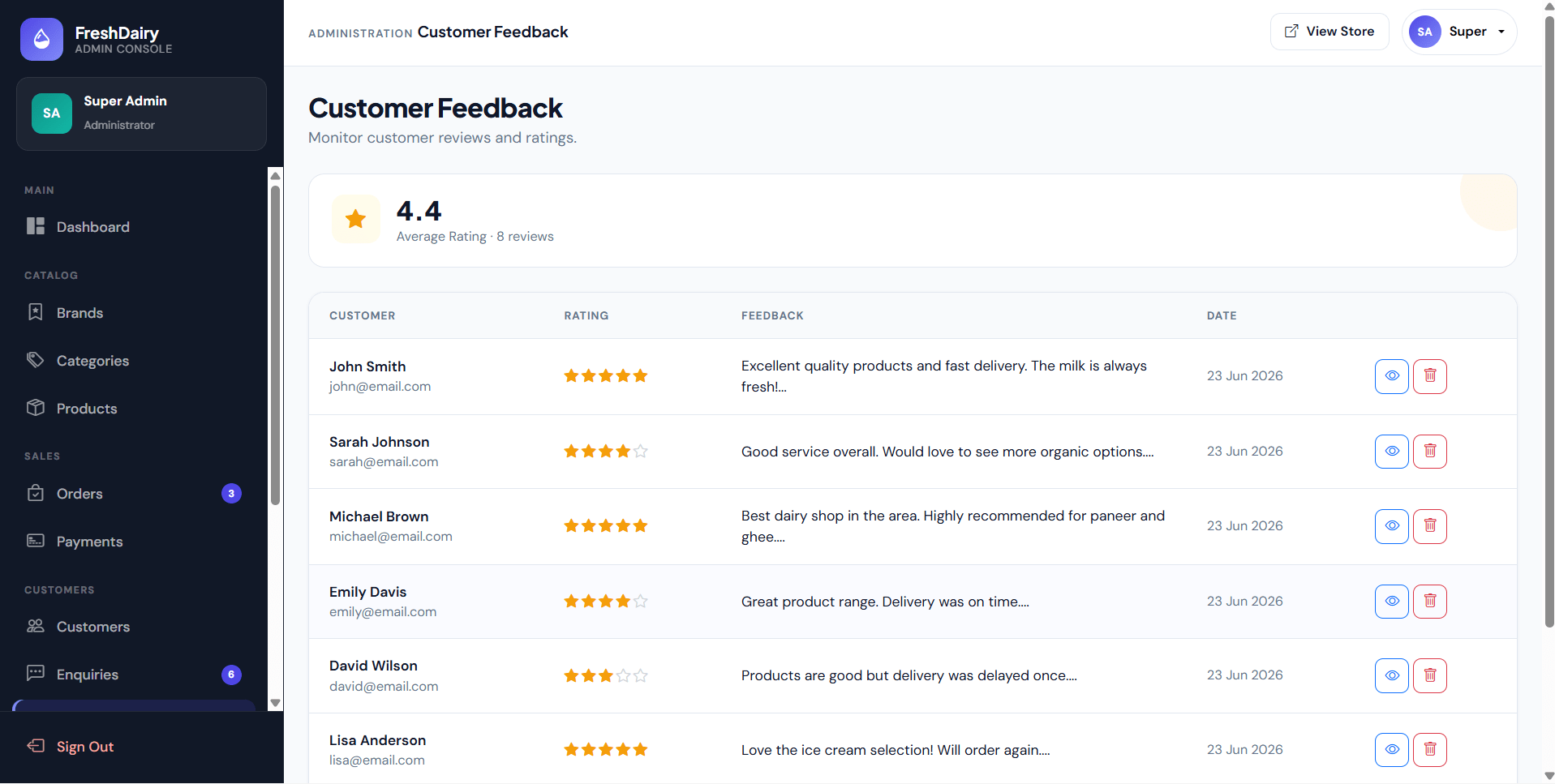
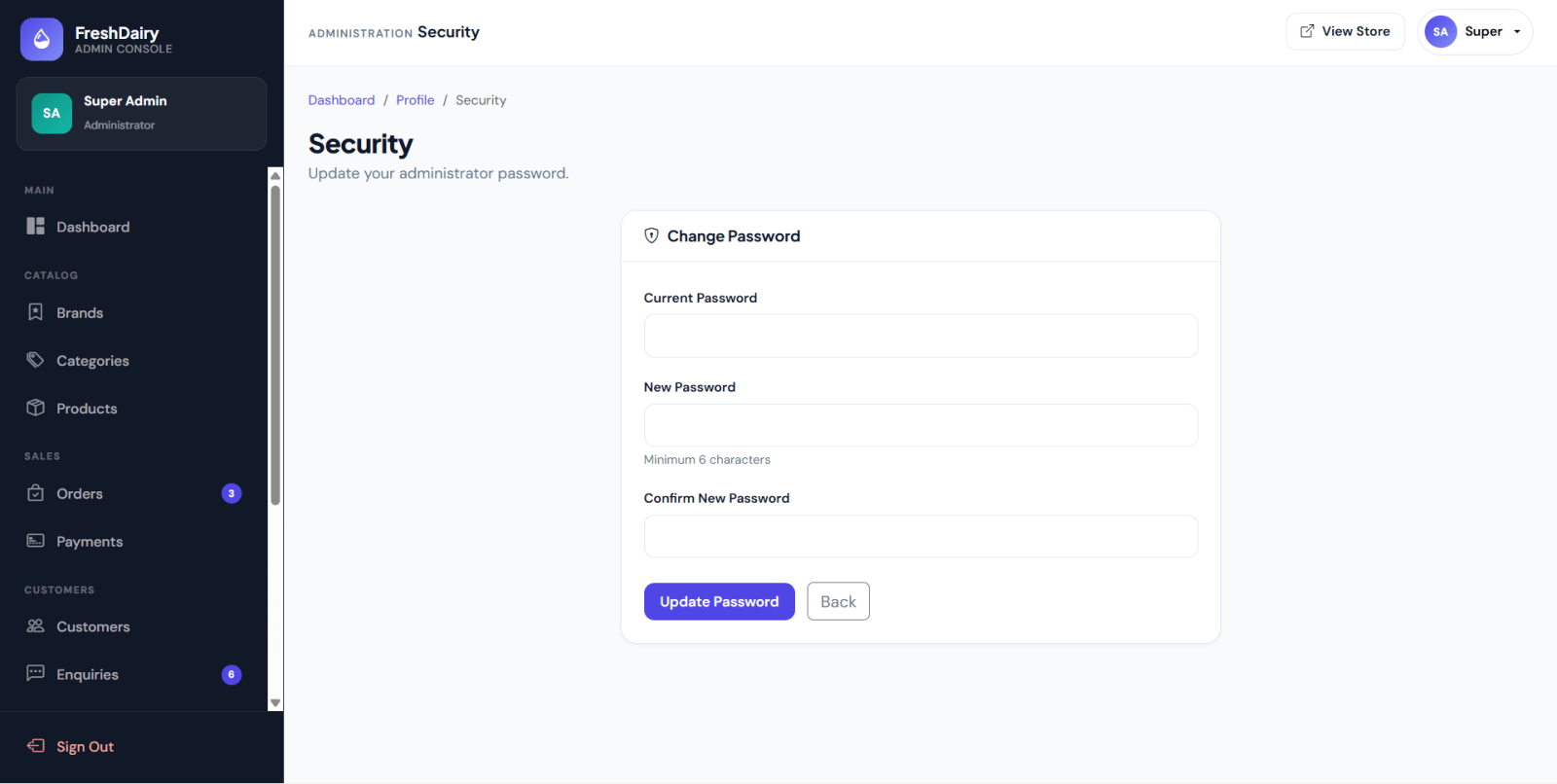
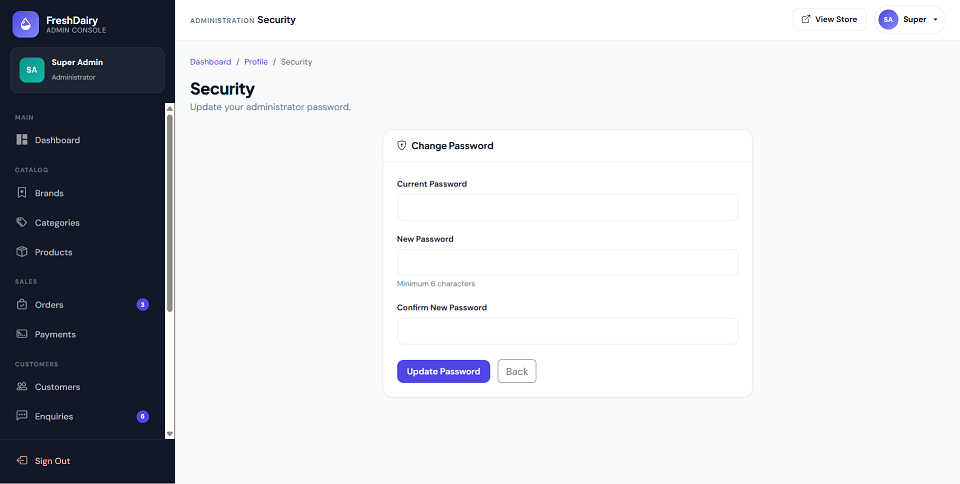
FreshDairy Shop is a PHP and MySQL based Dairy Farm Shop Management System developed for managing dairy product sales and shop operations. The system includes a public storefront, customer user panel, and admin panel. Users can register, browse dairy products, filter products by category and brand, add products to cart, place Cash on Delivery orders, track order status, manage profile details, submit enquiries, and give feedback. Admins can manage brands, categories, products, stock, customers, orders, payments, enquiries, feedback, contact messages, reports, profile, and password settings. With product image upload, stock validation, COD payment management, order status tracking, and printable reports, this project is suitable for a minor academic project in PHP, MySQL, and online shop management.
Admin
[email protected]admin123Sample User
[email protected]user123All sample users use password: user123
uploads/products/htmlspecialchars()install.php database installerCopy the project folder into:
C:\xampp\htdocs\Dairy Farm Shop Management System\
Open installer:
http://localhost/Dairy%20Farm%20Shop%20Management%20System/install.php
install.php after installation.Ensure this folder is writable:
uploads/products/
Open website:
http://localhost/Dairy%20Farm%20Shop%20Management%20System/
Admin
[email protected]admin123Sample User
[email protected]user123All sample users use password: user123