Smart Agriculture System Project Guide for Final Year Students
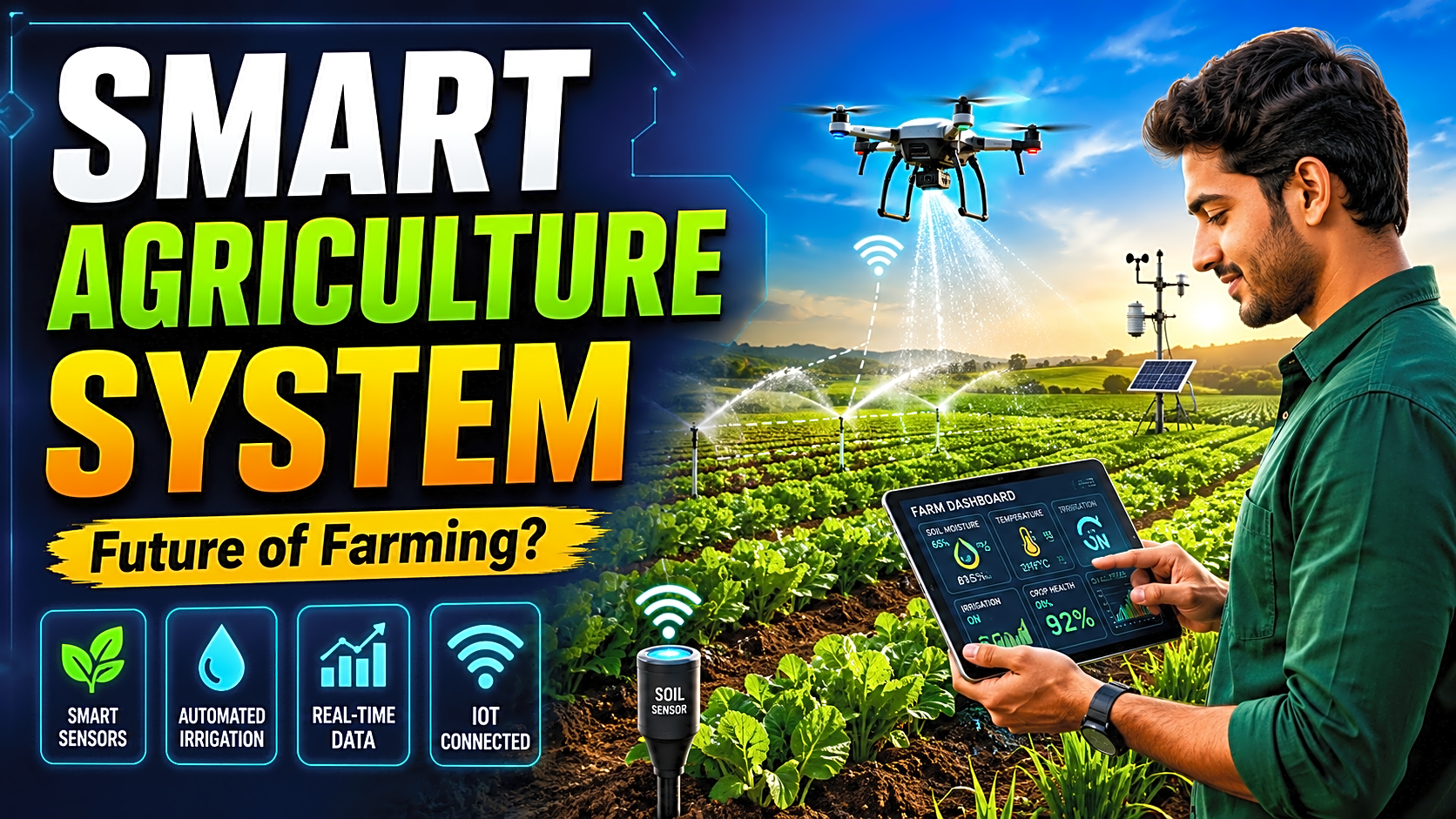
A Smart Agriculture System is one of the best final-year project ideas for students who want a practical IoT project with real-world use. It combines sensors, automation, cloud storage, dashboards, and optional AI/ML features to monitor farm conditions and improve irrigation decisions.
Quick Answer: What Is a Smart Agriculture System?
A Smart Agriculture System is an IoT based agriculture monitoring and automation system that uses sensors to track soil moisture, temperature, humidity, rainfall, water level, and other field conditions. The system sends this data to a controller such as ESP32, Arduino, NodeMCU, or Raspberry Pi, then displays it on a web/mobile dashboard and can automatically control irrigation.
For final-year students, it is a strong project because it covers IoT, embedded systems, database management, dashboard development, automation, and source code implementation.
Project at a Glance
|
Item |
Recommended Option |
|
Project Type |
IoT / Embedded / Web Dashboard |
|
Difficulty Level |
Beginner to Intermediate |
|
Best For |
B.Tech, BE, BCA, MCA, BSc IT, MSc IT |
|
Core Hardware |
ESP32, soil moisture sensor, DHT11/DHT22, relay, pump |
|
Software Stack |
Firebase/MySQL, HTML/CSS/JS, PHP/Python/Node.js |
|
Main Output |
Live sensor dashboard + automatic irrigation |
|
Estimated Duration |
7–15 days for basic version |
|
Advanced Add-ons |
Weather API, crop recommendation, pest detection, alerts |
Why Smart Agriculture Is a Strong Final-Year Project
Traditional farming often depends on manual observation and fixed irrigation schedules. This can lead to overwatering, underwatering, poor crop monitoring, and delayed response to field problems.
A smart farming project using IoT solves this by collecting real-time data and converting it into useful actions. For example, when soil moisture drops below a threshold, the system can automatically turn on a water pump. Once moisture reaches the safe range, the pump turns off.
This project is also relevant in India because digital agriculture is becoming a national priority. The Digital Agriculture Mission includes AgriStack, Krishi Decision Support System, and Soil Profile Mapping to support data-driven farming services. Krishi-DSS integrates satellite, weather, soil, crop, reservoir, groundwater, and scheme data for agriculture decision support.
Smart Agriculture Project Abstract
This project aims to design and develop an IoT based Smart Agriculture System that monitors soil moisture, temperature, humidity, and water level in real time. The system uses sensors connected to a microcontroller to collect field data and send it to a database or cloud platform. A web dashboard displays live readings, irrigation status, and alerts. Based on moisture thresholds, the system automatically controls a water pump to improve irrigation efficiency and reduce manual effort.
Main Objectives of the Project
The main objective is to help farmers and students understand how IoT can improve field monitoring and irrigation control.
Key objectives include:
- Monitor soil moisture, temperature, humidity, and water level.
- Automate irrigation using a relay-controlled water pump.
- Store sensor data with timestamp and pump status.
- Display live readings on a dashboard.
- Send alerts for dry soil, high temperature, or low water level.
- Provide a scalable base for crop recommendation and AI farming modules.
Components Required for Smart Agriculture System
|
Component |
Purpose |
Approx. Use |
|
ESP32 / NodeMCU |
Main IoT controller |
Reads sensors and sends data online |
|
Soil Moisture Sensor |
Detects soil dryness |
Irrigation decision |
|
DHT11 / DHT22 |
Measures temperature and humidity |
Climate monitoring |
|
Relay Module |
Switches pump ON/OFF |
Irrigation automation |
|
Mini Water Pump |
Supplies water |
Demo irrigation |
|
Water-Level Sensor |
Checks tank level |
Prevents dry pump run |
|
Rain Sensor |
Detects rainfall |
Avoids unnecessary irrigation |
|
Firebase / ThingSpeak / MySQL |
Stores sensor data |
Dashboard and reports |
|
Web Dashboard |
Shows output |
User/admin interface |
ESP32 is a strong choice because it supports Wi-Fi and Bluetooth connectivity, making it practical for IoT dashboards. Arduino Uno is beginner-friendly, but it requires an extra Wi-Fi/GSM module for online data transfer.
Smart Agriculture System Architecture
A good agriculture monitoring system project has four layers.
1. Sensor Layer
This layer collects physical field data. It includes soil moisture, DHT11/DHT22, water-level, rain, pH, NPK, and light sensors.
2. Controller Layer
The controller processes sensor values and applies decision logic. ESP32 or NodeMCU is best for IoT projects because Wi-Fi is built in. Arduino is suitable for offline or beginner demos.
3. Cloud / Database Layer
The system stores readings in Firebase, MySQL, MongoDB, or ThingSpeak. Firebase is useful when the dashboard needs real-time sync across devices. ThingSpeak is useful for collecting, visualizing, and analyzing live IoT data streams.
4. Application Layer
This is the user-facing dashboard. It shows moisture percentage, temperature, humidity, pump status, alerts, charts, and historical logs.
Circuit Diagram Explanation
In a basic ESP32 smart agriculture project:
- Soil moisture sensor analog output connects to an ESP32 analog pin.
- DHT11/DHT22 data pin connects to a digital GPIO pin.
- Relay input connects to a GPIO pin.
- Water pump connects through the relay, not directly to ESP32.
- External power supply is used for the pump.
- ESP32 sends readings to Firebase, MySQL API, or ThingSpeak through Wi-Fi.
Important: The pump should not be powered directly from the microcontroller. Use a relay module and separate supply to protect the board.
Suggested image alt text:
IoT based smart agriculture system circuit diagram using ESP32 soil moisture sensor relay and water pump
Working Flow / Algorithm
- Start the system.
- Connect ESP32 to Wi-Fi.
- Read soil moisture, temperature, humidity, and water level.
- Convert raw sensor values into readable units.
- Compare soil moisture with threshold.
- If moisture is below 35%, turn pump ON.
- If moisture reaches 60%, turn pump OFF.
- Upload readings and pump status to the database.
- Display live data on dashboard.
- Generate alerts for abnormal conditions.
This makes the project more than a sensor display. It becomes a soil moisture based irrigation system with decision-making.
Source Code Flow
A strong smart agriculture system project with source code should be organized clearly.
|
File / Folder |
Purpose |
|
/hardware/esp32_code.ino |
Sensor reading and pump control |
|
/backend/api/ |
Receives data from ESP32 |
|
/database/schema.sql |
Tables for users, sensors, readings, alerts |
|
/frontend/dashboard/ |
Web dashboard UI |
|
/admin/ |
Admin login, user management, thresholds |
|
/reports/ |
Test cases, screenshots, project report assets |
Basic source code logic:
Read sensor values
Check moisture threshold
Control pump through relay
Send data to cloud/database
Fetch latest data on dashboard
Show charts and alerts
Database Design
|
Table Name |
Important Fields |
Purpose |
|
users |
user_id, name, email, password, role |
Login and access control |
|
sensor_readings |
id, moisture, temperature, humidity, water_level, created_at |
Stores field data |
|
irrigation_logs |
id, pump_status, moisture_value, action_time |
Tracks pump activity |
|
alerts |
id, alert_type, message, status, created_at |
Stores warning messages |
|
crops |
crop_id, crop_name, ideal_moisture, ideal_temp |
Optional crop advisory |
Dashboard Features
A professional dashboard should include:
- Live soil moisture percentage.
- Temperature and humidity cards.
- Pump ON/OFF status.
- Manual pump override.
- Daily moisture trend chart.
- Alert panel.
- Admin threshold settings.
- Exportable report logs.
This improves user engagement and also helps during project viva because faculty can clearly see input, processing, output, and automation.
Implementation Guide
Step 1: Define Scope
Start with soil moisture monitoring and automatic irrigation. Add advanced features only after the basic version works.
Step 2: Test Sensors Individually
Check soil moisture, DHT11/DHT22, and water-level sensor separately before connecting all components.
Step 3: Calibrate Soil Moisture
Record dry soil and wet soil values. Convert them into percentage values. Without calibration, sensor readings may be inaccurate.
Step 4: Add Pump Control
Use a relay module. Set safe moisture thresholds such as:
|
Condition |
Action |
|
Moisture below 35% |
Pump ON |
|
Moisture between 35–60% |
Monitor |
|
Moisture above 60% |
Pump OFF |
|
Water tank low |
Pump OFF + alert |
Step 5: Connect Database
Use Firebase, ThingSpeak, or MySQL API to store data. Store readings with timestamps for report generation.
Step 6: Build Web Dashboard
Create user and admin login. Show cards, charts, logs, and alerts.
Step 7: Add Report and PPT Material
Prepare abstract, problem statement, system architecture, flowchart, modules, database design, test cases, output screens, limitations, and future scope.
Testing Table
|
Test Case |
Input Condition |
Expected Output |
|
Dry soil test |
Moisture below 35% |
Pump turns ON |
|
Wet soil test |
Moisture above 60% |
Pump turns OFF |
|
High temperature |
Temperature above set limit |
Alert generated |
|
Low tank level |
Water level low |
Pump disabled |
|
Sensor failure |
No sensor reading |
Error alert |
|
Dashboard test |
New reading uploaded |
UI updates correctly |
Advantages
- Reduces manual field monitoring.
- Saves water through threshold-based irrigation.
- Gives real-time visibility through dashboard.
- Supports remote monitoring.
- Can be extended with AI/ML modules.
- Useful for academic demo and real-world farming use cases.
Limitations
- Low-cost sensors need calibration.
- Internet failure may delay cloud updates.
- Soil readings vary by soil type.
- The demo version may not represent full farm-scale deployment.
- Pump and relay wiring must be handled safely.
Advanced Features to Make the Project Stand Out
To make the project more impressive, add:
- Weather API based irrigation decision.
- Crop recommendation using soil and climate data.
- Pest detection using image processing.
- MQTT-based communication.
- WhatsApp/SMS/email alerts.
- Mobile app dashboard.
- Solar-powered sensor node.
- LoRa-based long-range field communication.
AI agriculture is also becoming more relevant. India’s National Pest Surveillance System supports 66 crops and over 432 pest types, showing how AI and digital tools are being used for agricultural advisories at scale.
Smart Agriculture Viva Questions
1. Why did you choose ESP32 for this project?
ESP32 has built-in Wi-Fi, supports IoT communication, and can read multiple sensors, making it suitable for real-time agriculture monitoring.
2. What is the role of the soil moisture sensor?
It measures the water content in soil and helps the system decide whether irrigation is required.
3. Why is a relay module used?
A relay allows the low-voltage microcontroller to safely control a higher-power water pump.
4. Can this project work without machine learning?
Yes. A rule-based IoT system with threshold-based irrigation is enough for a functional final-year project.
5. How can machine learning be added?
ML can be used for crop recommendation, disease prediction, pest detection, or irrigation prediction.
FAQ
What is a Smart Agriculture System?
A Smart Agriculture System uses IoT sensors, automation, dashboards, and data analysis to monitor field conditions and improve farming decisions.
Is smart agriculture a good final-year project?
Yes. It is practical, socially useful, and technically strong because it combines hardware, software, database, dashboard, and automation.
Which sensors are used in smart agriculture?
Common sensors include soil moisture sensor, DHT11/DHT22, water-level sensor, rain sensor, pH sensor, NPK sensor, and light sensor.
Which is better for this project: Arduino or ESP32?
ESP32 is better for IoT dashboards because it has built-in Wi-Fi. Arduino is easier for beginners but usually needs an extra communication module.
Can I get source code for a smart agriculture system project?
Yes. A complete project should include controller code, backend/API code, dashboard files, database schema, and setup instructions.
What should be included in the project report?
Include abstract, introduction, objectives, existing system, proposed system, architecture, modules, hardware/software requirements, implementation, testing, screenshots, conclusion, and future scope.
Can smart agriculture use Python?
Yes. Python can be used for Flask dashboards, APIs, data analysis, crop prediction, and machine learning modules.
What should I include in a smart agriculture PPT?
Include problem statement, objectives, block diagram, components, modules, working flow, screenshots, testing results, advantages, limitations, future scope, and conclusion.
Conclusion
A Smart Agriculture System is a high-value final-year project because it connects IoT, automation, sensors, databases, dashboards, and optional AI/ML with a real agricultural problem. The best version starts with soil moisture monitoring and automatic irrigation, then adds cloud storage, charts, alerts, report logs, and crop advisory features.
For students who need a ready project, FileMakr can position this article with a clear CTA: Get the Smart Agriculture System project with source code, report, PPT, setup support, and live demo.