Resume Screening System Using AI: Python, NLP, Source Code & Project Guide
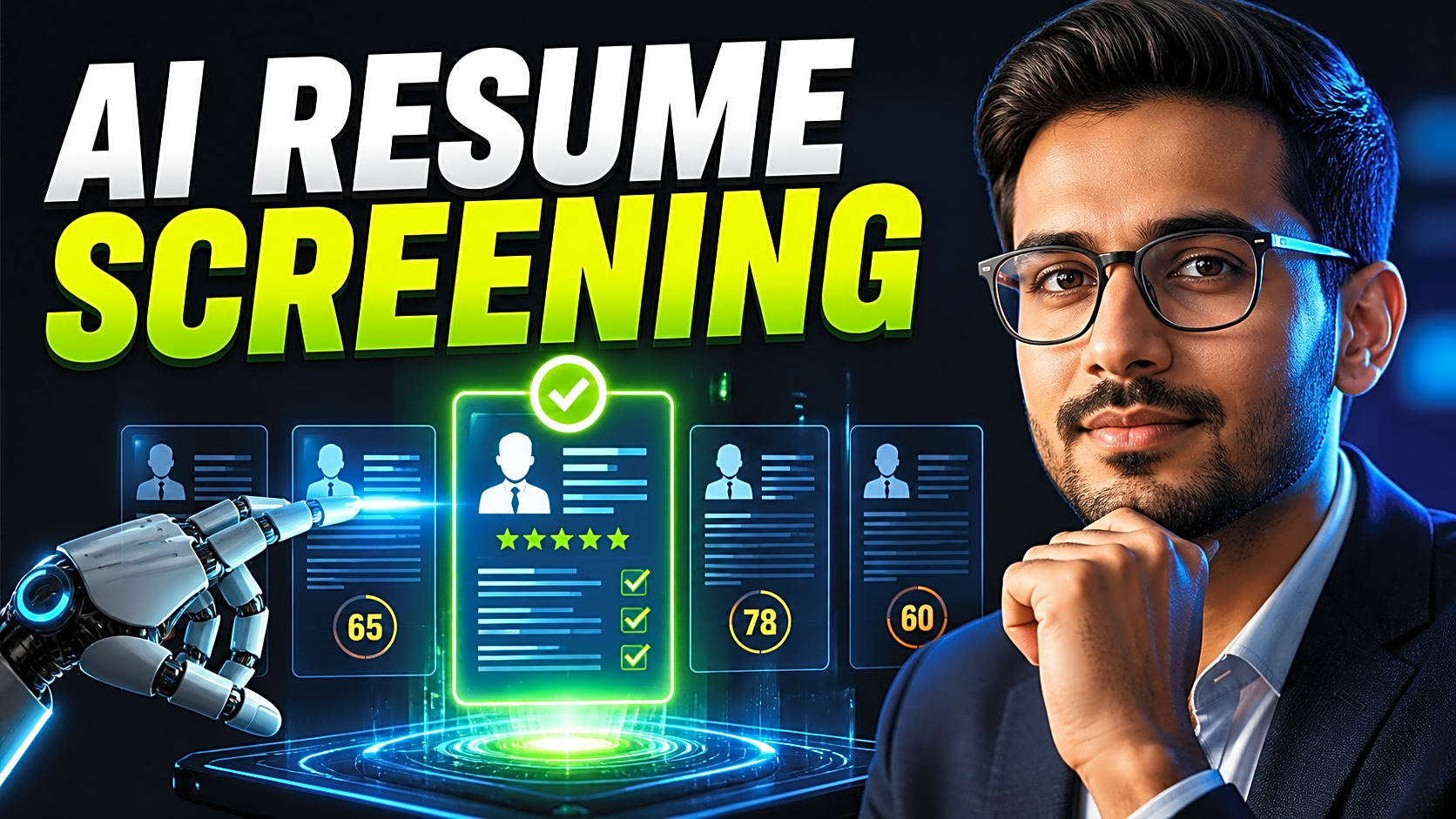
A Resume Screening System Using AI is a final-year project that automatically analyzes resumes, extracts skills, compares them with job requirements, and ranks candidates using a matching score. For students, it is a strong AI/NLP project because it combines Python, resume parsing, machine learning, database management, dashboards, and real-world HR automation in one system.
Students who want a ready-to-run version can refer to FileMakr’s resume screening system source-code page, which lists a Python Flask NLP project with setup guide, database support, and demo steps.
Quick Answer: What Is a Resume Screening System Using AI?
A Resume Screening System Using AI is software that reads candidate resumes, extracts important information such as skills, education, experience, and certifications, compares that information with a job description, and generates a candidate matching score. It helps recruiters shortlist applicants faster and helps students demonstrate AI, NLP, and machine learning knowledge in a practical final-year project.
Why This Is a Strong Final-Year Project
This project solves a real recruitment problem. Recruiters often receive many resumes for one job role, and manually checking every resume is slow, repetitive, and sometimes inconsistent. An AI-based resume screening system makes this process faster by automatically identifying relevant candidates.
It is suitable for:
- B.Tech, BE, BCA, MCA, BSc IT, and MSc IT students
- Students looking for a Python final-year project
- Beginners learning NLP and machine learning
- Students who need a project with source code, report, PPT, and viva explanation
- Anyone interested in HR automation or applicant tracking systems
The project is also easy to explain in a viva because the workflow is direct: upload resume, extract text, clean data, identify skills, compare with job description, calculate score, and rank candidates.
Main Objective of the Project
The main objective is to build an AI-based recruitment support system that reduces manual resume screening effort and improves candidate shortlisting.
A complete system should be able to:
- Accept PDF, DOC, or DOCX resumes
- Extract text from resumes
- Identify skills, education, experience, and certifications
- Compare resume content with a job description
- Generate a matching score
- Rank candidates based on relevance
- Allow HR users to shortlist, reject, or schedule interviews
- Store candidate, job, resume, and application records
System Architecture
|
Layer |
Component |
Purpose |
|
Input Layer |
Resume + Job Description |
Accept candidate resume and job requirements |
|
Parsing Layer |
PDF/DOCX Text Extractor |
Convert files into plain text |
|
NLP Layer |
Cleaning, Tokenization, Skill Extraction |
Identify useful resume information |
|
ML/Scoring Layer |
TF-IDF, Cosine Similarity, Classifier |
Match resume with job description |
|
Application Layer |
Flask/Django Backend |
Manage users, jobs, resumes, and results |
|
Database Layer |
MySQL/SQLite/MongoDB |
Store users, jobs, resumes, and scores |
|
Output Layer |
HR Dashboard |
Show ranked candidates and matching score |
This architecture can be converted into a DFD, ER diagram, UML diagram, and project flowchart for your documentation.
Recommended Tools and Technologies
|
Component |
Recommended Tools |
Why Use It |
|
Programming Language |
Python |
Best for AI, ML, and NLP projects |
|
Backend |
Flask or Django |
Builds the web application |
|
NLP Libraries |
NLTK, spaCy |
Text cleaning, tokenization, entity extraction |
|
ML Library |
Scikit-learn |
TF-IDF, classification, similarity scoring |
|
Resume Parsing |
pdfminer, PyPDF2, python-docx |
Extract text from resume files |
|
Database |
MySQL, SQLite, MongoDB |
Store candidates, jobs, and scores |
|
Frontend |
HTML, CSS, Bootstrap |
Simple student-friendly interface |
For a beginner version, Python + Flask + SQLite/MySQL + TF-IDF + cosine similarity is enough. For an advanced version, you can add BERT, SBERT, Hugging Face embeddings, semantic matching, or recruiter feedback-based scoring.
Key Modules in Resume Screening System Using AI
1. Admin Module
The admin controls the platform. Important features include admin login, HR account approval, candidate management, job category management, skill taxonomy management, reports, and feedback moderation.
2. HR / Recruiter Module
The HR user manages hiring activities. Features include HR registration, company profile, job posting, applicant list, resume screening, matching score view, candidate ranking, shortlisting, rejection, and interview scheduling.
3. Candidate Module
The candidate can register, update profile, upload resume, search jobs, apply for jobs, view application status, and submit feedback.
4. AI / NLP Screening Module
This is the core module. It performs resume text extraction, preprocessing, stopword removal, tokenization, skill extraction, keyword matching, job description comparison, score generation, and ranking.
How AI Resume Screening Works
The workflow is simple:
- HR creates a job post with required skills.
- Candidate uploads a resume.
- System extracts resume text.
- NLP preprocessing cleans the text.
- Skills and keywords are identified.
- Resume is compared with the job description.
- Matching score is calculated.
- HR sees ranked candidates.
- HR shortlists, rejects, selects, or schedules interviews.
A basic scoring formula can be:
|
Factor |
Weight |
|
Required skills match |
50% |
|
Preferred skills match |
20% |
|
Experience relevance |
15% |
|
Education relevance |
10% |
|
Certifications / extra keywords |
5% |
This scoring model is easy to explain during viva because it is transparent and rule-based.
Sample Resume Matching Code Logic
Scikit-learn’s TfidfVectorizer converts text into numerical features, and cosine_similarity calculates similarity between two text vectors.
from sklearn.feature_extraction.text import TfidfVectorizer
from sklearn.metrics.pairwise import cosine_similarity
def calculate_resume_score(resume_text, job_description):
documents = [resume_text, job_description]
vectorizer = TfidfVectorizer(stop_words="english")
tfidf_matrix = vectorizer.fit_transform(documents)
score = cosine_similarity(tfidf_matrix[0:1], tfidf_matrix[1:2])[0][0]
return round(score * 100, 2)
resume = "Python Flask SQL Machine Learning NLP Data Analysis"
job = "Required Python Flask NLP SQL experience for AI project"
print(calculate_resume_score(resume, job))
This code gives a basic matching score. In a full project, you should also show matched skills, missing skills, education relevance, and candidate rank.
Sample Project Output
|
Candidate |
Matched Skills |
Missing Skills |
Score |
Rank |
|
Rahul Sharma |
Python, Flask, SQL, NLP |
Docker, AWS |
82% |
1 |
|
Priya Verma |
Python, SQL, Data Analysis |
Flask, NLP |
68% |
2 |
|
Aman Khan |
HTML, CSS, JavaScript |
Python, NLP, SQL |
35% |
3 |
This type of output improves your project demo because the evaluator can clearly see how the system ranks candidates.
Suggested Database Tables
|
Table |
Important Fields |
|
users |
user_id, name, email, password, role |
|
candidates |
candidate_id, user_id, phone, education, experience |
|
hr_accounts |
hr_id, company_name, email, approval_status |
|
jobs |
job_id, hr_id, title, description, required_skills |
|
resumes |
resume_id, candidate_id, file_path, extracted_text |
|
applications |
application_id, job_id, candidate_id, status |
|
scores |
score_id, application_id, matched_skills, missing_skills, score |
|
interviews |
interview_id, application_id, date, mode, status |
Basic Version vs Advanced Version
|
Feature |
Basic Version |
Advanced Version |
|
Resume Matching |
TF-IDF + cosine similarity |
BERT/SBERT embeddings |
|
Skill Extraction |
Skill dictionary |
NLP entity extraction |
|
Backend |
Flask |
Django/FastAPI |
|
Dashboard |
Simple HR table |
Analytics with charts |
|
Evaluation |
Manual test cases |
Precision, recall, F1-score |
|
Fairness |
Basic limitations note |
Bias detection and audit log |
Step-by-Step Implementation Guide
Step 1: Define Project Scope
Choose whether the system will be a simple resume matcher or a complete recruitment platform. For final-year submission, build Admin, HR, Candidate, and AI Screening modules.
Step 2: Build Resume Upload
Allow candidates to upload PDF, DOC, or DOCX files. Validate file type, file size, and file name before saving.
Step 3: Extract Resume Text
Use Python libraries such as pdfminer, PyPDF2, or python-docx to extract plain text from uploaded resumes.
Step 4: Preprocess Text
Convert text to lowercase, remove punctuation, remove stopwords, tokenize words, and normalize common terms.
Step 5: Extract Skills
Use a predefined skill dictionary such as Python, Java, SQL, Flask, Django, React, Machine Learning, NLP, Data Analysis, Communication, and Problem Solving.
Step 6: Match Resume With Job Description
Convert resume text and job description into vectors using TF-IDF. Then apply cosine similarity to calculate the matching percentage.
Step 7: Generate Candidate Ranking
Sort candidates by score and display matched skills, missing skills, and rank on the HR dashboard.
Step 8: Prepare Project Report
Include abstract, introduction, objectives, existing system, proposed system, architecture, ER diagram, DFD, algorithms, implementation, testing, screenshots, conclusion, and future scope.
Security, Privacy, and Fairness Considerations
Resume files contain personal information, so your system should validate uploads, restrict file size, protect stored files, and avoid exposing candidate data publicly. Do not rank candidates using sensitive attributes such as gender, religion, caste, or location. Also explain that TF-IDF matching may miss semantic meaning, so advanced systems can use embeddings or recruiter feedback to improve fairness and accuracy.
Common Mistakes Students Make
- Building only a resume upload form without AI/NLP logic
- Not explaining the scoring formula
- Using random keywords instead of a skill taxonomy
- Ignoring file validation and privacy
- Not adding admin and HR workflows
- Showing scores without matched and missing skills
- Forgetting ER diagram, DFD, use-case diagram, and test cases
Expert Tips to Make the Project Stronger
Add a missing-skills section for every candidate. Show explainable results so HR can understand why a candidate received a high or low score. Add filters by role, experience, education, and skill. Include charts for shortlisted, rejected, and selected candidates. For a more advanced project, add BERT embeddings, multilingual resume support, bias detection, ATS integration, and recruiter feedback-based learning.
FAQs
1. What is a Resume Screening System Using AI?
It is an AI-based application that analyzes resumes, extracts skills and keywords, compares them with job descriptions, and ranks candidates based on matching score.
2. How does AI screen resumes?
AI screens resumes by extracting text, cleaning it, identifying skills and keywords, comparing them with job requirements, and calculating a relevance score.
3. Which language is best for a resume screening system?
Python is the best choice because it supports NLP, machine learning, text processing, and web development.
4. Which algorithm is used in resume screening?
Common methods include TF-IDF, cosine similarity, Naive Bayes, logistic regression, SVM, and transformer embeddings.
5. Can this be used as a final-year project?
Yes. It is a strong final-year project because it includes AI/NLP, database design, web development, dashboards, testing, and documentation.
6. What modules are required?
The main modules are Admin, HR/Recruiter, Candidate, Resume Parser, Job Posting, NLP Skill Extraction, Matching Score, Candidate Ranking, and Reports.
7. What should I include in the project report?
Include introduction, problem statement, objectives, architecture, ER diagram, DFD, algorithms, implementation, testing, screenshots, conclusion, and future scope.
8. Is Flask good for this project?
Yes. Flask is lightweight, beginner-friendly, and suitable for integrating Python AI/ML logic into a web application.
Conclusion
A Resume Screening System Using AI is one of the best AI/NLP final-year project ideas because it solves a real hiring problem and demonstrates practical technical skills. To make the project strong, focus on resume parsing, skill extraction, explainable scoring, candidate ranking, secure file handling, and proper documentation.
For students who need a ready project, FileMakr’s source-code section includes Python and machine-learning project categories, along with final-year project source-code options.