10 Final Year Project Mistakes That Cost Students Marks (And How to Avoid Them)Disease Prediction System Using Machine Learning: Python Project Guide
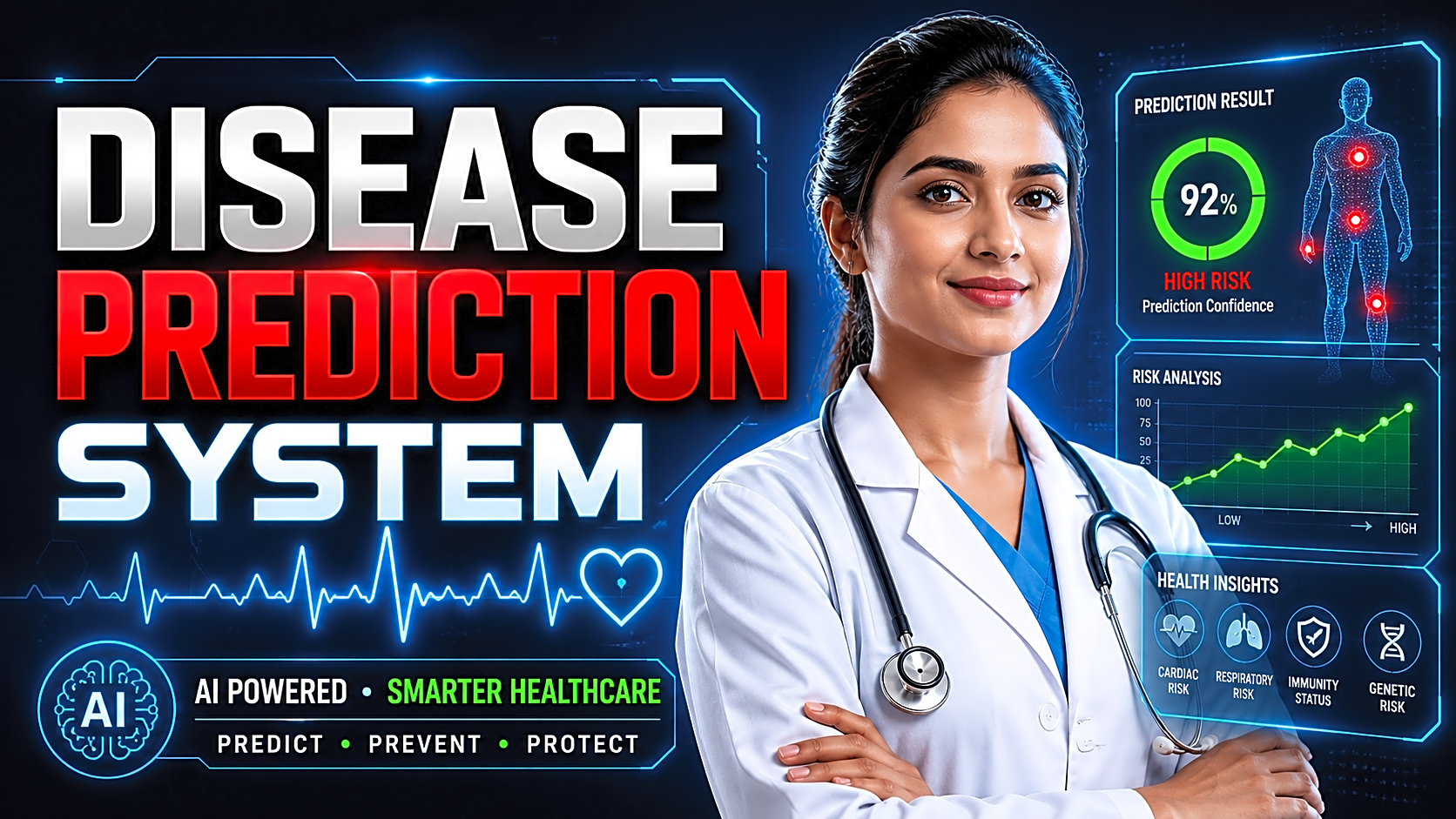
A Disease Prediction System is a machine learning-based final-year project that predicts possible disease risk using symptoms, medical parameters, lifestyle values, or image data. For students, it is one of the strongest healthcare machine learning project ideas because it combines Python, datasets, classification algorithms, web development, database integration, project reports, and viva explanation.
Quick Answer: What Is a Disease Prediction System?
A Disease Prediction System is an application that accepts health-related user inputs, processes them through a trained machine learning model, and predicts possible disease risk. In final-year projects, it is usually built using Python, scikit-learn, Flask/Django/Streamlit, a dataset, and a database. It should be presented as an academic prediction prototype, not as a replacement for professional medical diagnosis.
Why Disease Prediction Is a Strong Final-Year Project
Disease prediction is a strong academic project because healthcare has real-world importance. WHO reports that noncommunicable diseases killed at least 43 million people in 2021. In India, the ICMR-INDIAB study estimated 101 million people with diabetes and 136 million with prediabetes in 2021.
For B.Tech, BE, BCA, MCA, M.Tech, BSc IT, and MSc Computer Science students, this project demonstrates:
- Machine learning classification
- Dataset preprocessing
- Python development
- Web application design
- Model evaluation
- Admin dashboard development
- Project report and PPT preparation
- Healthcare problem understanding
This makes it more impressive than basic CRUD projects because it shows both software engineering and data science skills.
Main Objective of a Disease Prediction System
The main objective is to develop a software application that predicts possible disease risk from user-provided health data.
A strong project objective can be written as:
“To design and develop a machine learning-based Disease Prediction System that accepts user health parameters, preprocesses the input data, applies trained classification models, and displays disease risk, confidence score, precautions, and downloadable reports.”
Types of Disease Prediction System Projects
1. Symptom-Based Disease Prediction System
This system predicts disease based on symptoms such as fever, cough, headache, fatigue, vomiting, chest pain, or skin irritation. It is beginner-friendly and suitable for general disease prediction.
2. Single Disease Prediction System
This system predicts one disease such as diabetes, heart disease, Parkinson’s disease, liver disease, or kidney disease. It is easier to train, test, and explain in viva.
3. Multiple Disease Prediction System
A multiple disease prediction system uses separate models for different diseases. For example, one model predicts diabetes, another predicts heart disease, and another predicts Parkinson’s disease.
4. Image-Based Disease Prediction System
This version uses medical images such as MRI scans, X-rays, retinal images, or skin images. It usually requires CNN or deep learning models and is best for advanced students.
Recommended Modules
|
Module |
Features |
|
User Module |
Registration, login, profile, health input form, prediction history |
|
Prediction Module |
Input validation, preprocessing, model loading, prediction, confidence score |
|
Admin Module |
Manage users, datasets, disease information, prediction logs, reports |
|
Disease Information Module |
Disease overview, symptoms, precautions, disclaimer |
|
Report Module |
PDF report, input values, result, risk category, date/time |
|
Dashboard Module |
Accuracy charts, prediction count, disease-wise analytics |
Best Algorithms for Disease Prediction
|
Algorithm |
Best For |
Advantages |
Limitations |
|
Logistic Regression |
Binary disease prediction |
Easy to explain, strong baseline |
May miss complex patterns |
|
Decision Tree |
Viva-friendly projects |
Rule-based and visual |
Can overfit |
|
Random Forest |
Structured medical datasets |
Good accuracy, reduces overfitting |
Less interpretable than one tree |
|
SVM |
Small structured datasets |
Strong classification performance |
Needs scaling and tuning |
|
KNN |
Simple beginner projects |
Easy concept |
Slow for large datasets |
|
Naive Bayes |
Symptom-based prediction |
Fast and simple |
Assumes feature independence |
|
XGBoost |
High-performance prediction |
Excellent accuracy |
Advanced for beginners |
|
CNN |
Image-based disease detection |
Best for medical images |
Needs large image dataset |
For most student projects, Random Forest is a strong practical choice. scikit-learn explains Random Forest as a model that fits multiple decision tree classifiers on dataset sub-samples and averages results to improve predictive accuracy and control overfitting.
Recommended Dataset Sources
|
Project Type |
Dataset Fields |
Possible Source |
|
Diabetes prediction |
Glucose, BMI, age, insulin, blood pressure |
UCI / Kaggle |
|
Heart disease prediction |
Age, cholesterol, chest pain, ECG, blood pressure |
UCI Heart Disease dataset |
|
Symptom-based prediction |
Symptoms and disease label |
Kaggle symptom datasets |
|
Skin disease detection |
Skin image and class label |
Kaggle / image datasets |
|
Brain tumor detection |
MRI image and tumor label |
Public MRI datasets |
The UCI Heart Disease dataset contains 76 attributes, although many experiments use a 14-feature subset for predicting heart disease presence. Kaggle also hosts popular disease and symptom datasets, but students should always verify dataset quality, class balance, missing values, and licensing before using them.
Disease Prediction System Source Code Flow
A complete disease prediction system source code package should include:
|
File / Folder |
Purpose |
|
app.py |
Main Flask application |
|
model_training.py |
Trains and saves ML model |
|
disease_model.pkl |
Saved trained model |
|
preprocessor.pkl |
Saved scaler/encoder if required |
|
templates/ |
HTML pages |
|
static/ |
CSS, JavaScript, images |
|
database.db |
SQLite database |
|
requirements.txt |
Python package list |
|
reports/ |
Downloaded PDF prediction reports |
|
README.md |
Setup and run instructions |
This section is important because many students searching for this topic are not only researching the concept; they also want a working project structure, setup support, report, and PPT.
How to Run the Project Locally
Follow this implementation flow:
- Install Python and create a virtual environment.
- Install libraries from requirements.txt.
- Download or prepare the dataset.
- Clean missing values and duplicate rows.
- Encode categorical features.
- Split the dataset into training and testing sets.
- Train multiple algorithms such as Logistic Regression, Decision Tree, Random Forest, and SVM.
- Evaluate using accuracy, precision, recall, F1-score, and confusion matrix.
- Save the best model using pickle or joblib.
- Connect the trained model with Flask, Django, or Streamlit.
- Test the prediction form with sample inputs.
- Add report download, admin dashboard, and prediction history.
Sample Prediction Output
|
Input Field |
Example Value |
|
Age |
45 |
|
Glucose |
165 |
|
Blood Pressure |
82 |
|
BMI |
31.4 |
|
Family History |
Yes |
Output: High diabetes risk
Confidence Score: 86%
Advice: Consult a qualified doctor for medical evaluation. Improve diet, activity, and routine screening.
Disclaimer: This is an educational prediction result, not a confirmed medical diagnosis.
Model Evaluation Metrics
Do not show only accuracy. For healthcare-related prediction projects, include:
- Accuracy: Overall correct predictions
- Precision: Correct positive predictions
- Recall: Ability to detect actual risk cases
- F1-score: Balance between precision and recall
- Confusion matrix: True positives, true negatives, false positives, false negatives
For disease prediction, recall is especially important because missing a high-risk case may be more serious than giving a false warning.
Report and PPT Structure
Your Disease Prediction System project report should include:
- Abstract
- Introduction
- Existing System
- Proposed System
- Objectives
- Literature Review
- System Requirements
- Dataset Description
- Algorithm Explanation
- System Architecture
- UML Diagrams
- ER Diagram / DFD
- Implementation
- Testing
- Output Screenshots
- Results and Accuracy
- Limitations
- Future Scope
- Conclusion
Your PPT should include problem statement, objective, modules, architecture, algorithm comparison, screenshots, result analysis, and future scope.
Privacy, Ethics, and Medical Disclaimer
A Disease Prediction System should not claim to diagnose patients. It should only show risk prediction or educational output. Do not store real patient data without consent. If sensitive health data is stored, use secure authentication, encrypted storage where possible, and limited admin access.
Use safe wording such as:
- “Possible risk”
- “Prediction result”
- “Educational prototype”
- “Consult a qualified doctor”
- “Not a medical diagnosis”
Expert Tips for a Better Project
- Compare at least three algorithms.
- Add confidence score to the result page.
- Include PDF report download.
- Add prediction history for users.
- Add charts in the admin dashboard.
- Use Random Forest as a strong baseline.
- Include screenshots of every module.
- Add a clear medical disclaimer.
- Prepare viva answers for dataset, algorithm, accuracy, limitations, and future scope.
Need Ready-to-Run Source Code, Report, and PPT?
If you want to submit faster, add a CTA block inside the article:
Need a complete Disease Prediction System project?
Get ready-to-run source code, database, setup guide, project report, PPT, screenshots, and customization support from FileMakr.
Use this CTA after the setup guide and again near the conclusion.
FAQ
1. What is a Disease Prediction System?
A Disease Prediction System is a machine learning application that predicts possible disease risk from symptoms, medical values, images, or patient-related inputs.
2. Which algorithm is best for disease prediction?
Random Forest is a strong choice for structured datasets. Logistic Regression and Decision Tree are good beginner-friendly algorithms, while CNN is better for image-based disease detection.
3. Can I build a Disease Prediction System using Python?
Yes. Python is suitable because it supports pandas, NumPy, scikit-learn, Flask, Django, Streamlit, TensorFlow, and many data science libraries.
4. What dataset should I use?
Use datasets from sources such as UCI Machine Learning Repository or Kaggle, but verify data quality, missing values, class balance, and licensing before using them.
5. What modules are required?
A complete project should include user login, prediction form, ML model integration, admin panel, prediction history, disease information, and PDF report generation.
6. Is deep learning required?
No. For structured datasets, traditional ML algorithms are enough. Deep learning is mainly required for image-based disease prediction such as skin disease or brain tumor detection.
7. What should I include in the project report?
Include abstract, introduction, existing system, proposed system, dataset, algorithms, architecture, diagrams, implementation, testing, screenshots, results, conclusion, and future scope.
8. Can this system replace a doctor?
No. It is only an educational software prototype. It can show possible risk, but it cannot replace professional medical diagnosis.
Conclusion
A Disease Prediction System using Machine Learning is an excellent final-year project because it combines Python, healthcare data, ML algorithms, web development, database integration, reports, and real-world problem solving.
To make the project strong, do not submit only a Jupyter Notebook. Build a complete system with user module, admin module, trained ML model, prediction history, confidence score, PDF report, evaluation metrics, source-code structure, and proper documentation. This makes the project more professional, viva-ready, and submission-friendly.