01 Source Code Only
₹99
One-time Payment
- Complete project source code
- Database / data resources
- Dependencies & configuration
- README / setup guide
- Instant download access
Complete final-year project source code with frontend, backend, database and setup documentation. Instant download after secure payment.
Hover to zoom · Click to expand
Simple pricing. Instant access. Secure checkout.
01 Source Code Only
One-time Payment
02 Code + Setup Support
One-time Payment
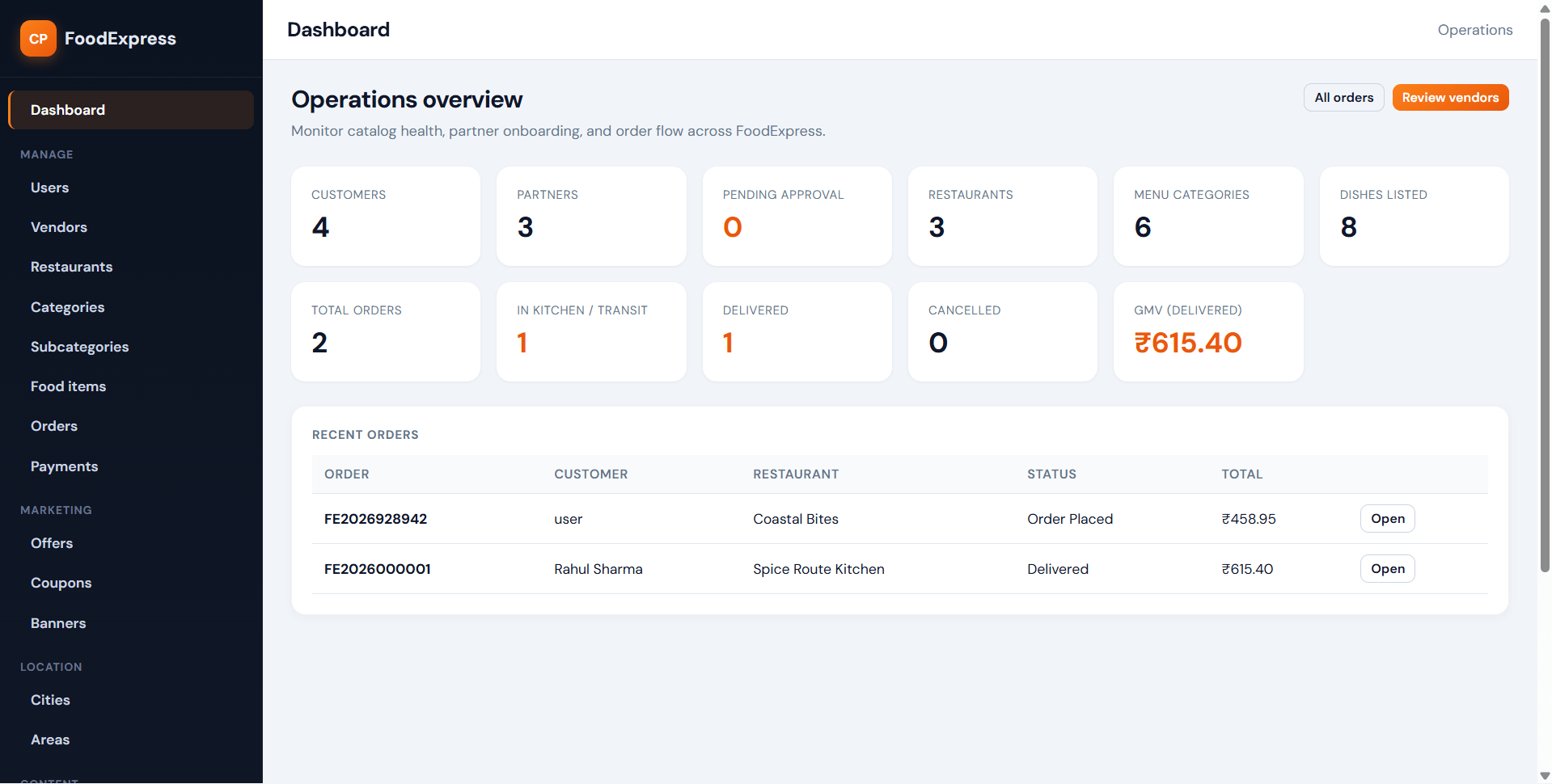
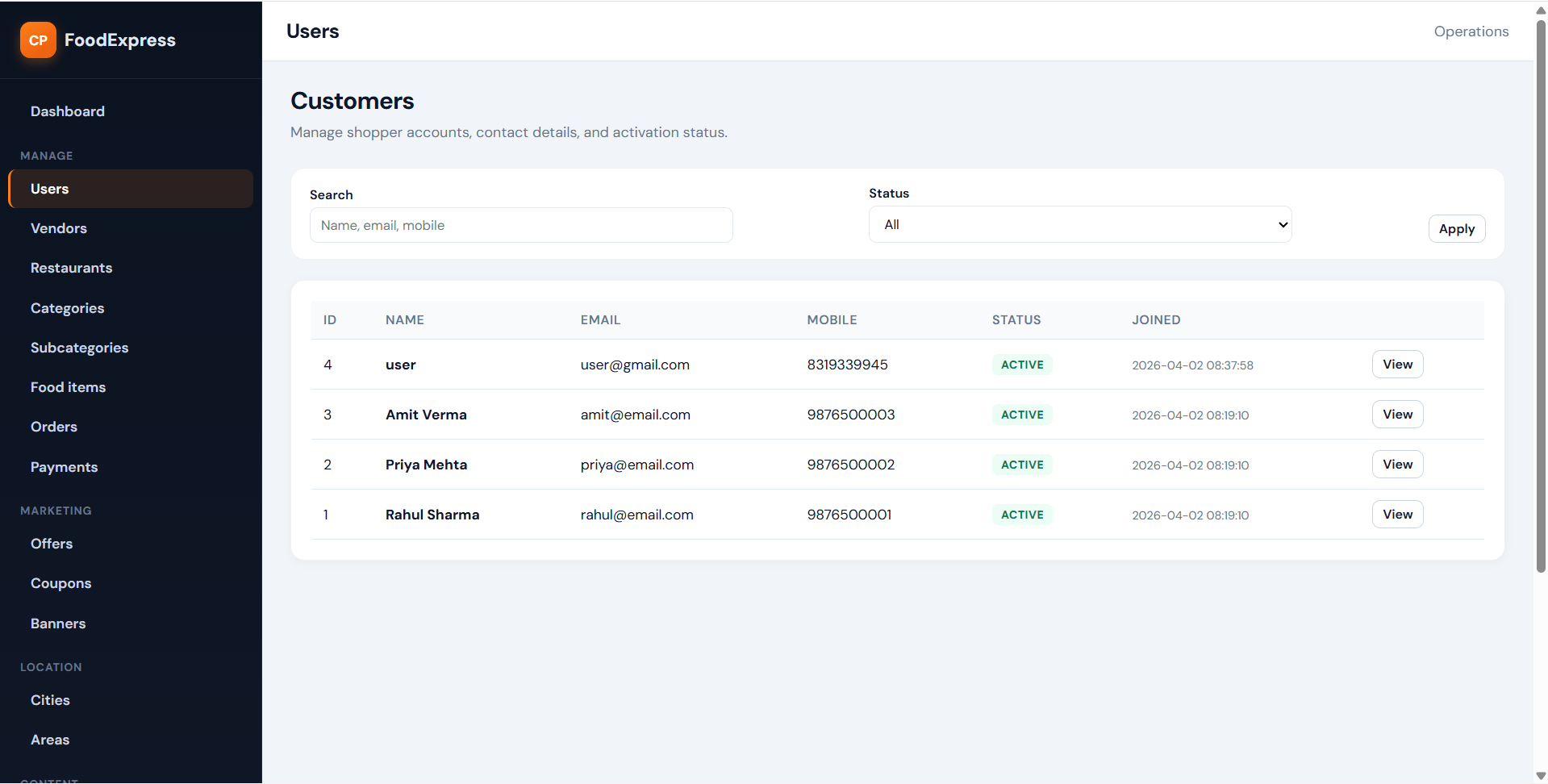
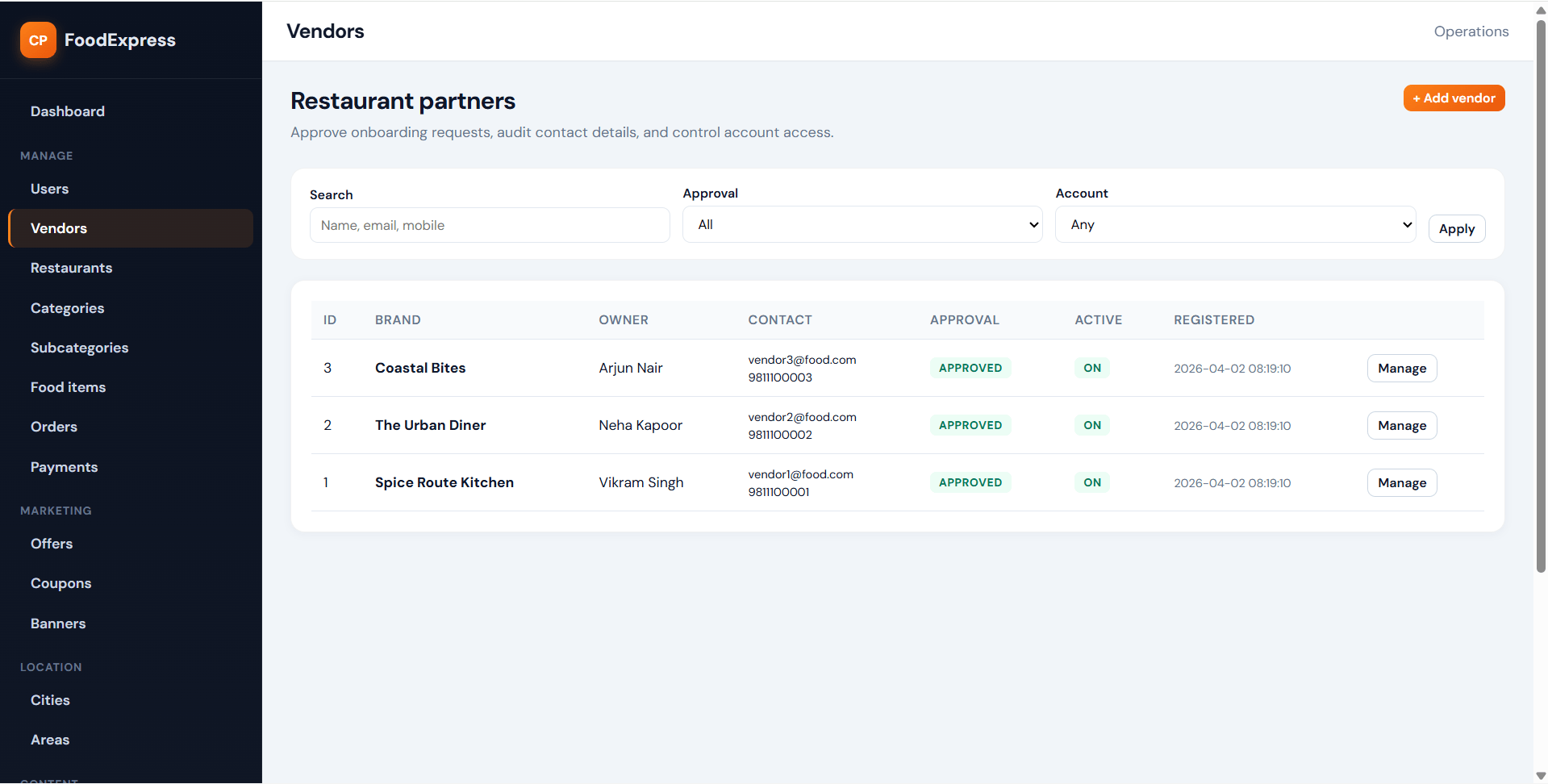
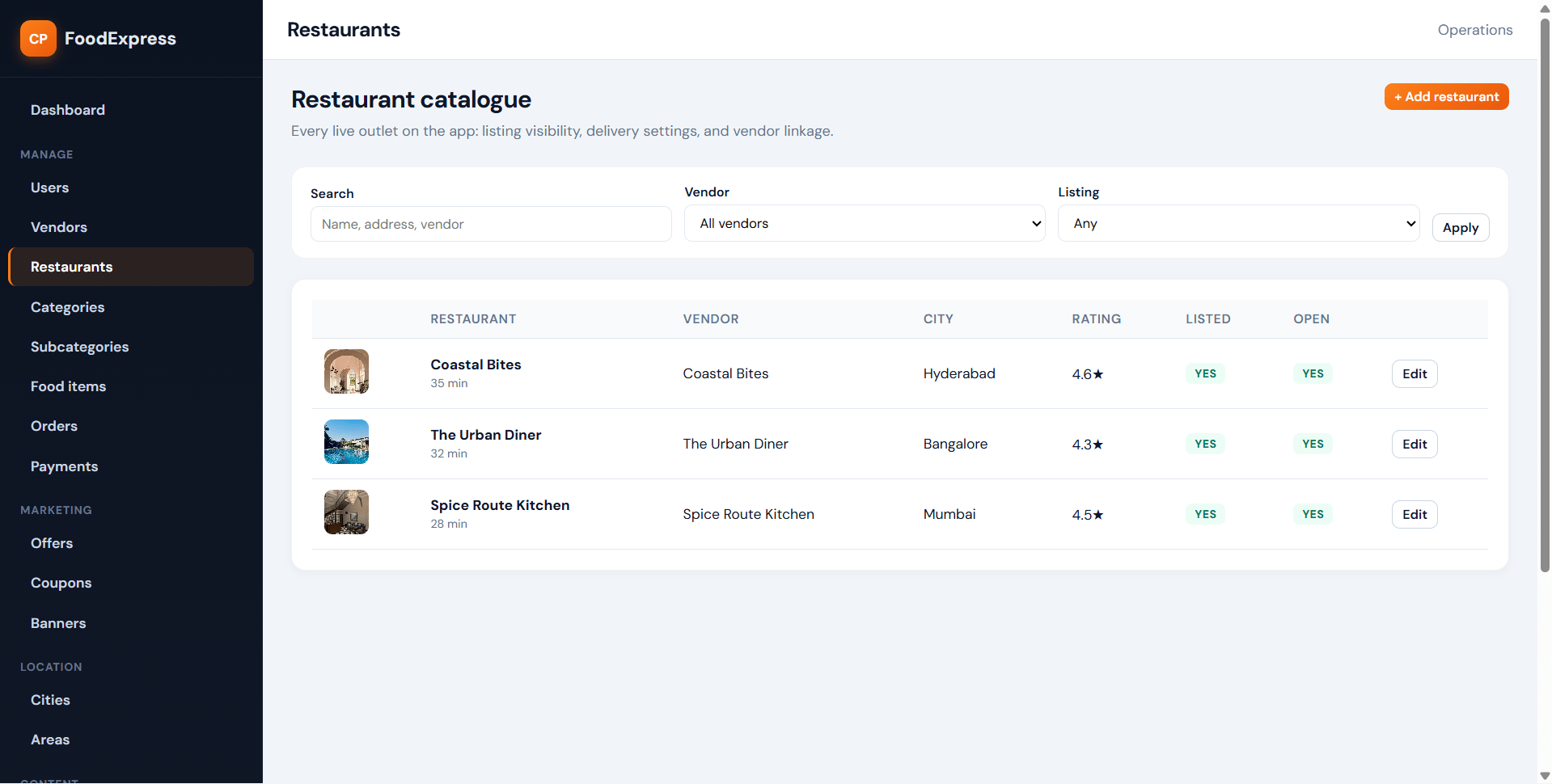
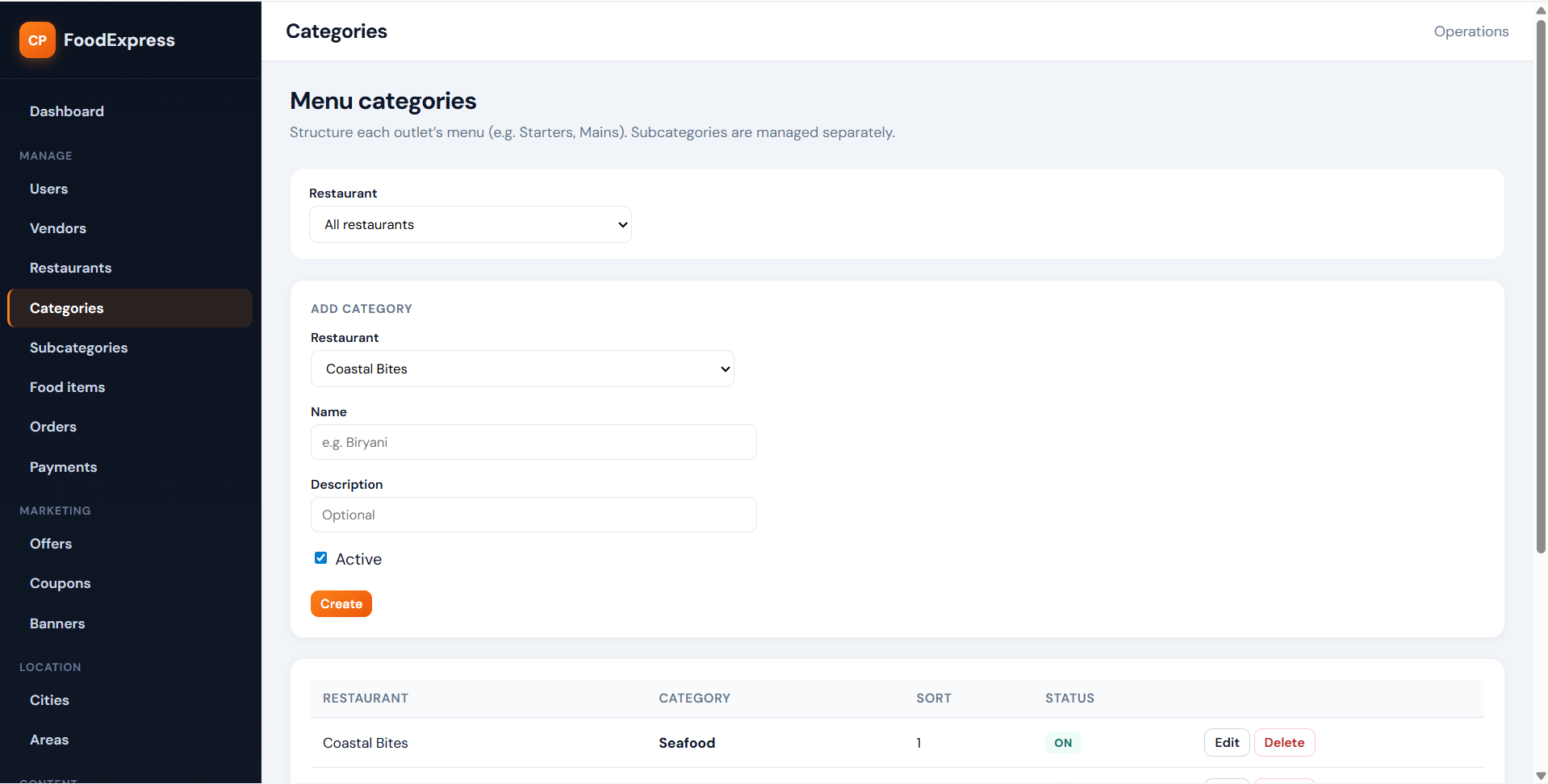
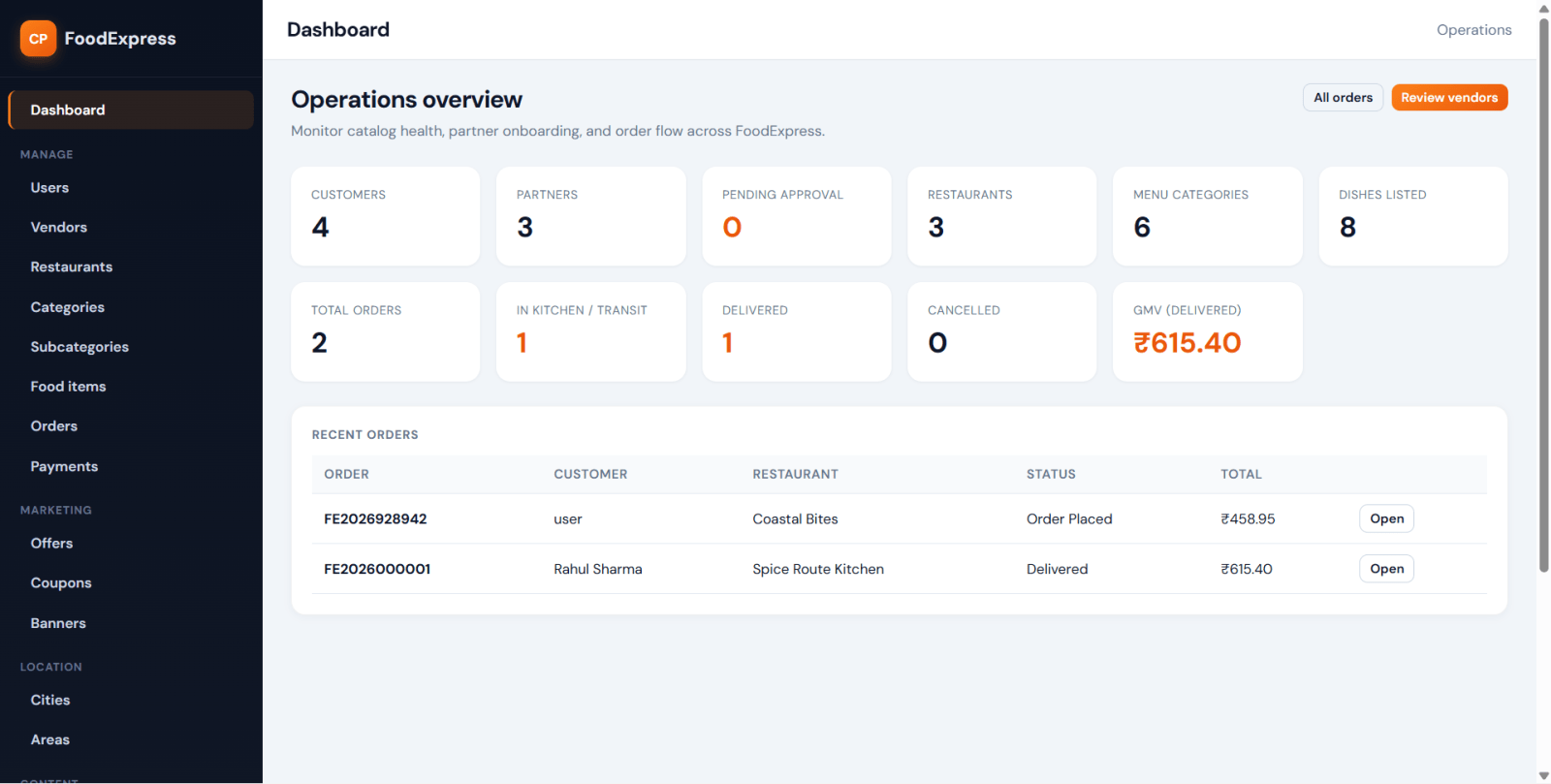
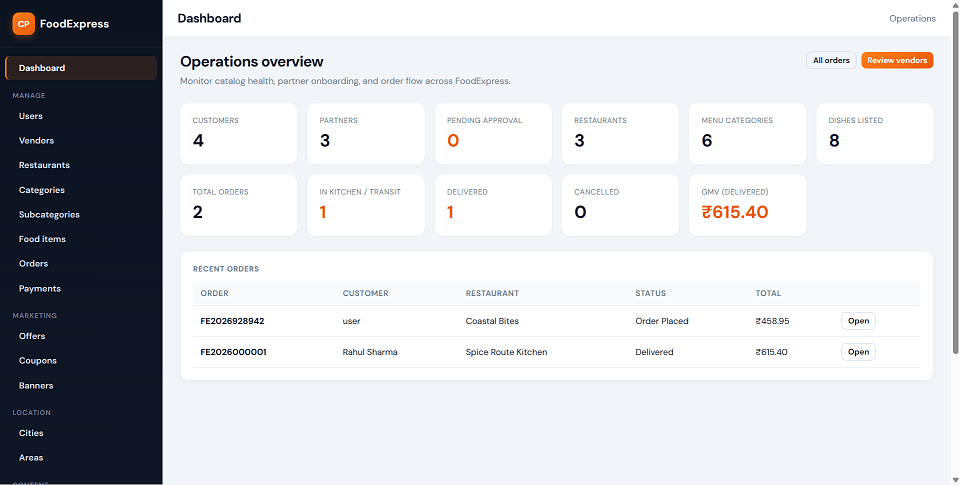
FoodExpress is a Swiggy-style food delivery web application developed for students who need a practical final year project, major project, or minor project based on real-world restaurant ordering workflow. The system includes three separate roles: Customer, Restaurant Vendor, and Administrator. Customers can register, log in, manage profiles, save multiple delivery addresses, browse restaurants, search food items, add food to cart, apply coupons, place orders, track orders, view invoices, reorder previous items, manage favourites, and submit reviews after delivery. Vendors can register, manage restaurant profile, upload restaurant logo, manage menu items, accept or reject orders, update order stages, create offers, track earnings, and respond to reviews. Admin can manage users, vendors, restaurants, categories, subcategories, food items, offers, coupons, banners, locations, orders, payments, reviews, notifications, reports, and platform settings. This FoodExpress Swiggy Clone source code is suitable for students looking for source code, project report, and a complete PHP and MySQL based food delivery project.
Use the admin, vendor, or user login credentials to access the system.
The project includes modules for food ordering, restaurant management, coupon handling, order tracking, and reporting. Based on your uploaded details, the application contains separate authentication flows and role-based dashboards for admin, vendor, and user accounts.
The Admin Panel gives full control over the food ordering platform and restaurant operations.
The User Panel is designed to give customers a smooth and modern online food ordering experience.
The Vendor Panel allows restaurant owners to manage their restaurant profile, menu, offers, and customer orders.
Follow the steps below to run this Online Food Ordering System in PHP and MySQL on your local server.
Download the source code and extract the project folder into your server root directory such as:
htdocs for XAMPPwww for WAMPStart:
Open phpMyAdmin and create a new database.
Import the provided SQL file into your newly created database.
Open the database configuration file and update:
Open your browser and run the project using:
http://localhost/project-folder-name/
Use the admin, vendor, or user login credentials to access the system.
The project includes modules for food ordering, restaurant management, coupon handling, order tracking, and reporting. Based on your uploaded details, the application contains separate authentication flows and role-based dashboards for admin, vendor, and user accounts.