Daily Expense Tracker Source Code ( Final Year)
Download clean, well-commented Daily Expense Tracker source code for final year projects — easy to run, demo-ready, and mentor-friendly.
- PHP Project
- MySQL / MongoDB
- Setup guide & demo steps
- Beginner-friendly
Keywords: source code, final year project code, Daily Expense Tracker Git, documentation, installation guide, php project, college project demo.
Download Source Code
Admin Features
-
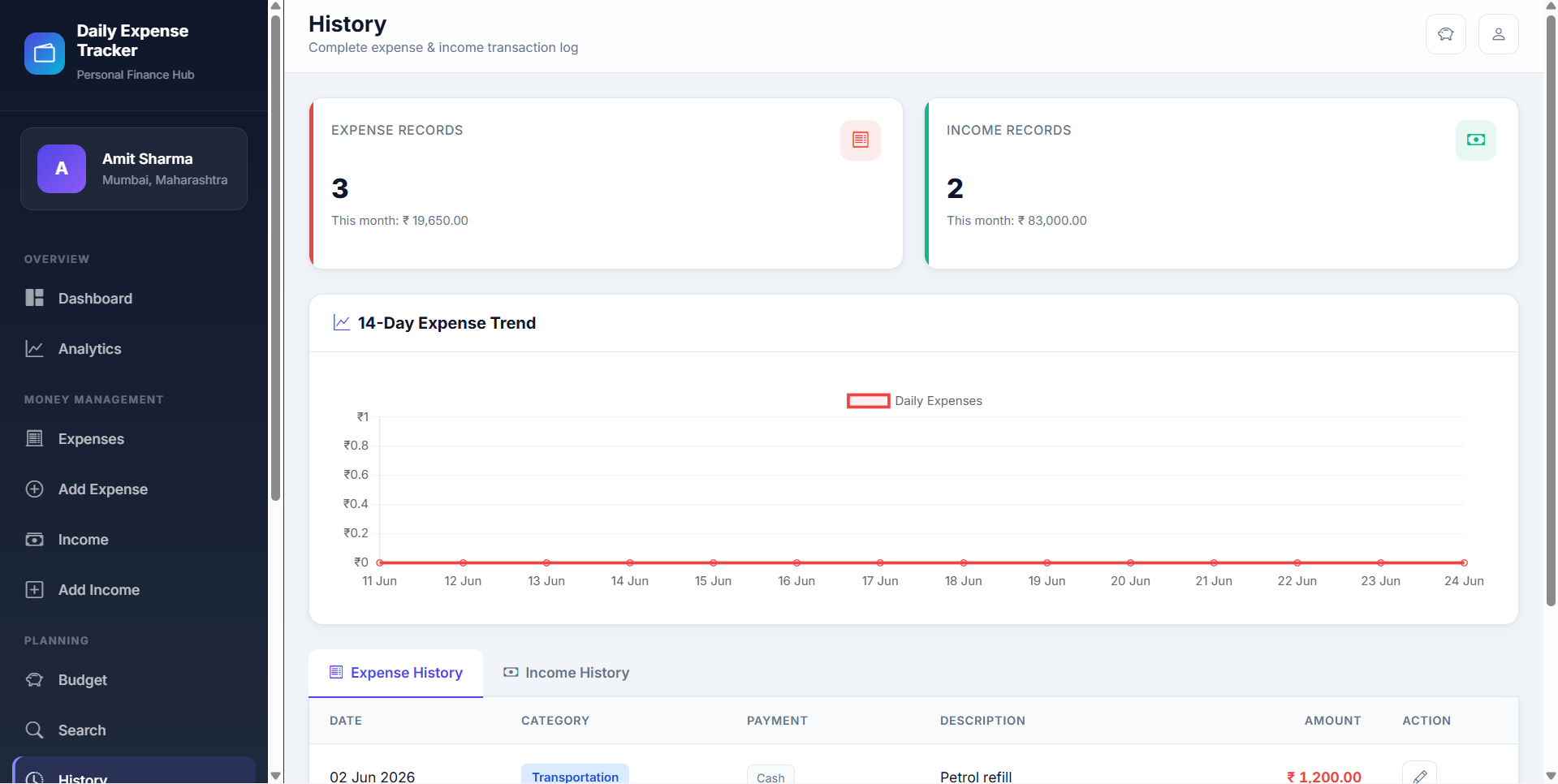
Dashboard: In this section, user can briefly view expenses on a daily basis, monthly basis and yearly basis.
-
Expenses: In this section user can manage the expenses(add/delete).
-
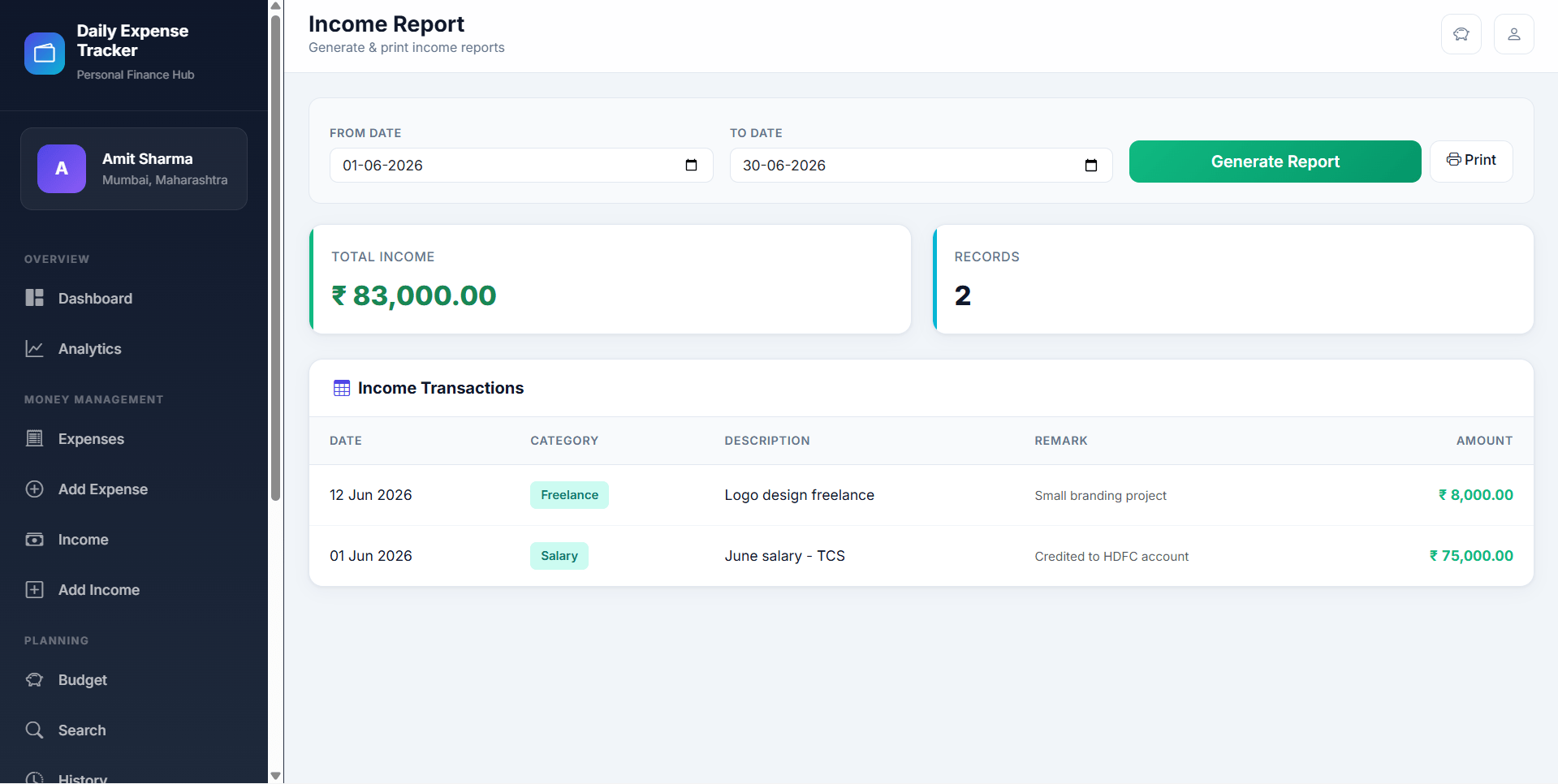
Expense Report: In this section, user can view expenses on day wise basis, month wise basis and year wise basis according to periods of time.
-
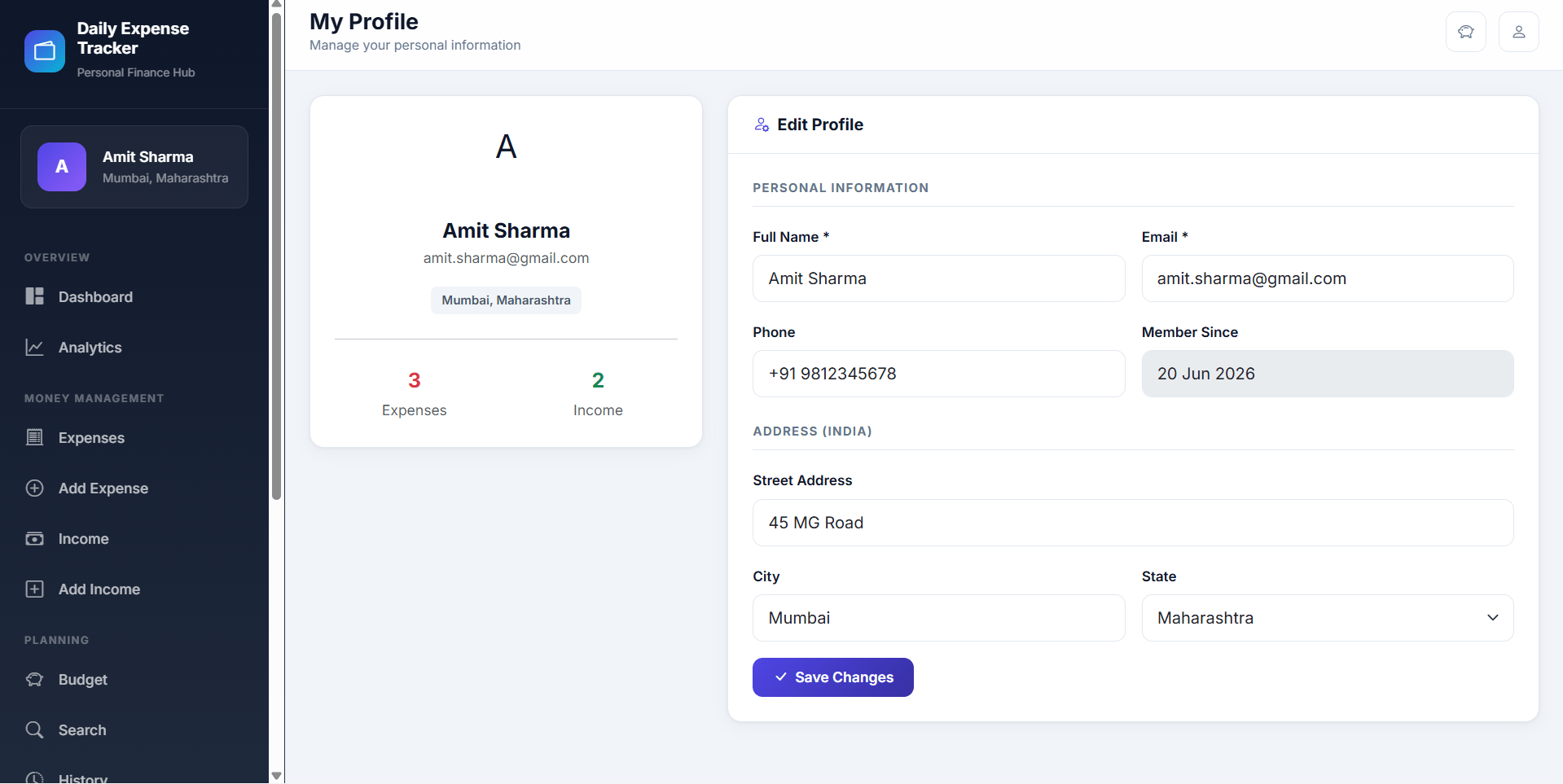
Profile: In this section, user can update his/her profile.
-
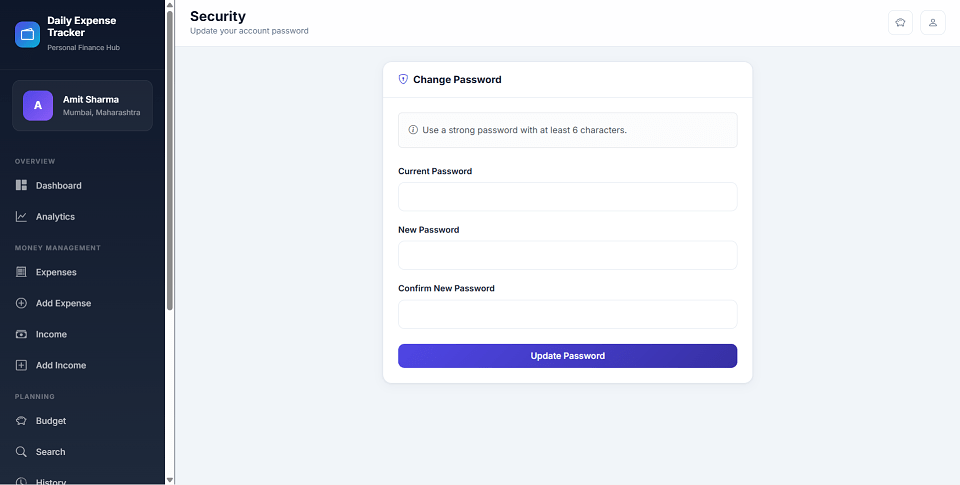
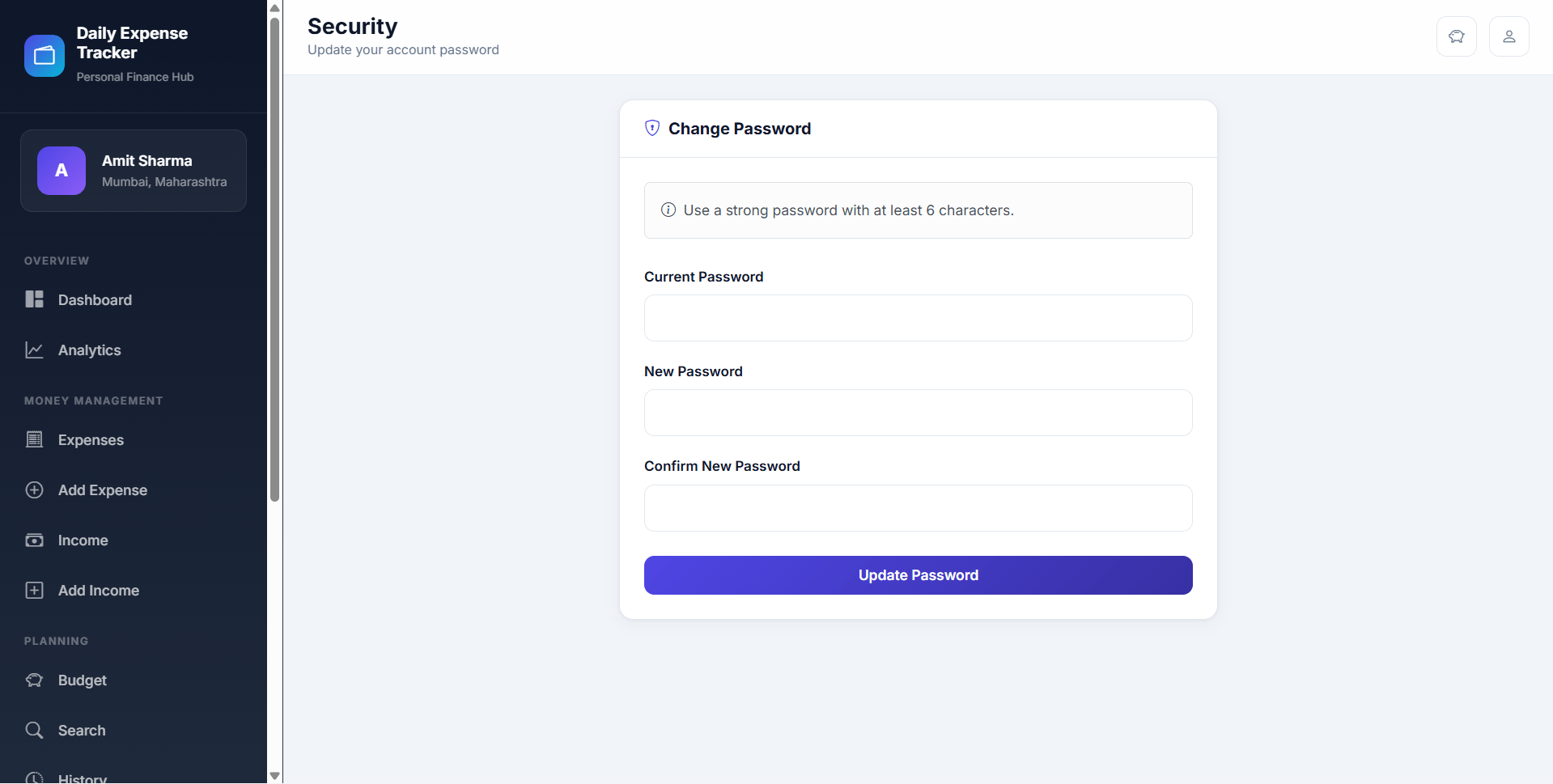
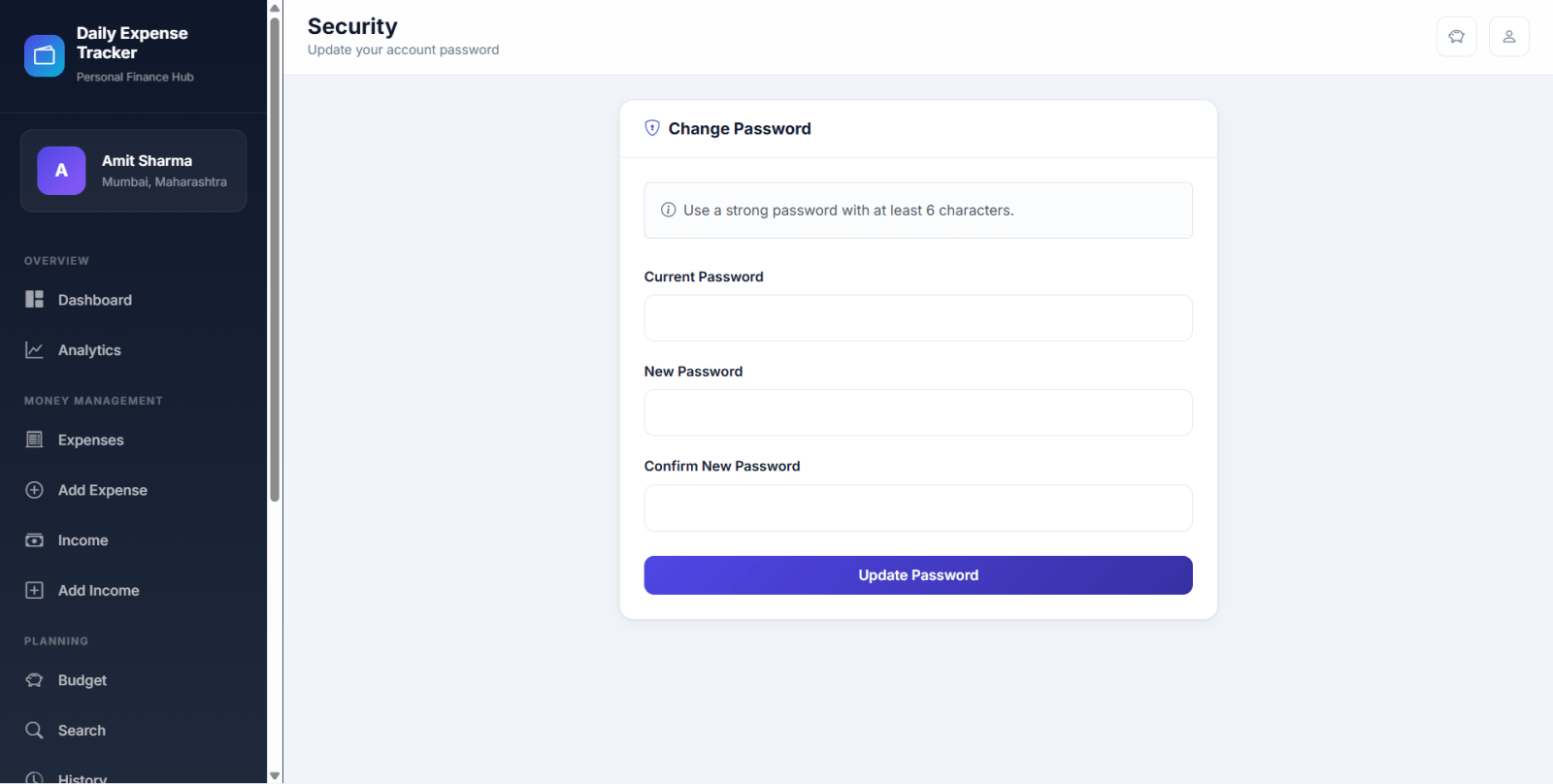
Change Password: In this section, user can change his/her passwords
-
Logout: Through this button, user can log out.
Description
The Daily Expense Tracker System (DETS) is a web-based application used to manage a user's daily expenditures. This project was developed with the use of PHP and MySQL to create a database to store the user's financial records. The system consists of one module, the user, and allows them to keep track of their income, expenses, and budget. With this tool, users can easily identify where their money is going and how much they have left to spend. In addition, the system provides an overview of their financial situation and helps them to make informed decisions about their spending. DETS is a powerful tool for anyone hoping to gain insight into their financial situation and better manage their money.
The Daily Expense Tracker final-year Daily Expense Tracker source code is structured for fast setup and easy customization. You get readable code, clear folder architecture, and a guided README so you can run locally and present confidently.
Source Code Overview
Technical snapshot & environment- Project Name
- Daily Expense Tracker
- Language / Stack
- php
- Database
- MySQL or MongoDB
- Browsers
- Chrome, Firefox, Edge, Opera
- Included in the download
- Frontend,Backend,Database
- Run Scripts
- Documented in README (install, seed, start)
- License
- Academic use for college submission
User Features
Other Features
How to run Daily Expense Tracker
-
Download the zip file.
-
Extract the file and copy "dets" folder.
-
Paste inside root directory(for xampp xampp/htdocs, for wamp wamp/www, for lamp var/www/html).
-
Open PHPMyAdmin (http://localhost/phpmyadmin).
-
Create a database with name "dets".
-
Import dets.sql file(given inside the zip package in SQL file folder).
-
Run the script http://localhost/dets (frontend).
-
For admin Panel http://localhost/dets/admin.
Credentials
| Panel | Username | Password | |
|---|---|---|---|
| Admin | [email protected] | admin | admin@123 |
| User | [email protected] | User | user@123 |
License
Daily Expense Tracker Source Code Tags
Related & Popular Project Reports
Explore more final-year projects you might be interested in
Daily Expense Tracker Major Project Using PHP and MySQL — Source Code
Daily Expense Tracker is a web-based expense management system built with HTML, CSS, JavaScript, PHP, and MySQL that helps users track daily spending, manage expense records, and generate detailed reports. This expense tracker project includes secure user registration and login, expense categorization, brand and payment mode management, search and filter options, and date-wise, monthly, and yearly expense reports. It also features an admin panel to manage users, categories, brands, payment modes, and all expense entries from one dashboard. Designed for simple and organized financial record keeping, this daily expense tracker using PHP and MySQL is ideal for students, beginners, and developers looking for a practical expense management system project with reporting and user management features.
Cyber Cafe Management System Using PHP & MySQL — Source Code
Cyber Cafe Management System Using PHP & MySQL
Online Doctor Appointment Using PHP and MySql — Source Code
The Online Doctor Appointment System is an open-source web application developed using PHP, HTML, CSS, and MySQL. It allows patients to book medical appointments online with doctors from clinics or hospitals. The system provides three roles: Admin, Doctor, and Patient. Admins can manage doctors and appointments, doctors can view and manage their schedules and patient details, while patients can book appointments, view previous bookings, and manage their account. The project is designed to simplify the appointment scheduling process for both patients and healthcare providers.
Doctor Appointment Management System Using PHP and MySQL — Source Code
“Doctor Appointment Management System” is responsible for keeping all the records of doctor appointments that are taken by users. This system helps the patient take an appointment online and save time. The main objective of the “Doctor Appointment Management System” project is to provide easier doctor appointment and gets appointment online which save lots of time. In Doctor Appointment Management Project we use PHP and MySQL Database. This project has two modules i.e. doctor and user.
Blood Bank & Donor Management System using PHP and MySQL — Source Code
Blood Bank and Donor Management System is a web-based application. The persons who like to donate blood register in the Blood Bank application. The persons in need of blood search for the persons having the same blood group and within the city. If he found a donor in his city then he gets the total details of the donor, if he doesn’t find any donor then he is given the contact numbers and addresses of the Life-Saving Contact Persons for major cities.
Student Record System Using PHP and MySQL — Source Code
Student Record System is a web-based technology that manages student databases and provides rights to update the details. In this web application, Students must be registered by admin. This web application provides a way to effectively control records & track student details.
Hospital Management System — Source Code
Hospital Management System (HMS) is a web-based application developed to streamline the management of medical facilities. It facilitates the registration of patients, storing their details securely in the system. The system provides a unique identification for each patient and stores their personal information. Access to the system is provided to an administrator with a username and password. This person is responsible for entering data into the database. The user-friendly interface allows for easy retrieval of data when needed. Data stored in the system is secured for personal use and its efficient data processing capabilities ensure fast access.
News Portal Project in PHP and MySql — Source Code
News Portal Project using PHP and MySQL is a web based application. It is a dynamic system. It can be maintain and changed easily because it is based on database. It’s contain web pages that are generated in real-time. These pages include Web scripting code, such as PHP. It is fully secured from unauthorized access. In a word In a word it can say that our Online News Portal website is a completely dynamic website.
Online Footwear Shopping System in PHP and MySQL — Source Code
<p>SoleCraft is a full-featured online footwear shopping system built with PHP and MySQL. It includes a customer storefront and an admin dashboard for managing products, orders, users, payments, reviews, inventory, and reports. Customers can browse shoes by category and brand, add products to cart or wishlist, place orders using Cash on Delivery or manual bank transfer, track orders, manage profiles, submit reviews, and view notifications. The admin panel provides complete control over catalog management, stock updates, order processing, payment verification, customer records, product reviews, feedback messages, sales reports, and notification management. This PHP eCommerce project is ideal for students, developers, and businesses looking for an online shoe store website with source code.</p>
Art Gallery Management System using PHP and MySQL — Source Code
The Art Gallery Management System has been designed to override the problem of the existing manual system. This web application is supported to eliminate and in some cases reduce the hardship faced by manual systems. The application is reduced as much as possible to avoid errors while entering the data. It also provides a message while entering invalid data. No formal knowledge is required for the user to operate this system. Overall we said that the Art Gallery Management System project in PHP is user-friendly. In Art Gallery Management Project we use PHP and MySQL Database. This project keeps records of user inquiries, art products, and art artists. Art Gallery Management System has two modules i.e. admin and user.
Online Bus Booking Portal in PHP and MySQL — Source Code
SkyLine Bus is a complete online bus booking portal developed using core PHP and MySQL. This full-stack bus reservation system project includes a user-friendly traveler portal and a powerful admin dashboard for managing buses, routes, schedules, bookings, passengers, and support messages. The project is built without any framework dependency, making it ideal for students, beginners, and developers looking for a PHP bus booking system source code for learning or deployment. The front end is designed with Bootstrap 5 and Bootstrap Icons, delivering a responsive and modern interface. This bus ticket booking system in PHP and MySQL allows users to search buses by source, destination, and date, view trip details, select seats, book tickets, manage reservations, print e-tickets, and access booking history. On the admin side, the system provides complete control over fleet management, route management, schedule management, booking operations, user management, reports, and contact support handling. SkyLine Bus is suitable for academic projects, final-year submissions, mini projects, and demo-based transportation booking solutions.
User Management System in PHP using Stored Procedure — Source Code
A stored procedure is a set of SQL commands that have been compiled and stored on the database server. Once the stored procedure has been “stored”, client applications can execute the stored procedure over and over again without sending it to the database server again and without compiling it again. Stored procedures improve performance by reducing network traffic and CPU load.
Quick actions
What we provide
Project reports, source code, and PPTs tailored for final-year students. Explore, or message us for a custom build.