Zoo Management System Using PHP and MySQL Source Code ( Final Year)
Download clean, well-commented Zoo Management System Using PHP and MySQL source code for final year projects — easy to run, demo-ready, and mentor-friendly.
- PHP Project
- MySQL / MongoDB
- Setup guide & demo steps
- Beginner-friendly
Keywords: source code, final year project code, Zoo Management System Using PHP and MySQL Git, documentation, installation guide, php project, college project demo.




Download Source Code
Admin Features
The admin panel includes advanced tools to manage the complete zoo database and operations efficiently.
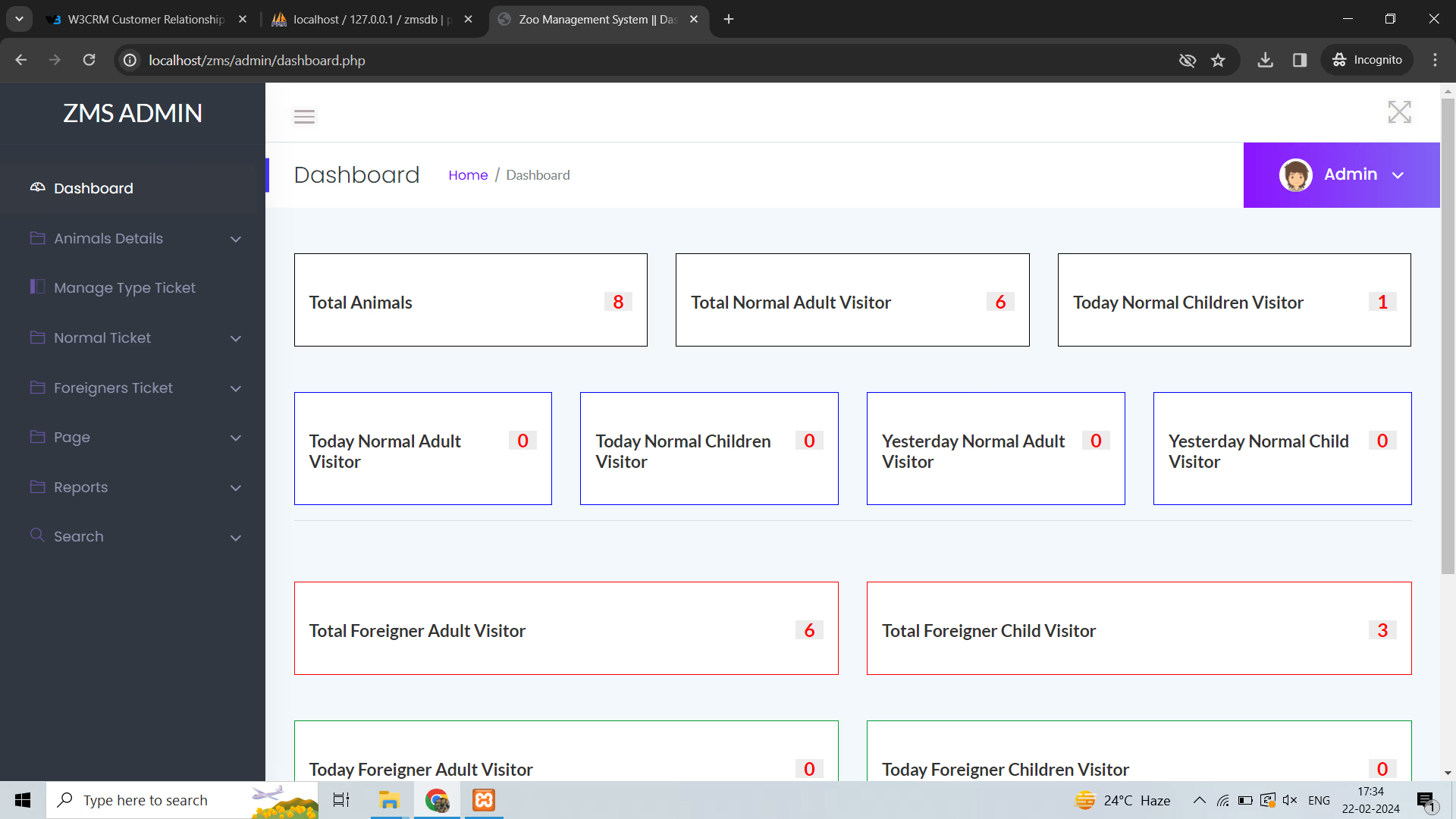
- Admin Dashboard with statistics for users, animals, bookings, tickets, staff, inventory, and reports
- Brand Management with full CRUD operations and soft delete
- Category Management for animal classification
- Enclosure Management to organize zoo habitats and sections
- Animal Management with complete add, edit, update, and delete functions
- Staff Management to add, update, and deactivate zoo staff
- Feeding Schedule Management to manage feeding routines for animals
- Feeding Log System to record feeding history
- Medical Records Management to add, update, and close animal health cases
- Inventory Management with stock in, stock out, and low stock alerts
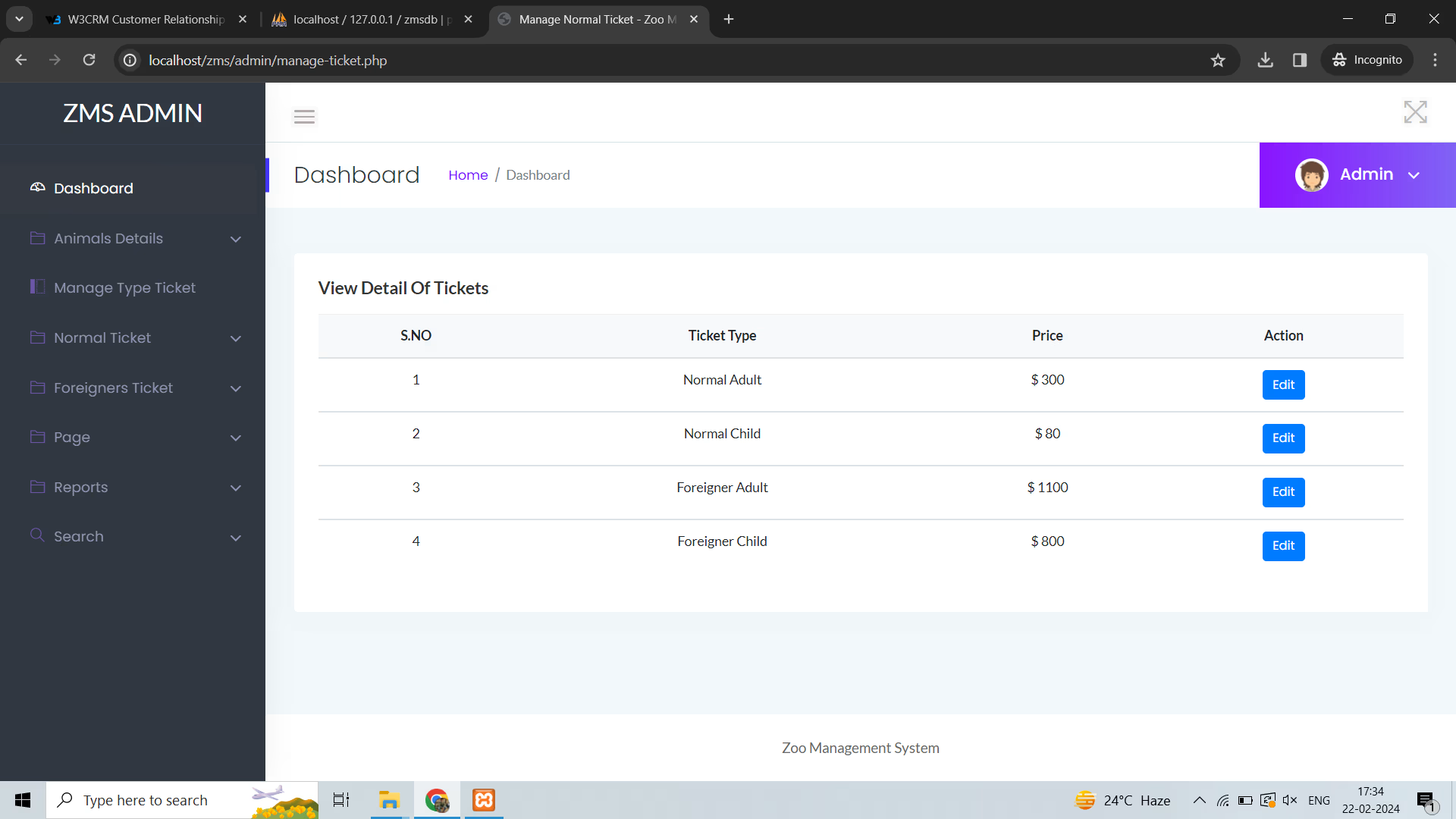
- Ticket Type Management for pricing and ticket categories
- Ticket Management to track and update ticket status
- Visit Booking Management with confirm and reject options
- User Management with block, unblock, and password reset features
- Enquiry Management to reply to visitor questions
- Feedback Moderation for reviewing and managing user feedback
- CMS Management to update About Us, Rules, Timings, and Contact pages
- Gallery Management to upload and manage zoo images
- Reports Module for ticket sales, visit bookings, medical reports, and inventory reports
- Admin Profile and Settings Management
Description
The final-year Zoo Management System Using PHP and MySQL source code is structured for fast setup and easy customization. You get readable code, clear folder architecture, and a guided README so you can run locally and present confidently.
What you’ll build & learn
- Implement core modules and end-to-end workflow
- Connect to database and handle CRUD operations
- Follow best practices for project structure & comments
Included in the download
Source Code Overview
Technical snapshot & environment- Project Name
- Zoo Management System Using PHP and MySQL
- Language / Stack
- php
- Database
- MySQL or MongoDB
- UI Technologies
- HTML, AJAX, jQuery, JavaScript, Bootstrap
- Browsers
- Chrome, Firefox, Edge, Opera
- Run Scripts
- Documented in README (install, seed, start)
- License
- Academic use for college submission
User Features
The frontend or user side is designed to give visitors a smooth experience while browsing the zoo website.
- User Registration and Login System
- Forgot Password using Gmail SMTP with App Password
- Secure Authentication and Logout
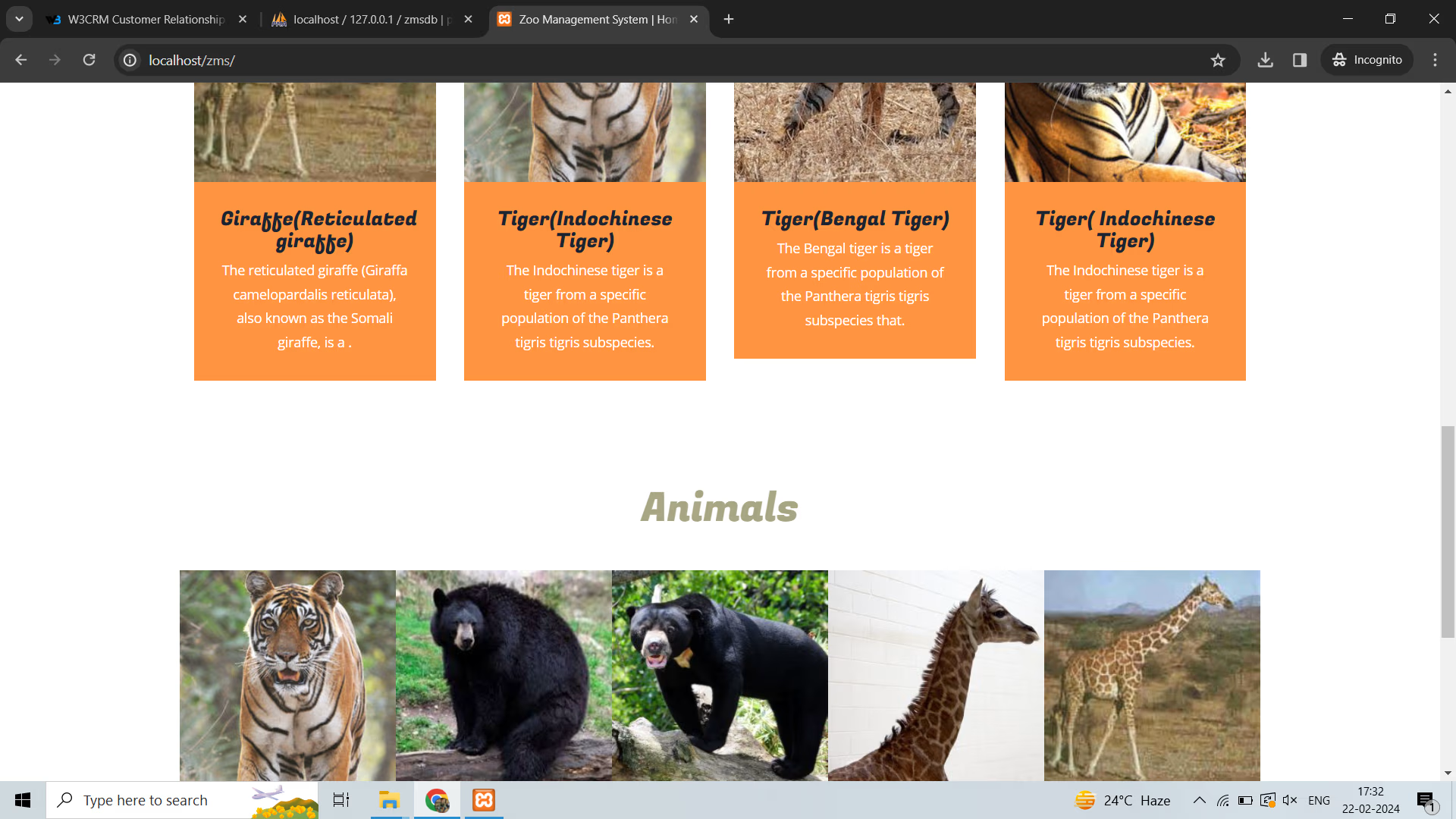
- Browse Animals and Enclosures
- View Gallery, Rules, Timings, and Contact Information
- Online Ticket Purchase Entry for record/offline booking
- Print Ticket Feature
- Visit Slot Booking System with date and time
- Enquiry Submission and Reply Viewing
- Feedback Submission
- User Profile Management
- Change Password Feature
Other Features
- Developed using Core PHP and MySQL
- No framework used
- No Composer dependency
- Clean and simple code structure
- Easy installation and setup
- Beginner-friendly and developer-friendly
- Responsive and easy-to-customize layout
- Practical college project in PHP
- Suitable for final year students
- Useful as a zoo administration software project
- Includes database.sql for quick database import
- Includes seed.php for dummy data and default login generation
- Upload folders auto-created by configuration
- Lightweight architecture for fast performance
How to run Zoo Management System Using PHP and MySQL
Follow these steps to run the Zoo Management System PHP project on your local server or live hosting.
Step 1: Create Database
Create a new MySQL database and import the database.sql file.
Step 2: Configure Database Connection
Open config/database.php and update the following details:
- DB_HOST
- DB_USER
- DB_PASS
- DB_NAME
Step 3: Configure Gmail SMTP for Forgot Password
Open config/config.php and set:
SMTP_USER= your Gmail addressSMTP_PASS= your Gmail App Password
Step 4: Generate Gmail App Password
- Enable 2-Step Verification in your Google account
- Go to Google Account > Security > App Passwords
- Generate a password for Mail
- Copy the 16-character app password into
SMTP_PASS
Step 5: Run Seed File
Open seed.php in your browser or run:
php seed.php
Step 6: Start Using the Project
After setup, open home.php in your browser and start using the system.
Credentials
Admin Login
- Username: admin
- Password: admin123
User Login
- Email: [email protected]
- Password: user123
License
Zoo Management System Using PHP and MySQL Source Code Tags
Related & Popular Project Reports
Explore more final-year projects you might be interested in
Student Record System Using PHP and MySQL — Source Code
Student Record System is a web-based technology that manages student databases and provides rights to update the details. In this web application, Students must be registered by admin. This web application provides a way to effectively control records & track student details.
Cyber Cafe Management System Using PHP & MySQL — Source Code
Cyber Cafe Management System Using PHP & MySQL
Daily Expense Tracker — Source Code
The Daily Expense Tracker System (DETS) is a web-based application used to manage a user's daily expenditures. This project was developed with the use of PHP and MySQL to create a database to store the user's financial records. The system consists of one module, the user, and allows them to keep track of their income, expenses, and budget. With this tool, users can easily identify where their money is going and how much they have left to spend. In addition, the system provides an overview of their financial situation and helps them to make informed decisions about their spending. DETS is a powerful tool for anyone hoping to gain insight into their financial situation and better manage their money.
Online Food Ordering Using PHP and MySql — Source Code
The Online Food Ordering System is a PHP-based web application designed for restaurants and food service providers to manage online orders efficiently. This system allows users to create accounts, browse menus, and place food orders seamlessly. It features an admin panel for managing users, restaurants, and orders, ensuring smooth operation for both customers and restaurant staff. With a user-friendly interface, this project is ideal for B.Tech, BCA, and MCA final year students looking to develop a practical solution for the food service industry.
Men Salon Management System Using PHP and MySQL — Source Code
Men Salon Management System Using PHP and MySQL
Weather Forecasting System using PHP and MySQL — Source Code
Weather Forecasting System in PHP and MySQL is a modern weather prediction and weather information web application that allows users to search weather details by city name and view real-time weather conditions, 3-hour interval updates, and a 5 to 6-day weather forecast. This project is integrated with the OpenWeather API to fetch live weather data including temperature, humidity, wind speed, atmospheric pressure, and weather conditions
Shopping Portal — Source Code
E-commerce involves any transaction made over the Internet. In online marketing, a shopping cart is a piece of software on a web server that enables customers to purchase items from an Internet site. This software allows customers to add items to their “shopping cart” or “basket”, depending on the region. Upon checkout, the software typically calculates a total for the order, including shipping and handling charges and the associated taxes. This enables customers to complete their purchase with ease, quickly and securely.
Three Level Password Authentication Using PHP — Source Code
Three-level password authentication in PHP involves verifying a user's password, selecting a predefined color, and verifying the selection with an OTP (One-Time Password). This process enhances security by adding multiple layers of verification before granting access. The user first enters their password, then selects a color from a predefined set, and finally receives an OTP to complete the authentication process.
Online Food Ordering System using PHP and MySQL - Swiggy Clone — Source Code
Online Food Ordering System in PHP and MySQL is a complete Swiggy Clone project developed using Core PHP and MySQL. This web-based food delivery management system includes a powerful Admin Panel, dedicated Vendor Panel, and feature-rich User Panel for managing restaurants, food items, orders, offers, payments, reviews, and customer accounts. This Swiggy Clone in PHP MySQL with source code is designed for students, developers, and startups who want to build or learn from a real-world online food delivery system. It supports restaurant listing, food menu management, cart functionality, coupon system, order tracking, customer reviews, delivery charge settings, tax settings, and revenue reporting
IFSC Code Finder Project Using PHP — Source Code
IFSC Code Finder Project Using PHP is a web-based application that helps the user to find the IFSC code of any bank instantly. In “IFSC Code Finder Project” we use PHP and MySQL database. It has two modules i.e. user and admin. In the present system, Users have to visit the bank to ask ISFC Code. This IFSC Code finder project helps the user to find IFSC Code online from anywhere.
Dairy Farm Shop Managment System — Source Code
The Dairy Farm Shop Management System (DFSMS) is a web-based application designed to help dairy shop owners effectively manage their products. The system comprises of a single module, the admin module, which allows the store owner to handle all aspects of their business. The admin module enables the store owner to add, update and delete products, assign staff to specific tasks, track stock levels, manage customer accounts and generate reports. DFSMS is designed with the aim of providing an efficient and user-friendly system to streamline the management of dairy shop operations.
Quick actions
What we provide
Project reports, source code, and PPTs tailored for final-year students. Explore, or message us for a custom build.