01 Source Code Only
₹99
One-time Payment
- Complete project source code
- Database / data resources
- Dependencies & configuration
- README / setup guide
- Instant download access
Complete final-year project source code with frontend, backend, database and setup documentation. Instant download after secure payment.
Hover to zoom · Click to expand
Simple pricing. Instant access. Secure checkout.
01 Source Code Only
One-time Payment
02 Code + Setup Support
One-time Payment
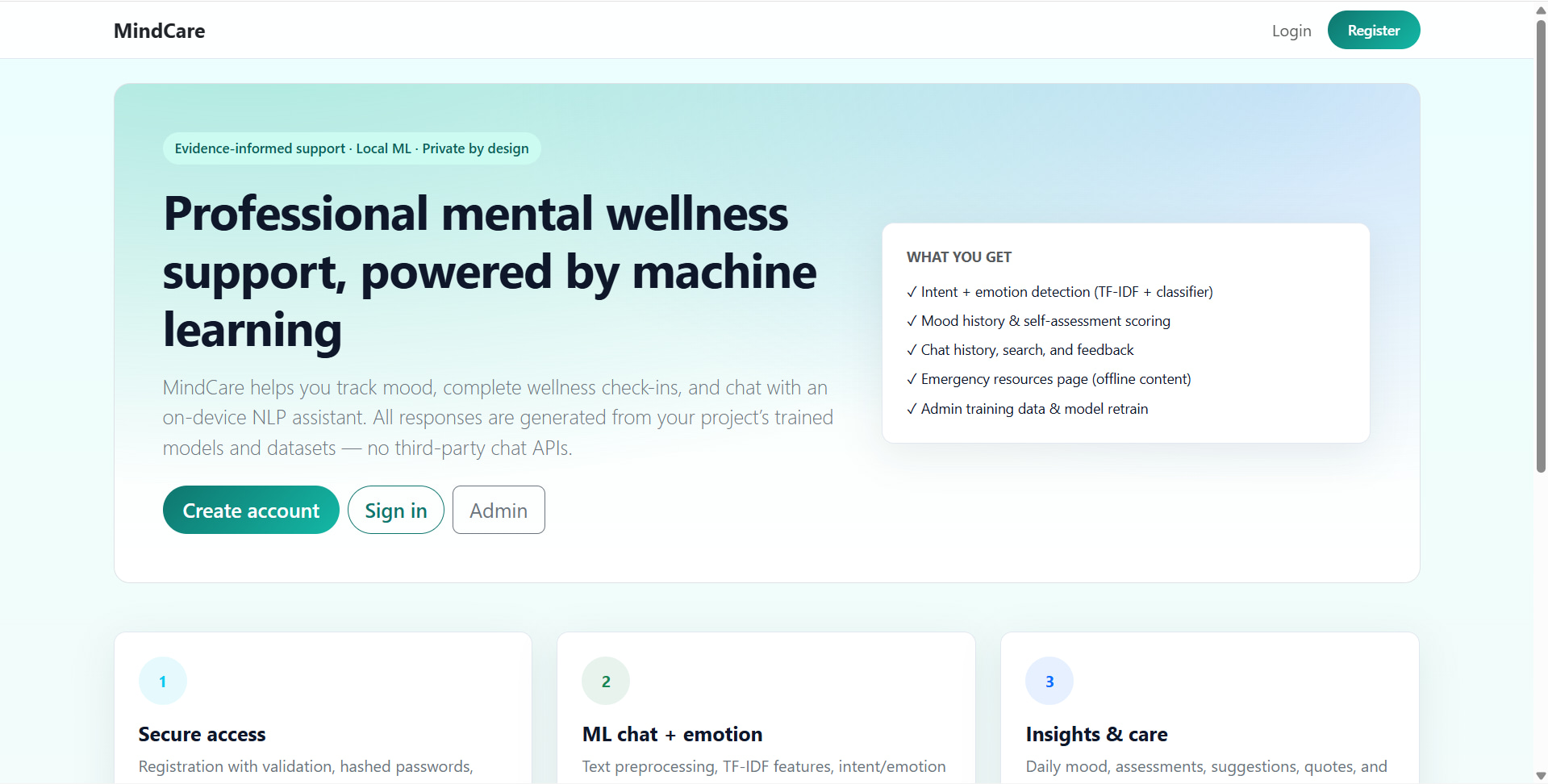
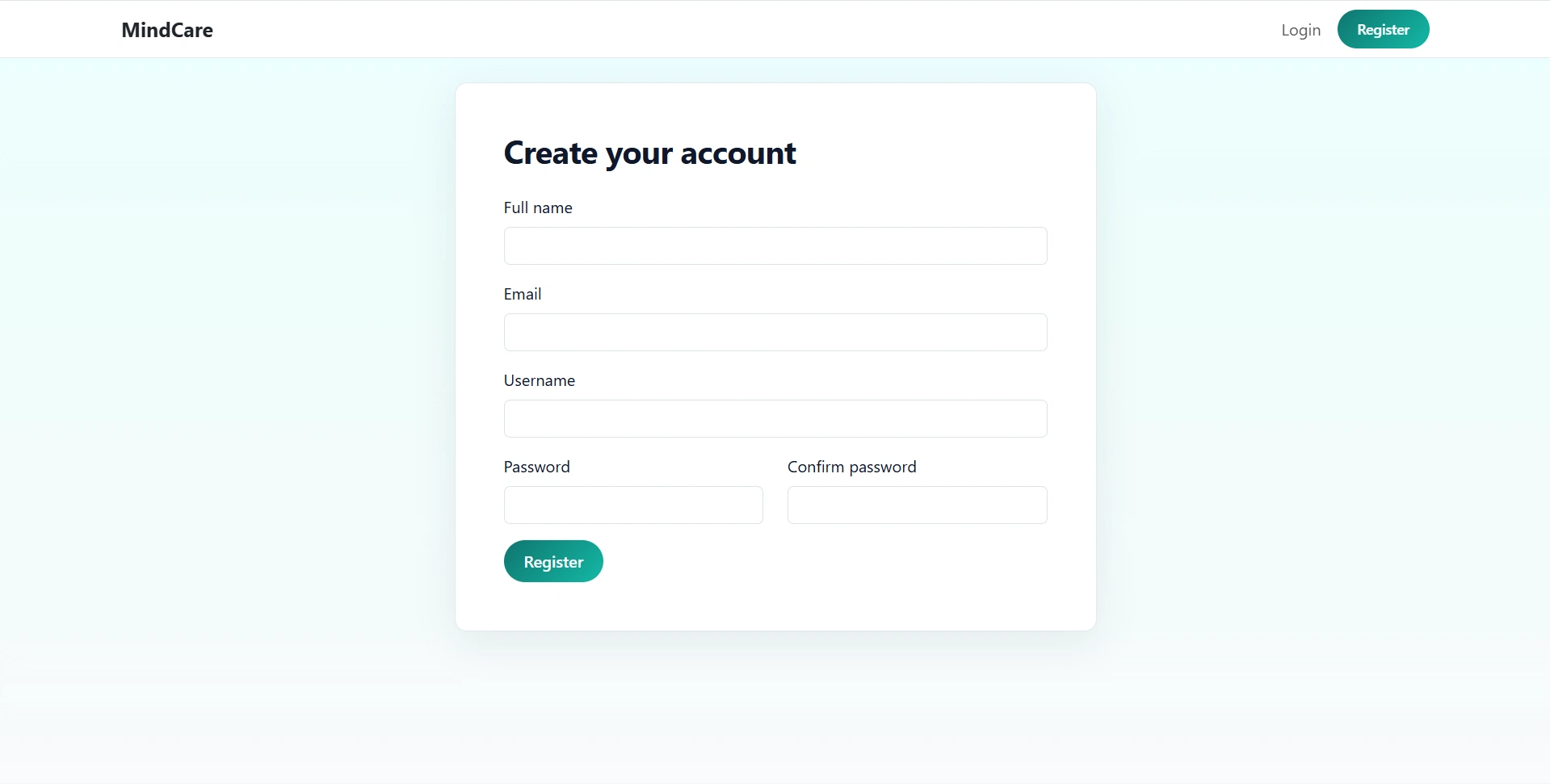
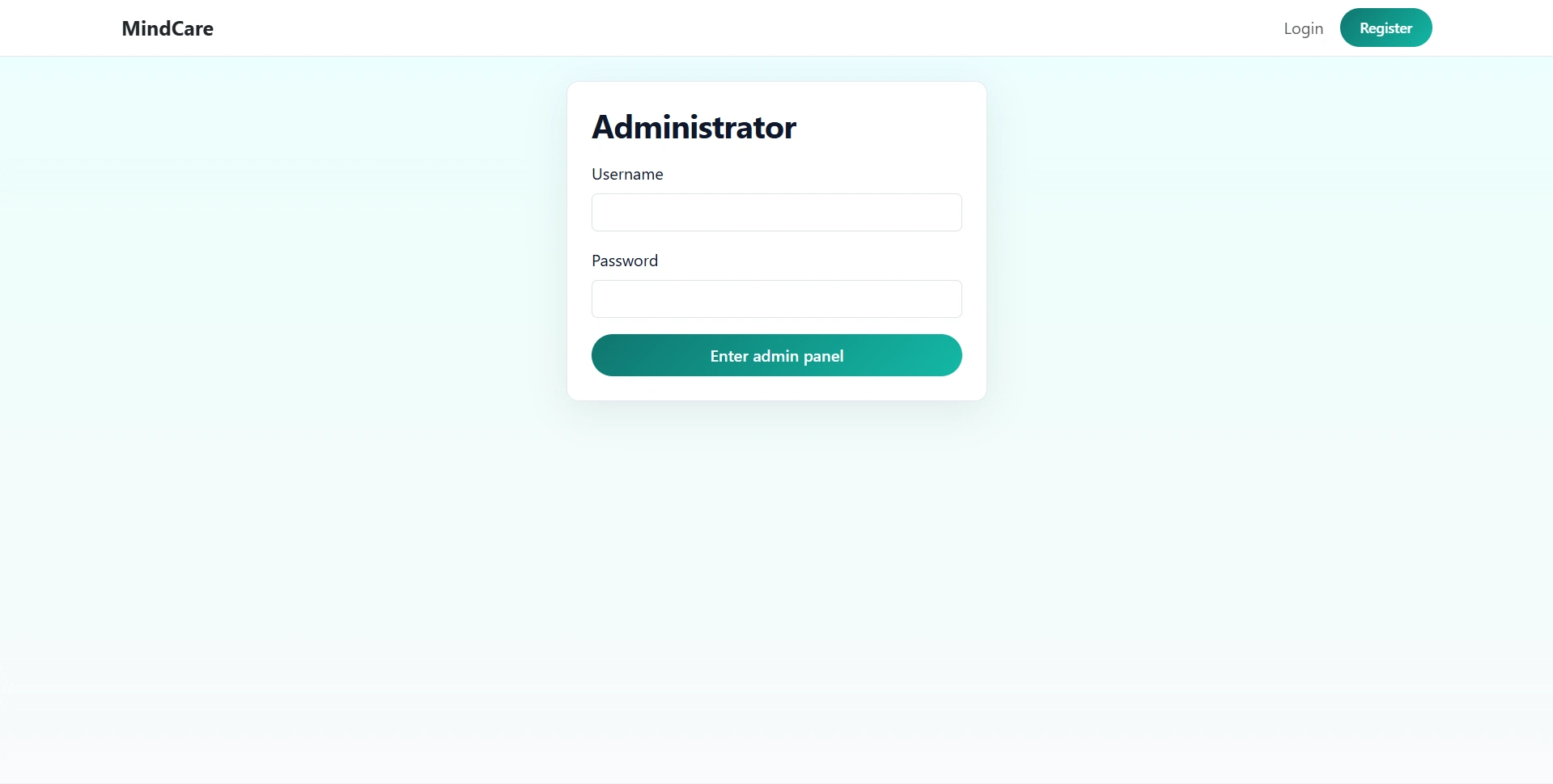
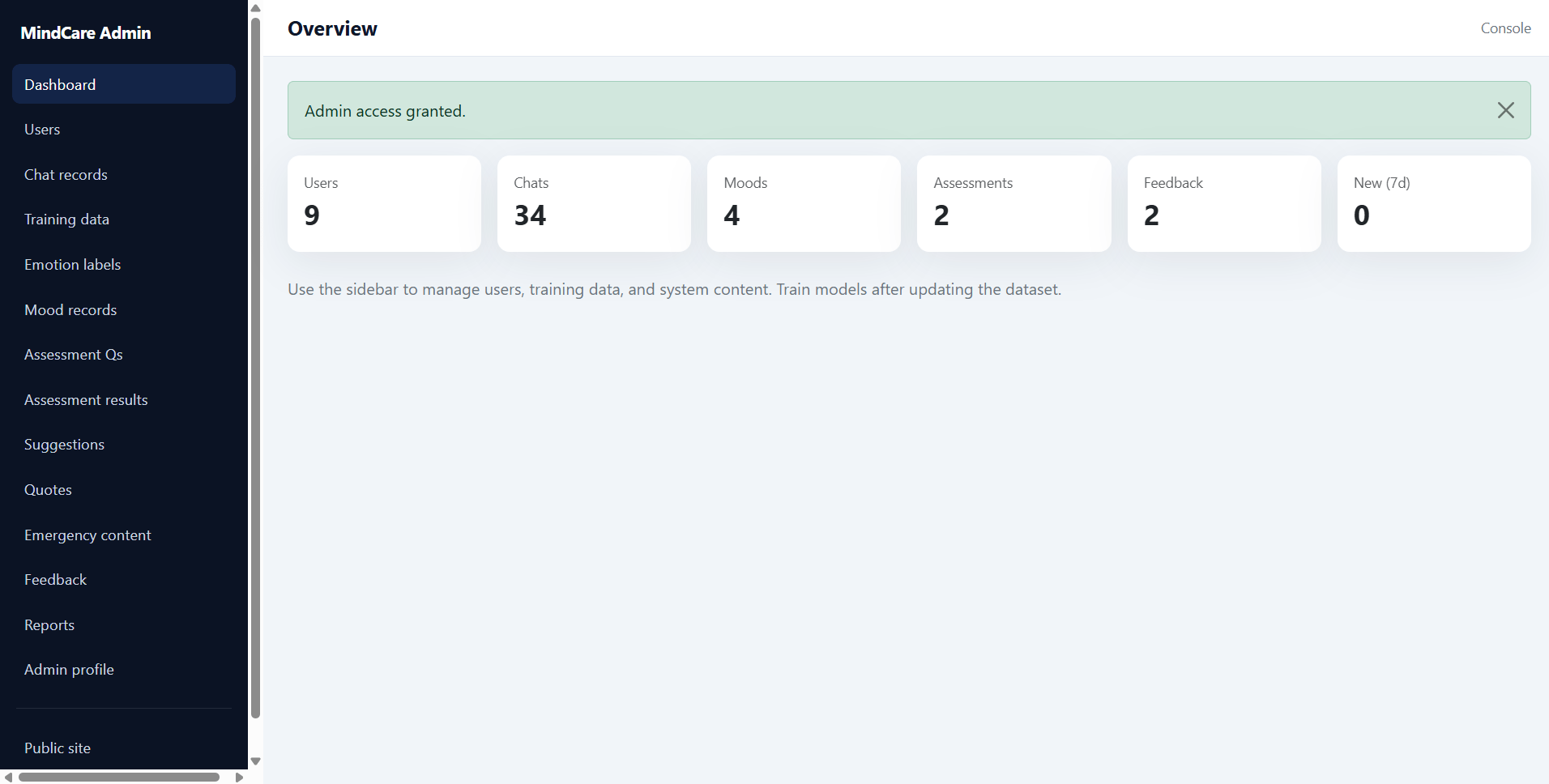
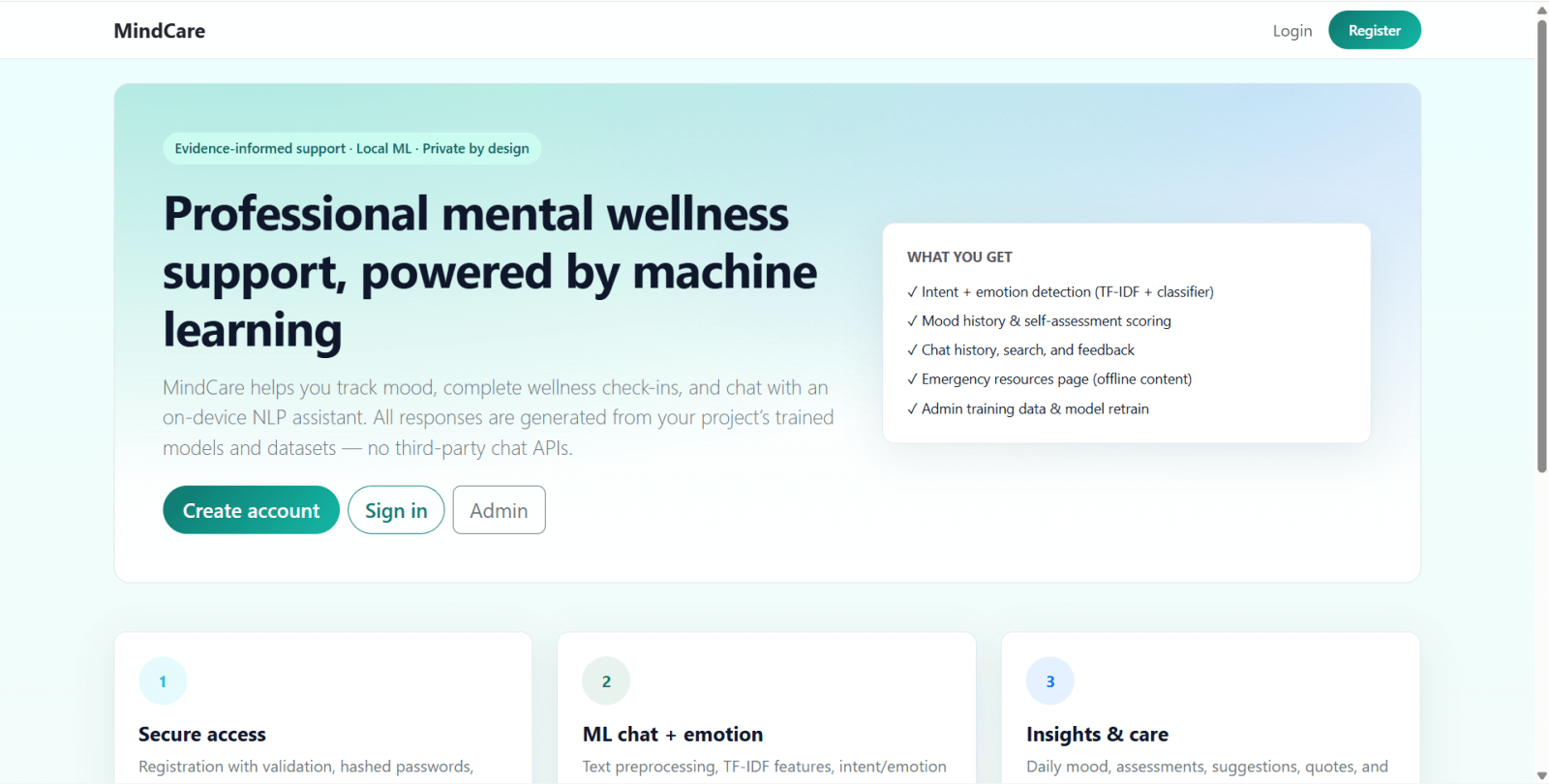
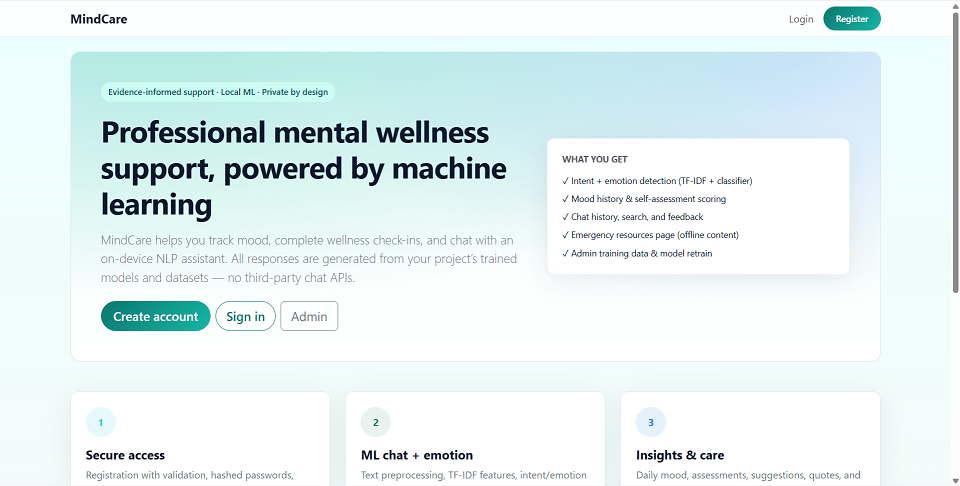
MindCare is a mental health chatbot web application built with Python Flask and Machine Learning. It helps users with mental wellness support, mood tracking, self-assessments, chat history, and emotional analysis. The system uses NLP, TF-IDF, Logistic Regression, and rule-based response selection to generate chatbot replies from local training data. It also includes a powerful admin panel to manage users, chatbot training data, emotion labels, assessments, reports, and wellness content.
This Flask mental health project is designed for academic projects, final year projects, portfolio websites, and machine learning demos. OpenAI integration is optional and can be enabled in code for AI-generated responses.
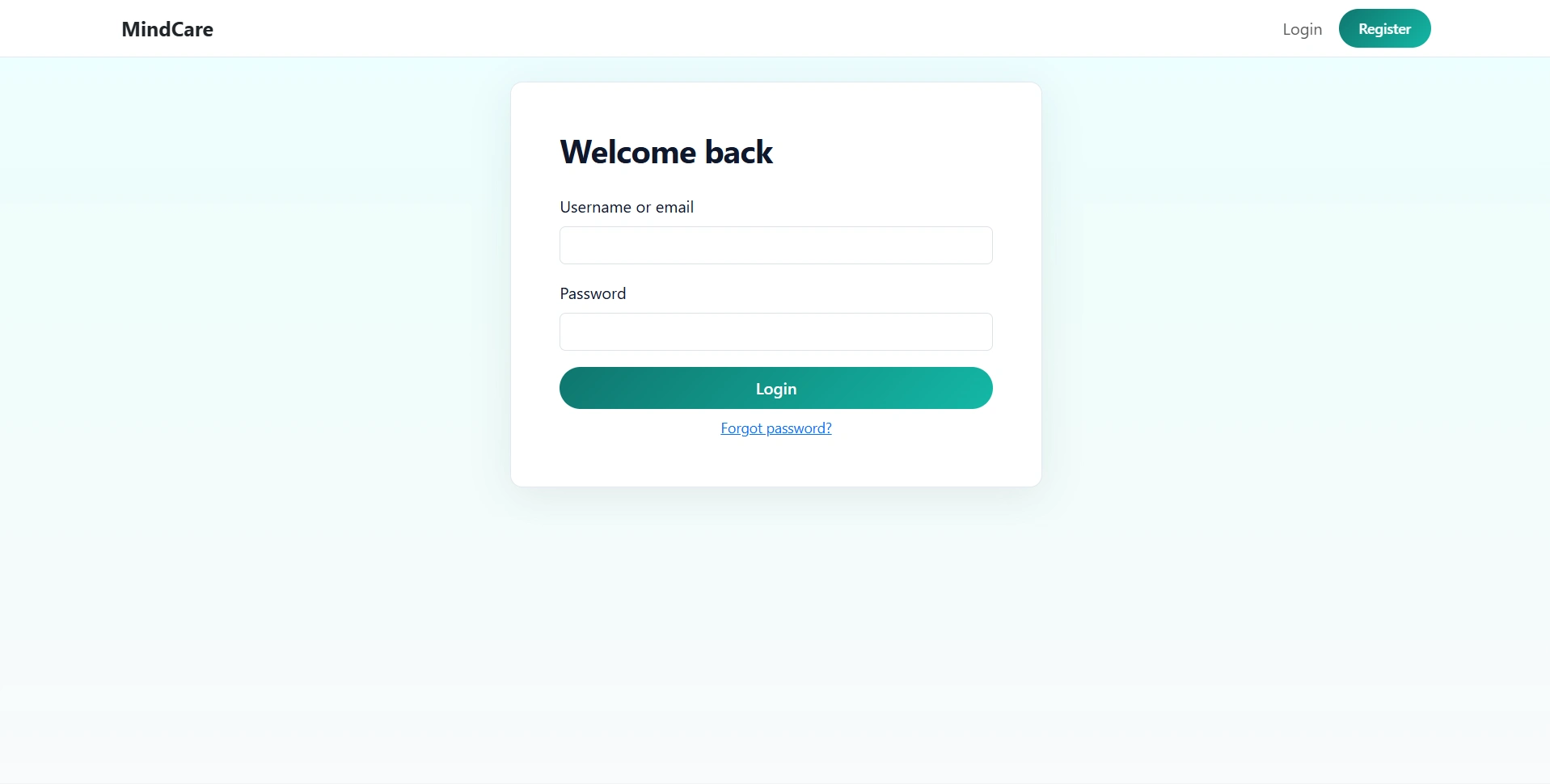
http://127.0.0.1:5000/admin/loginadminadmin123http://127.0.0.1:5000/loginDemo accounts:
alice / password123bob / password123carol / password123david / password123emma / password123frank / password123grace / password123henry / password123cd "path/to/Mental HEalth Chatbot Using ML"
python -m venv .venv
.venv\Scripts\activate
pip install -r requirements.txt
Create a .env file in the project root:
SECRET_KEY=your-secret-key-for-production
OPENAI_API_KEY=
OPENAI_MODEL=gpt-4o-mini
python seed_database.py
python run.py
http://127.0.0.1:5000
http://127.0.0.1:5000/admin/loginadminadmin123http://127.0.0.1:5000/loginDemo accounts:
alice / password123bob / password123carol / password123david / password123emma / password123frank / password123grace / password123henry / password123