01 Source Code Only
₹99
One-time Payment
- Complete project source code
- Database / data resources
- Dependencies & configuration
- README / setup guide
- Instant download access
Complete final-year project source code with frontend, backend, database and setup documentation. Instant download after secure payment.
Hover to zoom · Click to expand
Simple pricing. Instant access. Secure checkout.
01 Source Code Only
One-time Payment
02 Code + Setup Support
One-time Payment
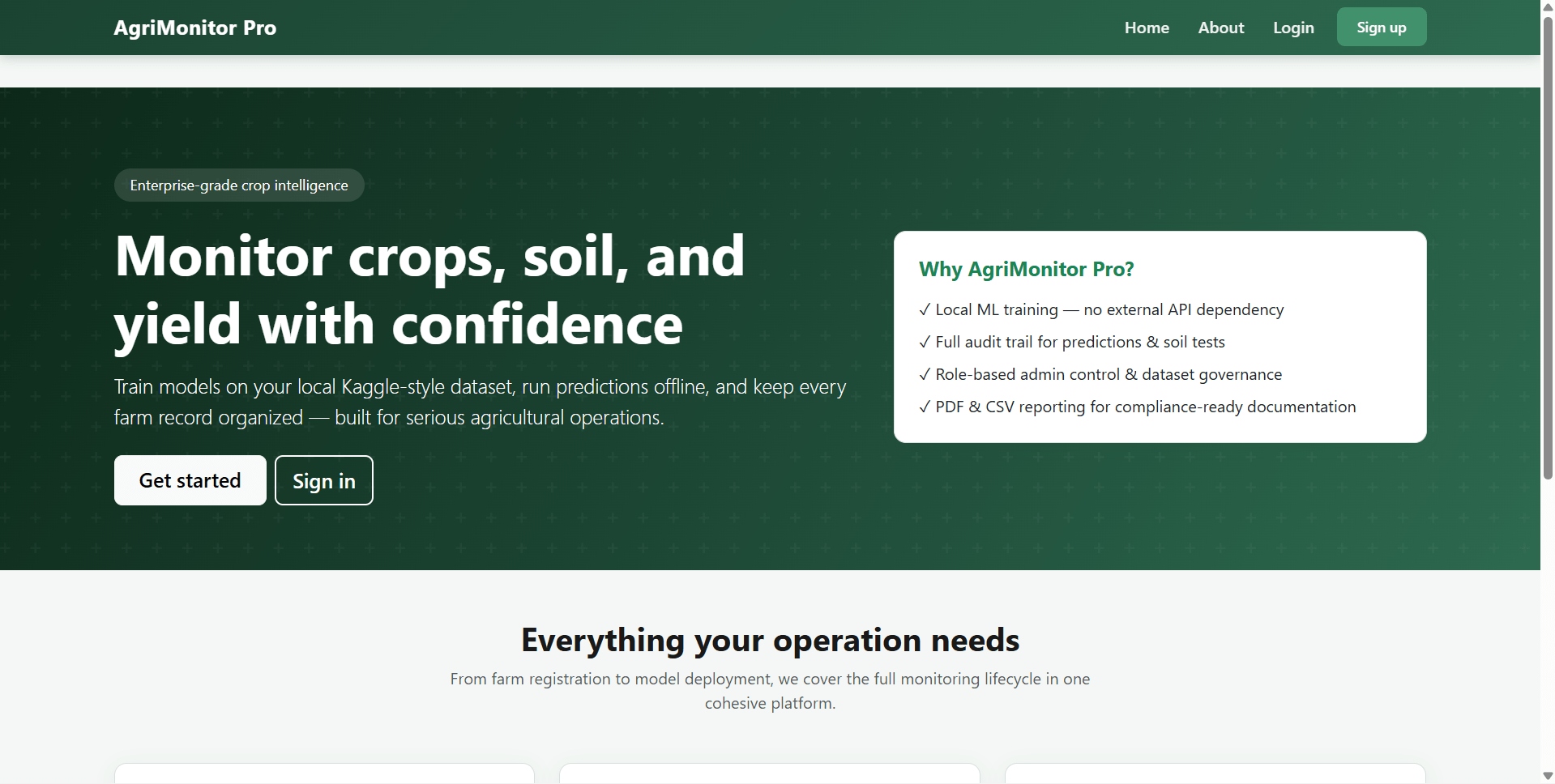
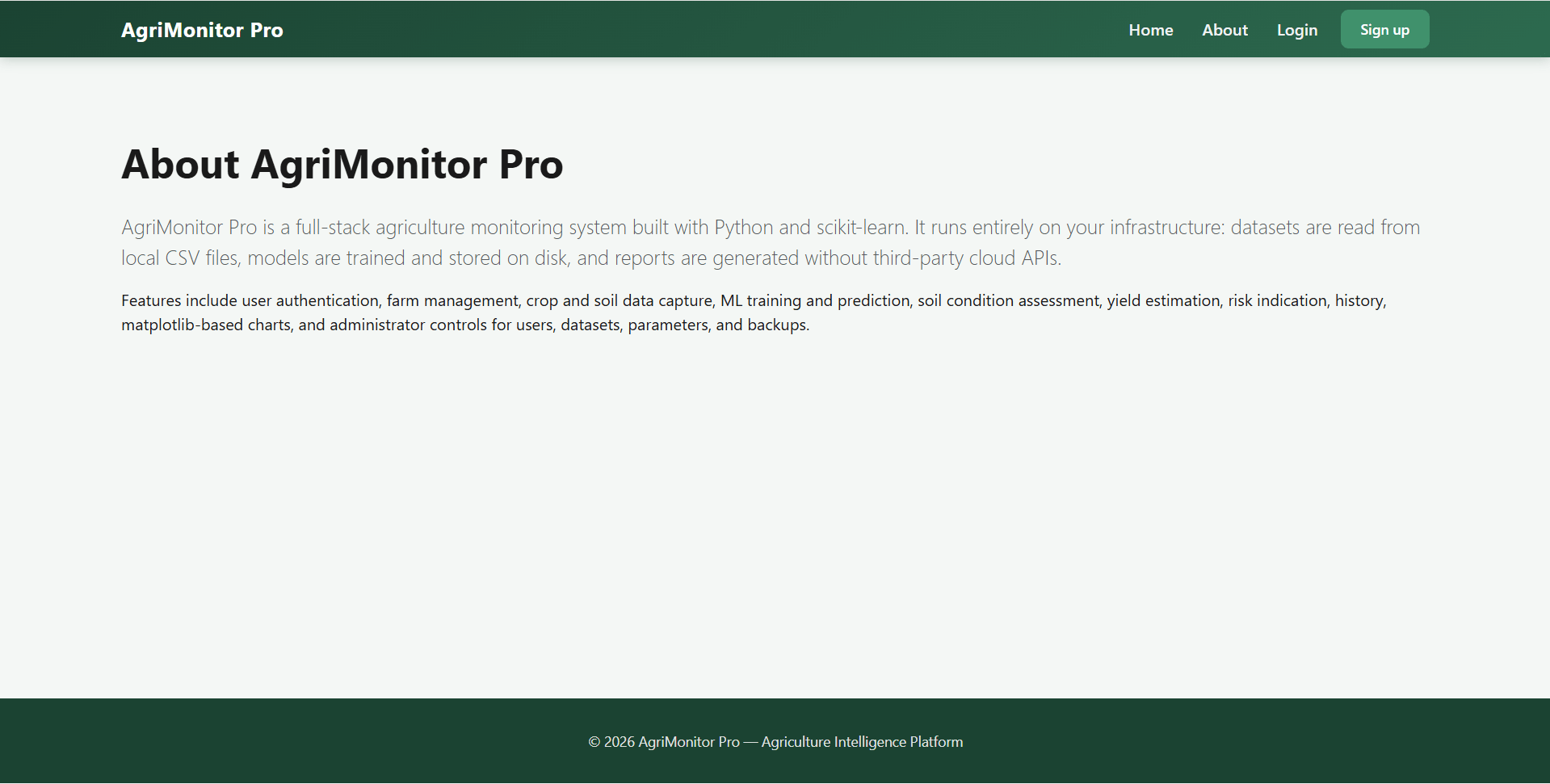
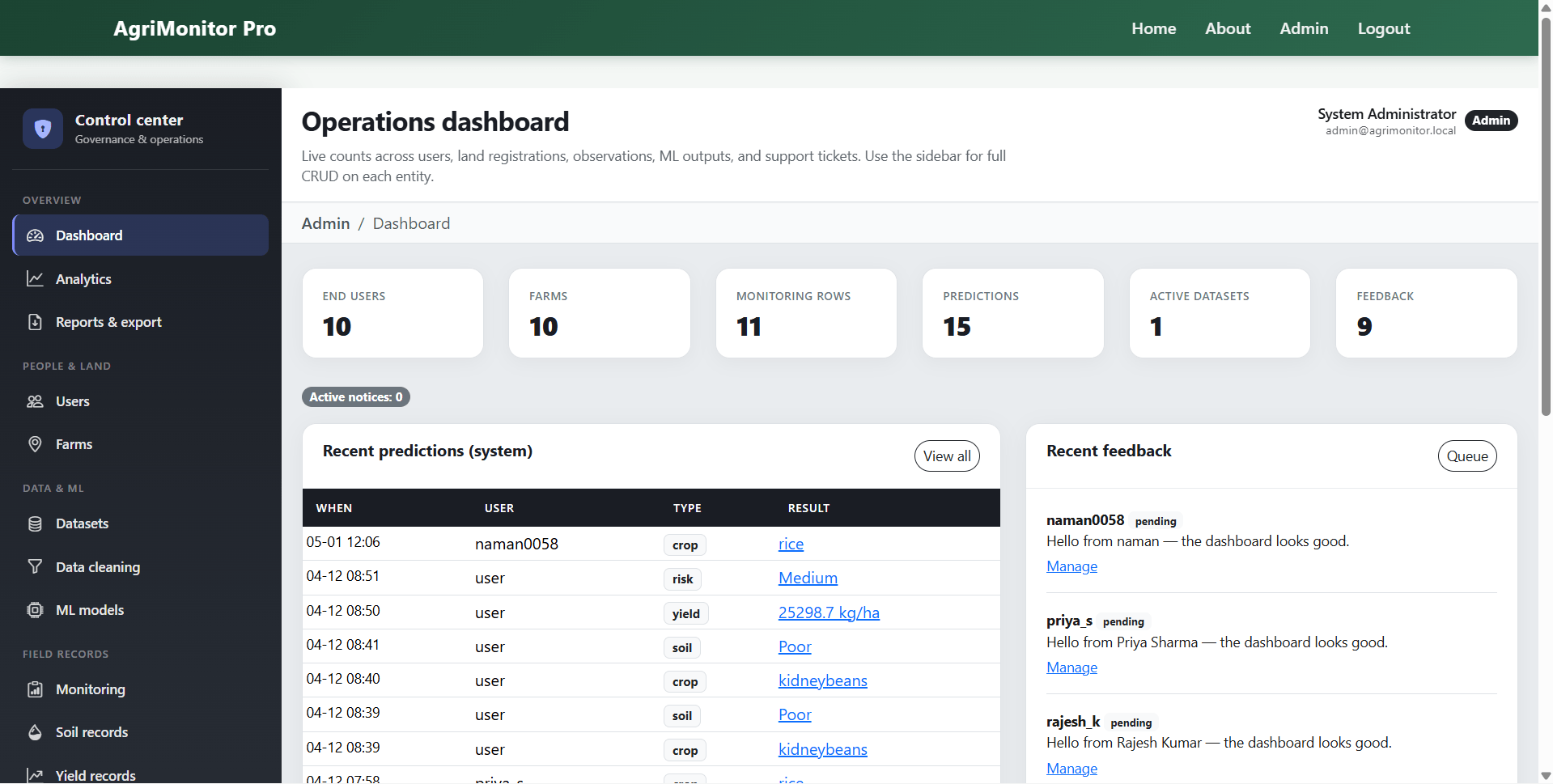
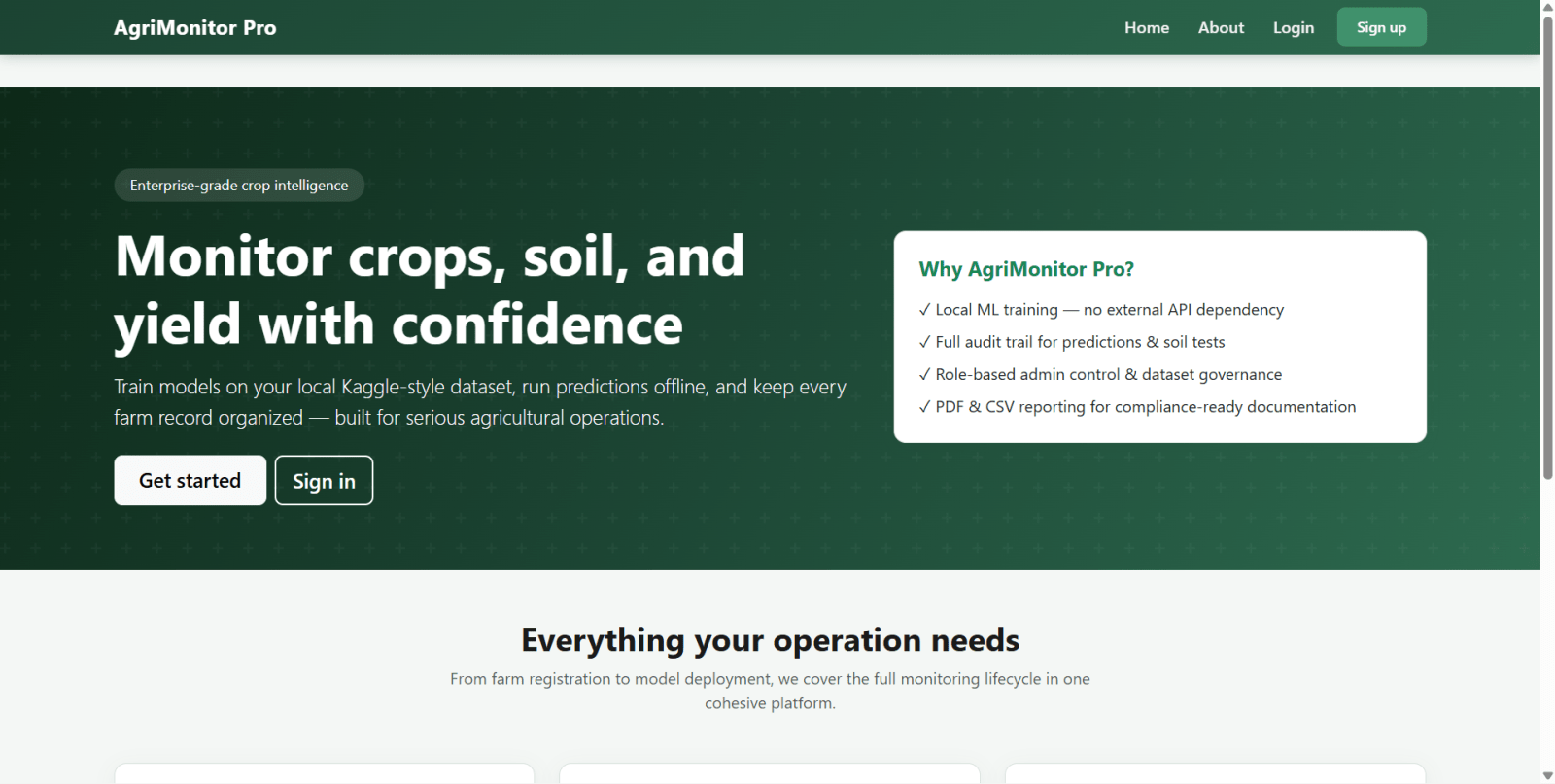
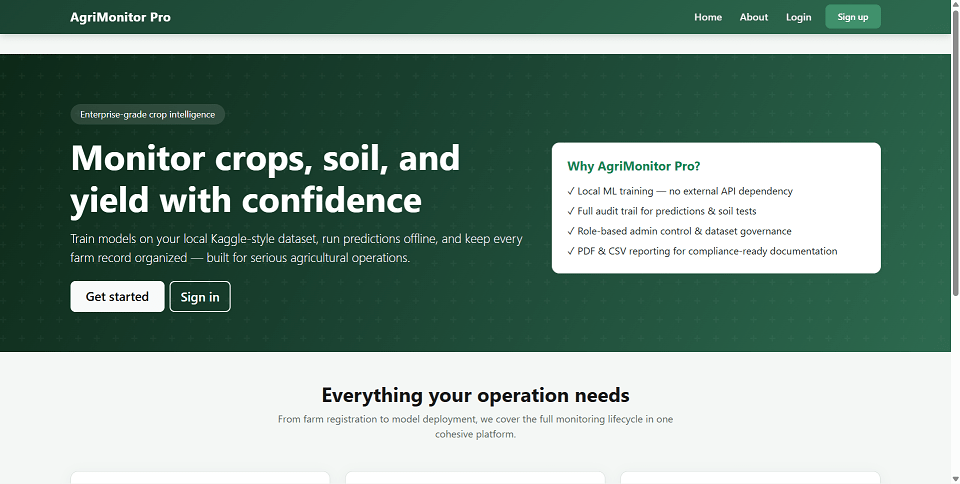
AgriMonitor Pro is a Flask web application for smart agricultural monitoring, crop recommendation, yield prediction, and risk classification using machine learning. The system is designed for farmers and administrators to manage farms, record crop and soil data, train ML models locally, generate predictions, and download reports in CSV and PDF formats.
This agriculture management system uses Python 3, Flask 3, SQLAlchemy, SQLite, pandas, and scikit-learn. It supports Random Forest classification and regression, dataset management, user management, farm monitoring, soil health tracking, analytics dashboards, and report generation with Matplotlib and ReportLab.
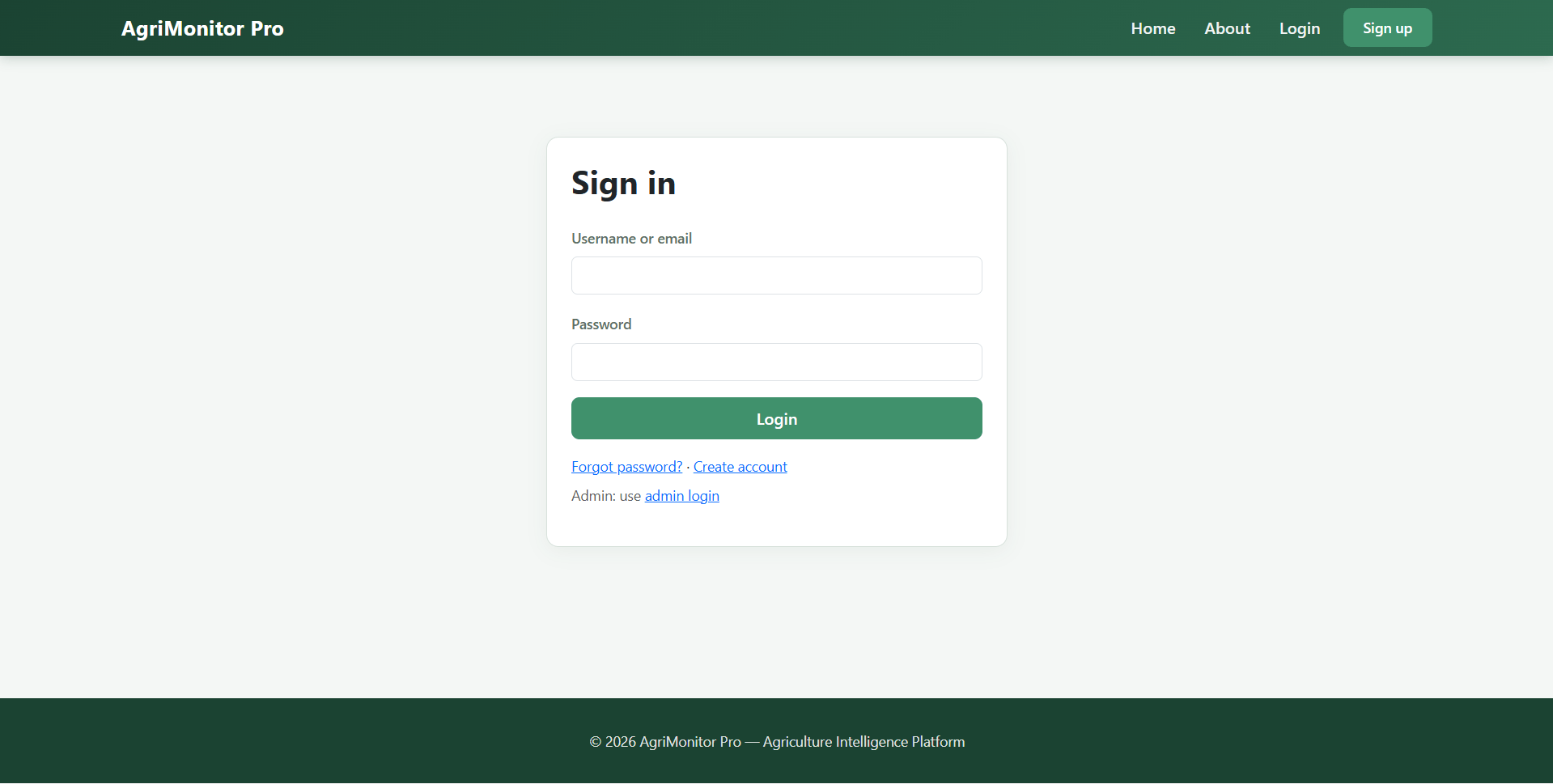
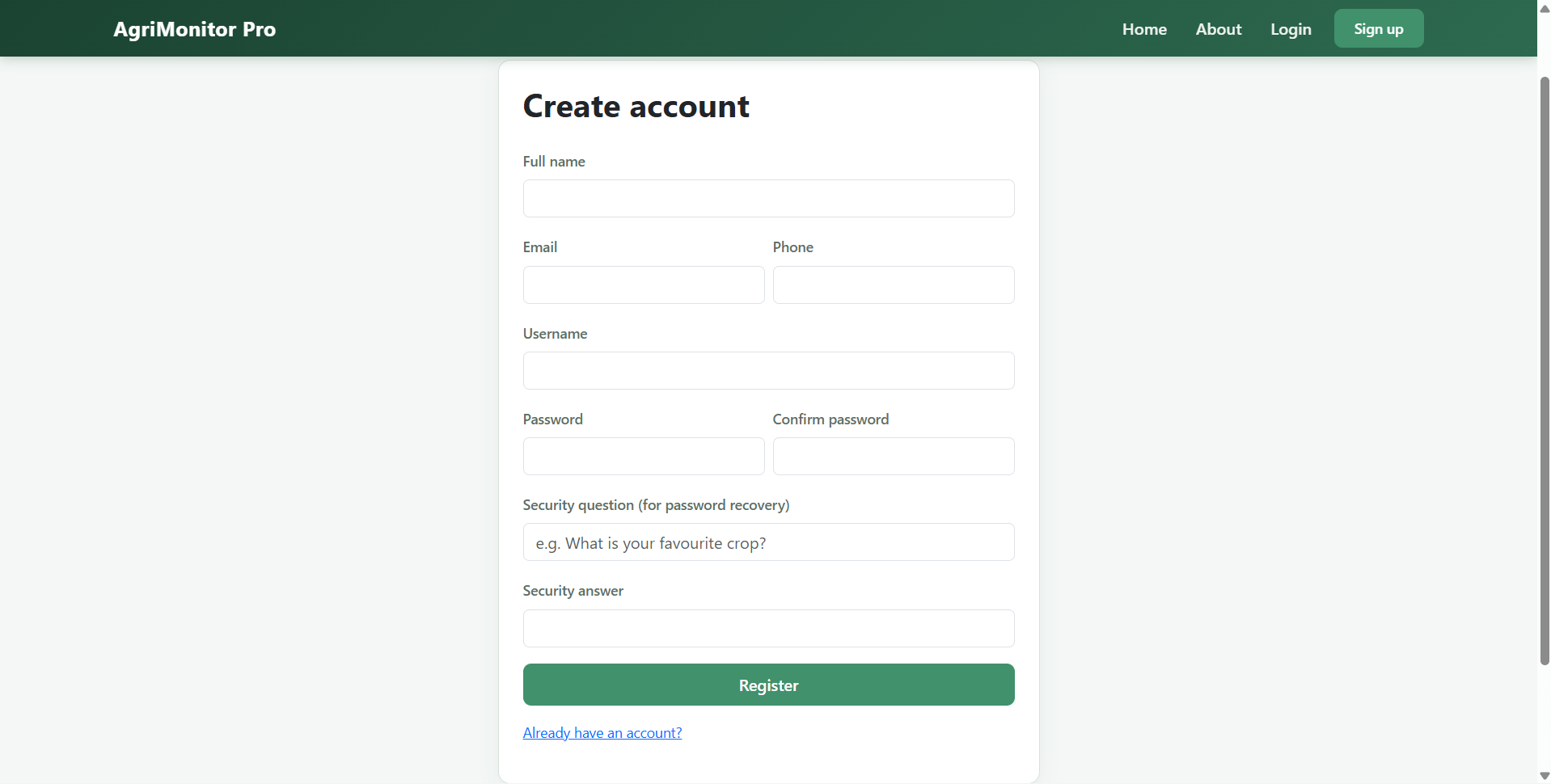
The platform provides a guided farmer portal for adding farms, entering NPK and weather values, checking crop health, estimating yield, and reviewing prediction history. It also includes a powerful admin panel for managing users, datasets, model training, notifications, feedback, and data exports.
This project is suitable for agriculture technology, farm management software, smart farming solutions, precision agriculture systems, and machine learning based crop advisory platforms
adminadmin123Generated after running:
python seed_data.py
farmer123instance/models/data/crop_recommendation.csvCreate a virtual environment:
python -m venv .venv
.\.venv\Scripts\Activate.ps1
Install dependencies:
pip install -r requirements.txt
Run the Flask application:
python app.py
Open in browser:
http://127.0.0.1:5000
SECRET_KEY for Flask session securityDATABASE_URL for custom database connectionADMIN_PASSWORD to set initial admin password before first database creationpython seed_data.py
adminadmin123Generated after running:
python seed_data.py
farmer123