01 Source Code Only
₹99
One-time Payment
- Complete project source code
- Database / data resources
- Dependencies & configuration
- README / setup guide
- Instant download access
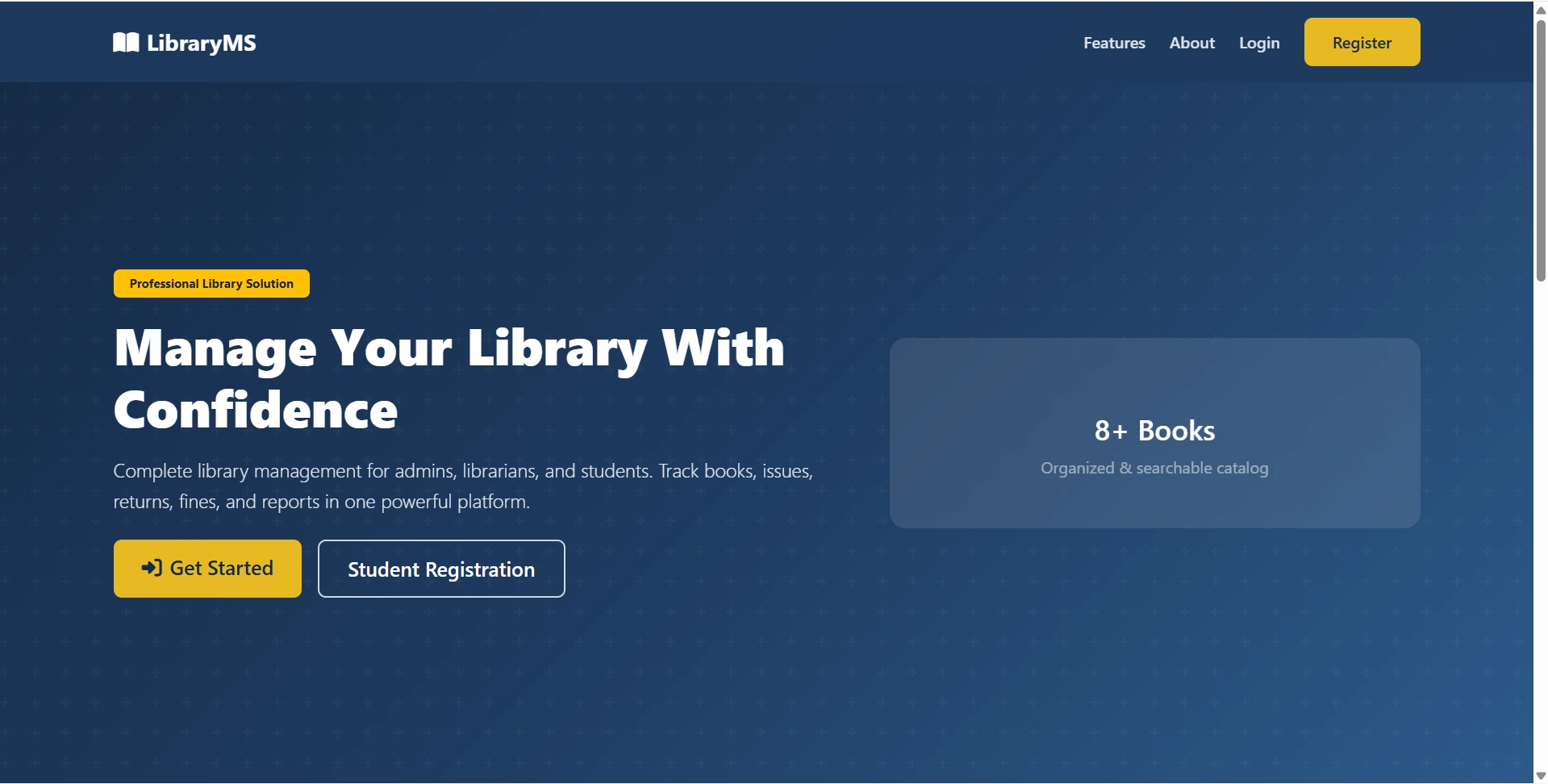
Get runnable Library Management System Source Code with database files, project setup instructions, live demo options and installation support. This project resource helps students understand the implementation, modules, workflow and technical architecture of a complete PHP project.
Hover to zoom · Click to expand
Simple pricing. Instant access. Secure checkout.
01 Source Code Only
One-time Payment
02 Code + Setup Support
One-time Payment
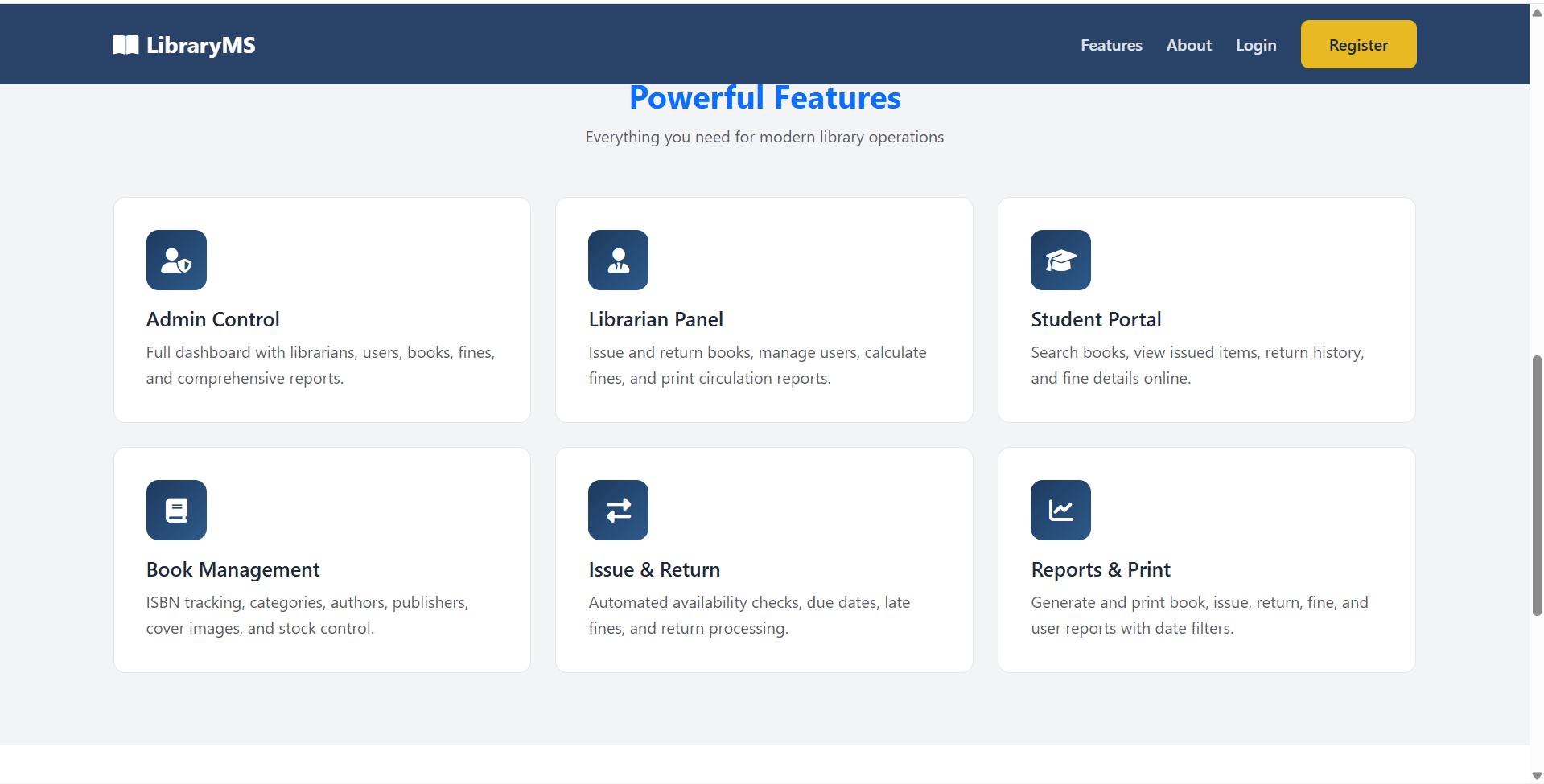
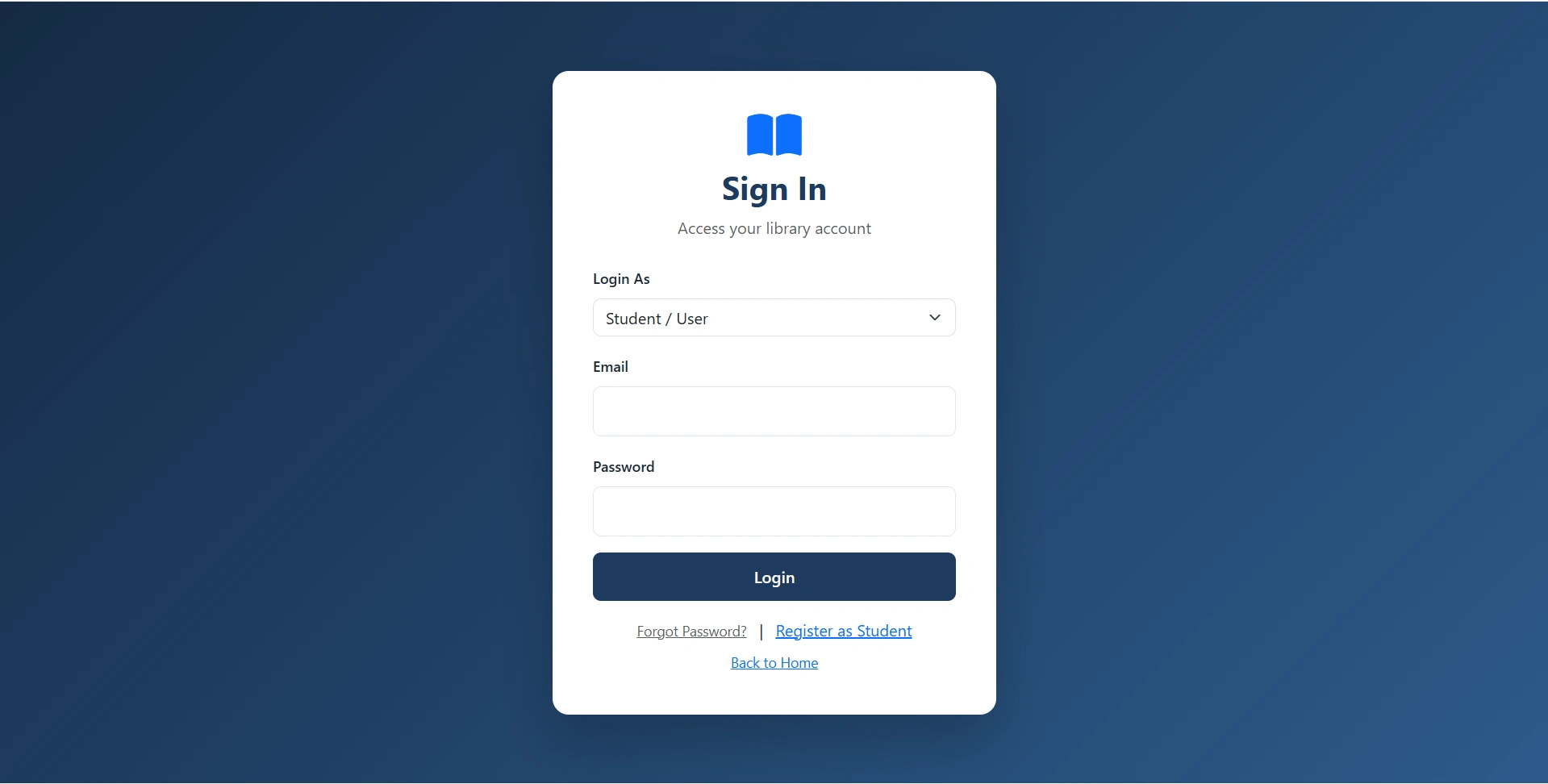
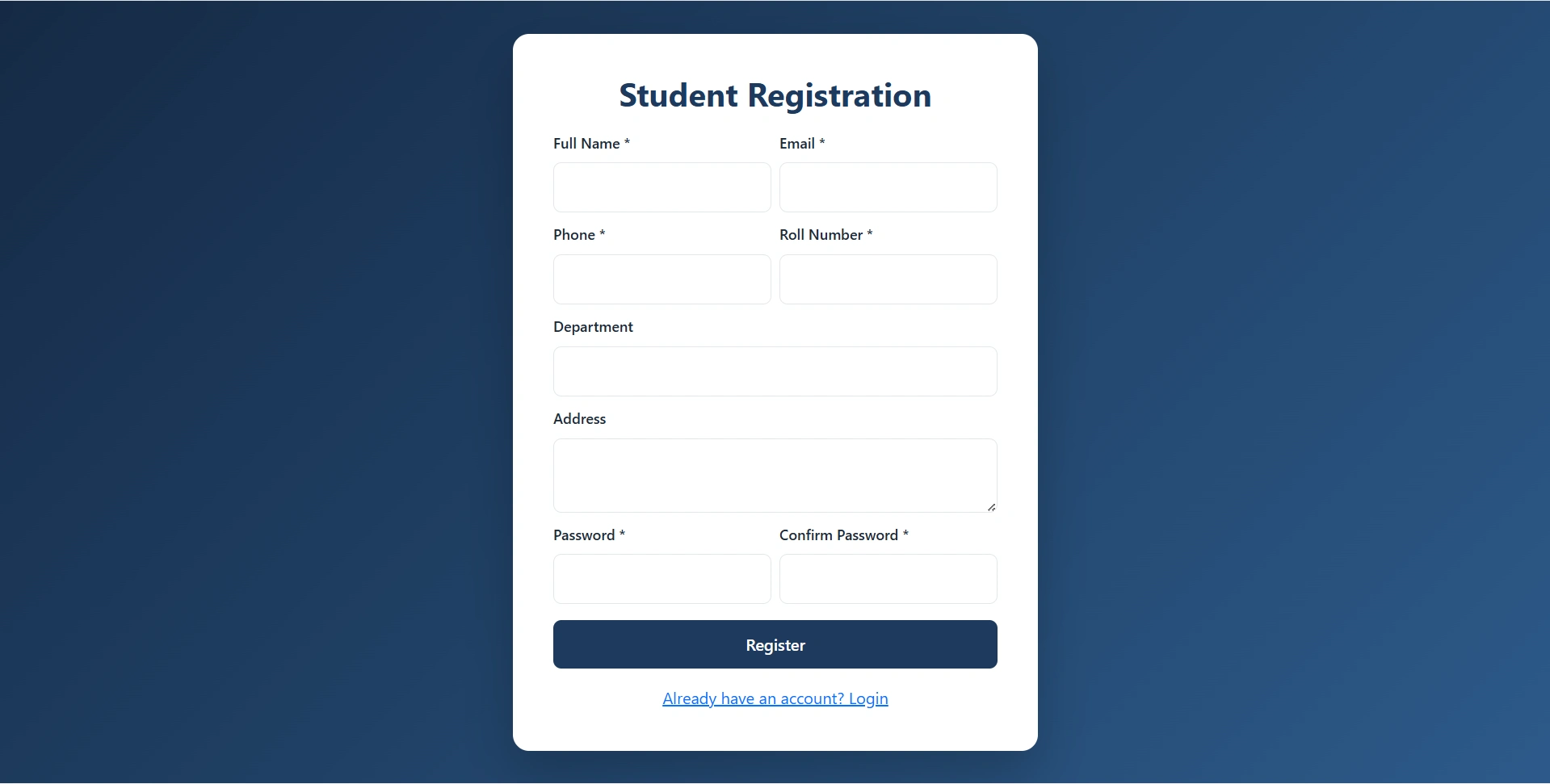
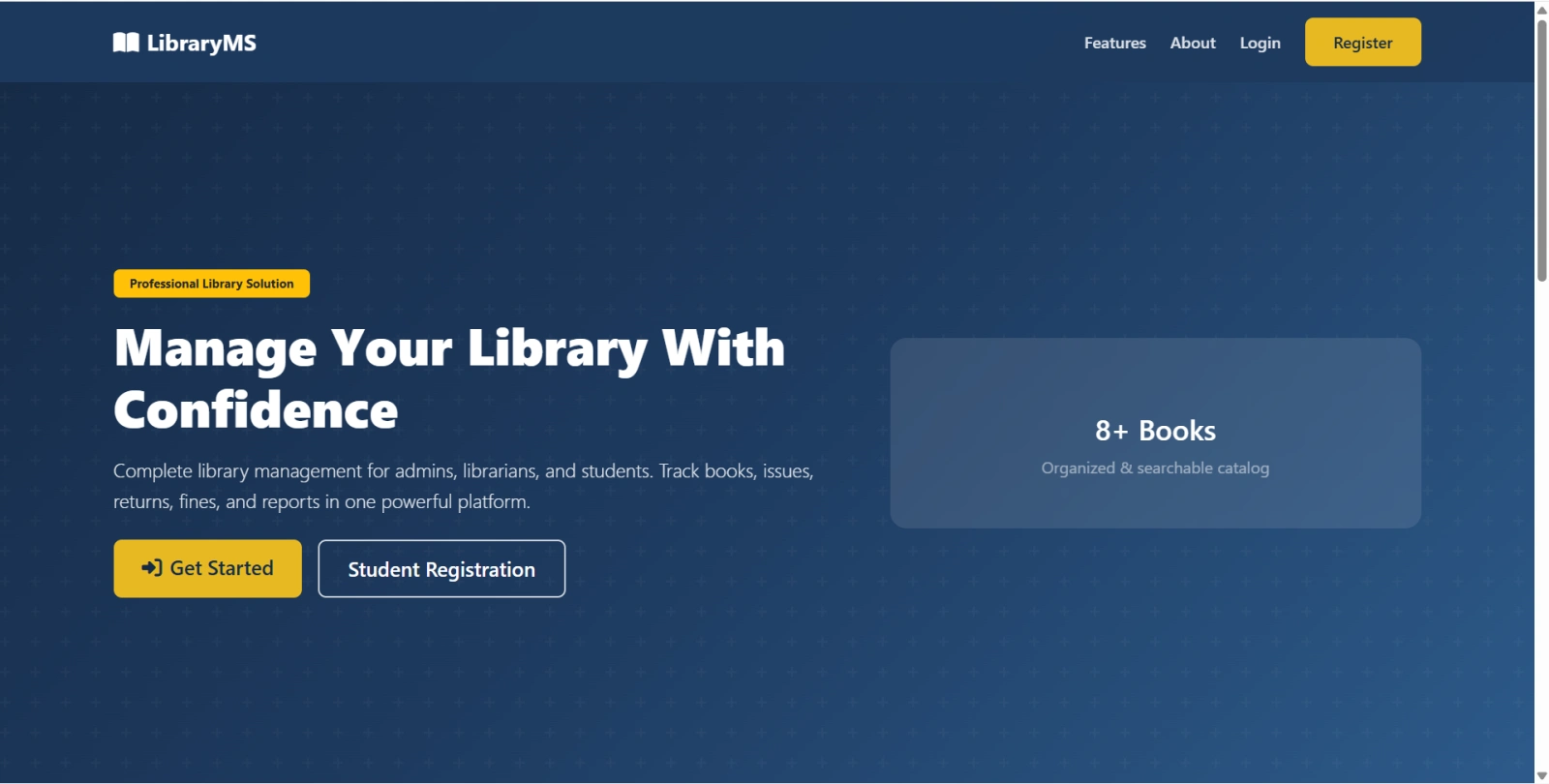
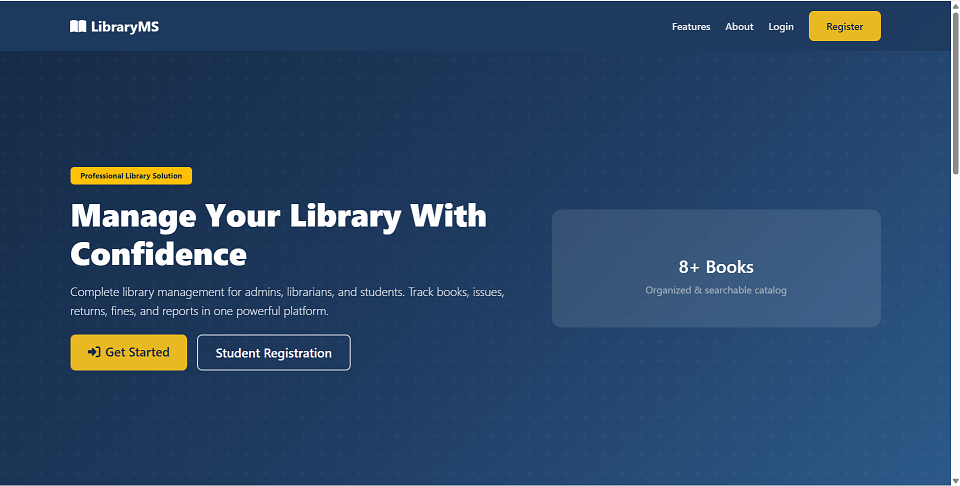
Library Management System is a final year project developed using Core PHP and MySQL for students who want a complete library automation web application. This final year project includes three role-based portals: Admin, Librarian, and Student. Admins can manage librarians, students, categories, authors, publishers, books, book requests, book issues, returns, fines, reports, profile settings, and library settings. Librarians can handle daily desk operations such as student management, book management, request approval, book issuing, returns, fine collection, and reports. Students can register, browse books, request books, view issued books, check return history, view fines, and manage their profile. With automatic stock updates, fine calculation, book request workflow, printable reports, and a one-click setup installer, this project is suitable for a final year major project in PHP, MySQL, and library management systems.
Admin
[email protected]admin123Librarian
[email protected]librarian123Student
[email protected]user123LIB001requireRole()password_hash() and password_verify()htmlspecialchars()uploads/covers/setup.php installerC:\xampp\htdocs\Library Management System\C:\wamp64\www\Library Management System\Configure database credentials in config/database.php if needed:
define('DB_HOST', 'localhost');
define('DB_NAME', 'library_management');
define('DB_USER', 'root');
define('DB_PASS', '');
Open the installer:
http://localhost/Library Management System/setup.php
library_managementOpen the application:
http://localhost/Library Management System/
/admin/dashboard.php/librarian/dashboard.php/user/dashboard.php/auth/login.phpsetup.php once to refresh password hashes.Admin
[email protected]admin123Librarian
[email protected]librarian123Student
[email protected]user123