Introduction
Web development looks exciting until you open your first tutorial and see words like HTML, CSS, JavaScript, React, Node.js, database, API, GitHub, hosting, deployment, and full-stack development.
Most beginners do not fail because web development is impossible. They struggle because they learn in the wrong order.
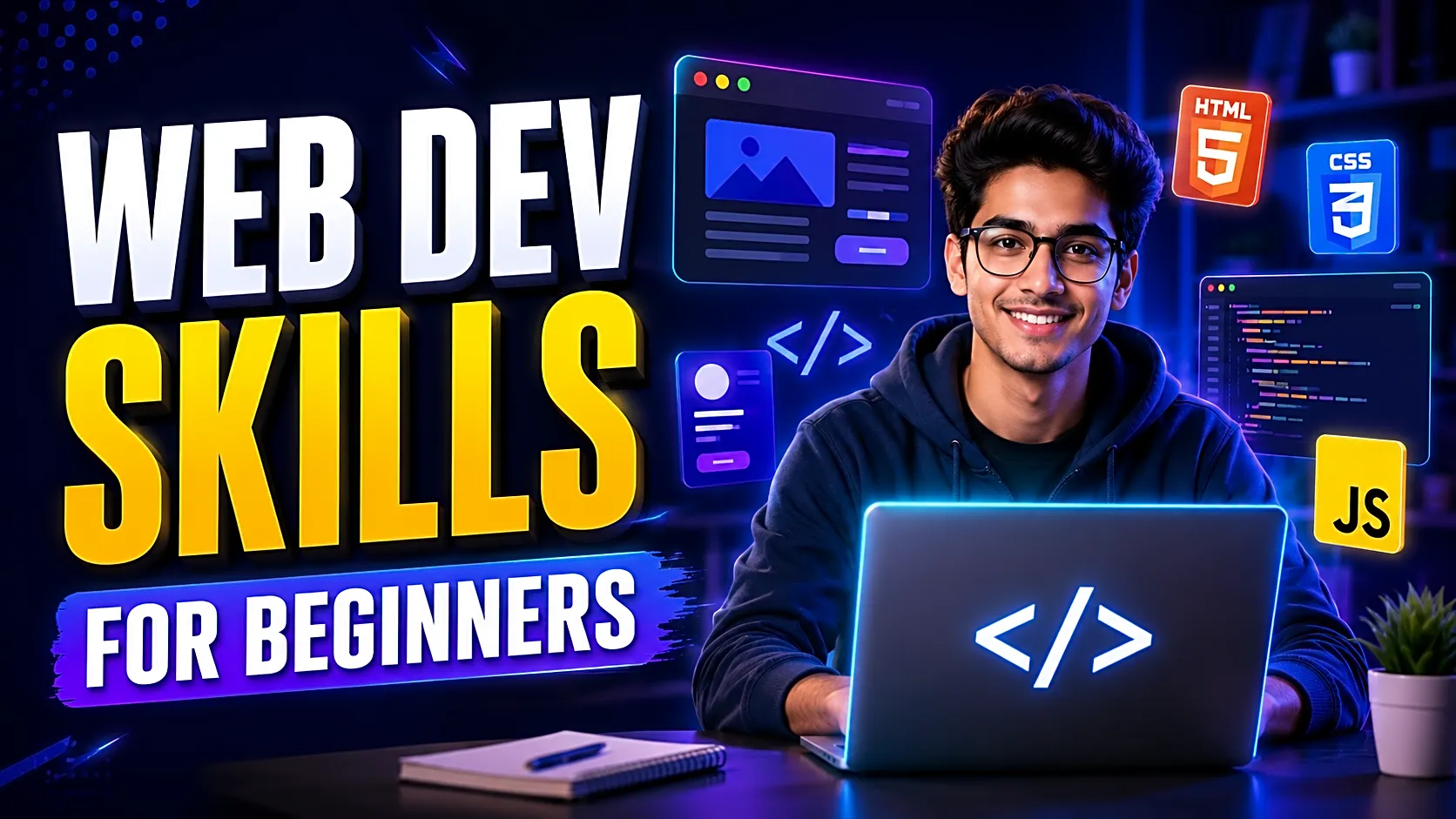
This guide explains the most important web development skills for beginners in 2026, especially for students who want to build college projects, prepare for viva, improve their resume, and create a portfolio. You will learn what to study first, which tools matter, how frontend and backend work, what projects to build, and how to avoid common beginner mistakes.
Quick Answer: What Web Development Skills Should Beginners Learn?
Beginners should learn web development in this order:
- Understand how websites work
- Learn HTML for page structure
- Learn CSS for design and responsive layout
- Learn JavaScript for logic and interactivity
- Learn Git and GitHub for version control
- Learn backend basics, databases, and APIs
- Learn debugging, testing, deployment, and documentation
For students, the best approach is to build small projects first, then move toward complete full-stack projects like an expense tracker, library management system, online quiz system, student attendance system, or job portal.
What Is Web Development?
Web development is the process of building websites and web applications that users can open in a browser. A simple website may only show text, images, buttons, and forms. A full web application can include login, dashboards, database records, reports, payments, admin panels, and user roles.
Web development is usually divided into three parts:
|
Area |
Meaning |
Example |
|
Frontend |
What users see and use |
Login page, dashboard, product page |
|
Backend |
Server-side logic and processing |
Authentication, reports, business rules |
|
Database |
Where data is stored |
Users, products, bookings, payments |
A beginner does not need to learn everything at once. The goal is to understand the flow step by step.
Why Web Development Is a Strong Skill for Students
Web development is one of the most practical skills for B.Tech, BCA, MCA, BE, BSc IT, and MSc IT students because it converts directly into visible projects.
A good web development project can be:
- Shown in a browser
- Uploaded to GitHub
- Explained during viva
- Added to a resume
- Converted into a portfolio project
- Submitted with report, diagrams, screenshots, and test cases
For final-year students, web development is useful because most academic project topics can be implemented as web applications. Examples include library management, attendance systems, e-commerce websites, job portals, expense trackers, quiz systems, and hospital management systems.
Web Development Roadmap for Beginners: 30/60/90-Day Plan
|
Timeline |
What to Learn |
Practice Task |
|
Days 1–30 |
HTML, CSS, responsive layout, basic JavaScript |
Build a portfolio or landing page |
|
Days 31–60 |
GitHub, DOM, forms, database basics, backend basics |
Build login + CRUD project |
|
Days 61–90 |
APIs, authentication, deployment, testing, documentation |
Build a full-stack final-year project |
This timeline is only a practical estimate. Some students may move faster, while others may need more time. Consistency matters more than speed.
Core Web Development Skills for Beginners
1. HTML: Structure of a Web Page
HTML is the foundation of every website. It defines headings, paragraphs, images, links, forms, tables, buttons, and page sections.
Beginners should learn semantic tags like header, nav, section, article, main, and footer. They should also practice forms, input fields, tables, image embedding, and basic SEO tags like title and meta description.
For student projects, HTML helps create login pages, registration forms, dashboards, report pages, and admin panels.
2. CSS: Styling and Responsive Design
CSS controls how a website looks. It manages colors, spacing, fonts, buttons, cards, grids, and layouts.
Important CSS skills include the box model, Flexbox, CSS Grid, media queries, reusable classes, form styling, and responsive design.
A project with clean UI looks more professional during demo and presentation. Even if the functionality is basic, good spacing, readable typography, and mobile-friendly layout improve the overall impression.
3. JavaScript: Logic and Interactivity
JavaScript makes websites interactive. It handles button clicks, form validation, dynamic content, popup messages, search filters, and API calls.
Beginners should focus on variables, functions, conditions, loops, arrays, objects, DOM manipulation, events, Fetch API, JSON, and basic error handling.
Do not rush into React before understanding JavaScript fundamentals. Frameworks become easier when your core JavaScript is clear.
4. Git and GitHub: Code Management
Git tracks code changes, while GitHub stores your code online. For students and freshers, GitHub is also a portfolio platform.
You should learn how to create repositories, commit code, push projects, write README files, add screenshots, explain setup steps, and share project links.
A clean GitHub profile shows that you can manage projects professionally.
5. Backend Development
Frontend is what users see. Backend handles the logic behind the system.
Backend development includes routing, controllers, authentication, sessions, API responses, database queries, and error handling.
Beginner-friendly backend options include:
- PHP with MySQL for simple academic projects
- Node.js with Express for JavaScript-based full-stack projects
- Python Flask or Django for Python-based projects
- Java Spring Boot for structured enterprise-style projects
For final-year projects, backend skills are important because most systems need login, admin dashboards, records, reports, and role-based access.
6. Database Skills
A database stores project data. Without database knowledge, you cannot properly build systems like attendance management, library management, e-commerce, job portals, or expense trackers.
Beginners should learn tables, columns, primary keys, foreign keys, insert, update, delete, select queries, relationships, basic normalization, and report-generation queries.
MySQL is a good starting point for PHP and Java projects. MongoDB is commonly used with MERN stack projects.
7. API Basics
An API allows the frontend and backend to communicate.
Beginners should understand GET, POST, PUT, DELETE, JSON responses, API endpoints, status codes, authentication tokens, and error messages.
API knowledge becomes important when building React projects, dashboards, mobile apps, and modern full-stack systems.
8. Debugging and Testing
Web development is not only about writing code. It is also about finding and fixing errors.
Beginners should learn how to use browser developer tools, read console errors, inspect HTML/CSS, test forms, check network requests, verify database connections, and test one feature at a time.
For student projects, testing should include login testing, form validation testing, database testing, admin panel testing, and report testing.
9. Deployment and Hosting
A project becomes more impressive when it is live online.
Beginners can use GitHub Pages for static websites, Netlify or Vercel for frontend projects, Render-like platforms for backend projects, and cPanel hosting for PHP projects.
Deployment teaches you how websites work beyond localhost.
Essential Tools Beginners Should Install
|
Tool |
Use |
|
VS Code |
Writing and organizing code |
|
Chrome DevTools |
Debugging HTML, CSS, JavaScript, and network issues |
|
Git |
Tracking code changes |
|
GitHub |
Storing and sharing projects |
|
MySQL Workbench |
Managing MySQL databases |
|
MongoDB Compass |
Viewing MongoDB data |
|
Postman |
Testing APIs |
|
Node.js and npm |
Running JavaScript-based projects |
Do not install too many tools in the beginning. Start with VS Code, browser tools, Git, GitHub, and one database tool.
Recommended Stack for Final-Year Students
|
Student Goal |
Recommended Stack |
Why |
|
Simple academic project |
PHP + MySQL |
Easy hosting, simple setup, good for CRUD projects |
|
Modern full-stack project |
React + Node.js + MongoDB |
Good for portfolio and MERN projects |
|
Python-based project |
Django or Flask + MySQL/SQLite |
Good for AI, analytics, and Python projects |
|
Enterprise-style project |
Java Spring Boot + MySQL |
Good for structured backend learning |
Choose one stack and complete one project properly. A simple complete project is better than five incomplete advanced projects.
Best Beginner Web Development Projects
|
Project |
Difficulty |
Skills Practiced |
|
Portfolio website |
Easy |
HTML, CSS, responsive design |
|
Expense tracker |
Easy–Medium |
JavaScript, database, CRUD |
|
Online quiz system |
Medium |
Login, questions, scoring |
|
Library management system |
Medium |
Admin panel, database, reports |
|
Student attendance system |
Medium |
User roles, records, reports |
|
Job portal |
Medium–Advanced |
Employer/user roles, applications |
|
E-commerce product catalog |
Medium |
Products, cart, search, admin panel |
For final-year students, the best projects are those that include login, database, admin panel, CRUD operations, reports, screenshots, and documentation.
Security, Accessibility, and Performance Basics
Modern beginners should also learn basic quality skills.
For security, understand password hashing, input validation, session handling, role-based access, and SQL injection prevention.
For accessibility, use proper labels, readable contrast, keyboard-friendly navigation, alt text for images, and semantic HTML.
For performance, optimize images, avoid unnecessary scripts, keep layouts clean, and test page speed.
These skills make your project more professional and easier to explain.
How to Prepare Your Web Development Project for Viva
Before viva, prepare these points:
- Project objective
- Technology stack
- Modules and user roles
- Database tables
- ER diagram, DFD, UML, or class diagram
- Screenshots
- Testing details
- Limitations
- Future scope
- GitHub repository link
- Live demo link, if available
You should be able to explain not only what your project does, but also why you used each technology.
Common Mistakes Beginners Make
The biggest mistake is learning React before understanding HTML, CSS, and JavaScript.
Another mistake is copying full projects without understanding the code. This creates problems during viva, setup, customization, and debugging.
Many students also ignore documentation. A working project without a report, screenshots, diagrams, and README looks incomplete in academic evaluation.
Avoid these mistakes:
- Building too many incomplete projects
- Ignoring database basics
- Not using GitHub
- Avoiding debugging
- Skipping responsive design
- Waiting until the final semester deadline
Free Learning Resources for Beginners
For strong fundamentals, beginners can learn from MDN Web Docs, web.dev, GitHub Docs, Chrome DevTools documentation, Postman Learning Center, and OWASP security resources.
Use these resources for understanding concepts. Use projects for applying them.
Need a Ready Project with Source Code and Report?
If you are a final-year student and need help choosing, running, documenting, or presenting a web development project, FileMakr can support you with project ideas, source code, reports, diagrams, live demos, and setup guidance.
You can explore final-year project ideas for web development, web development source code for students, project reports for B.Tech students, and live project demos before finalizing your topic.
FAQ
What are the basic skills required for web development?
The basic skills are HTML, CSS, JavaScript, Git, GitHub, responsive design, backend basics, database concepts, APIs, debugging, testing, deployment, and documentation.
What should I learn first in web development?
Start with HTML, then CSS, then JavaScript. After that, learn GitHub, database basics, backend development, APIs, and deployment.
Should beginners learn React first?
No. Beginners should first understand HTML, CSS, and JavaScript. React becomes easier when JavaScript fundamentals are strong.
Which backend is best for beginners?
PHP with MySQL is simple for academic projects. Node.js is good for JavaScript learners. Flask and Django are useful for Python-based projects.
How long does it take to learn web development?
A beginner can understand the basics in 30 to 60 days with regular practice. Building a strong full-stack project may take three to six months.
What is the best first web development project?
A personal portfolio website is a good first project. After that, build an expense tracker, quiz system, library management system, or student attendance system.
Do final-year students need GitHub?
Yes. GitHub helps students store code, show project work, share repositories, and build a stronger resume.
How can students prepare a web development project for viva?
Prepare the project objective, modules, database design, diagrams, screenshots, testing details, limitations, future scope, GitHub link, and live demo link.
Conclusion
Web development becomes easier when you learn skills in the right order. Start with HTML, CSS, and JavaScript. Then learn GitHub, backend development, databases, APIs, debugging, testing, deployment, and documentation.
For students, the goal is not only to learn coding. The goal is to build a project you can explain confidently, present professionally, upload to GitHub, and use in your resume.
Choose one beginner-friendly project, complete it properly, document it well, and improve it step by step.