Introduction
Choosing your first coding project can feel confusing. A calculator feels too simple. A full-stack app feels too difficult. And if you are a B.Tech, BCA, MCA, or CSE student, you also need something you can show in a project review, GitHub profile, resume, or placement interview.
That is why mini coding projects are useful.
A good mini project is not about using the most advanced technology. It is about solving a clear problem with clean logic, working screens, basic validation, and a result you can explain confidently.
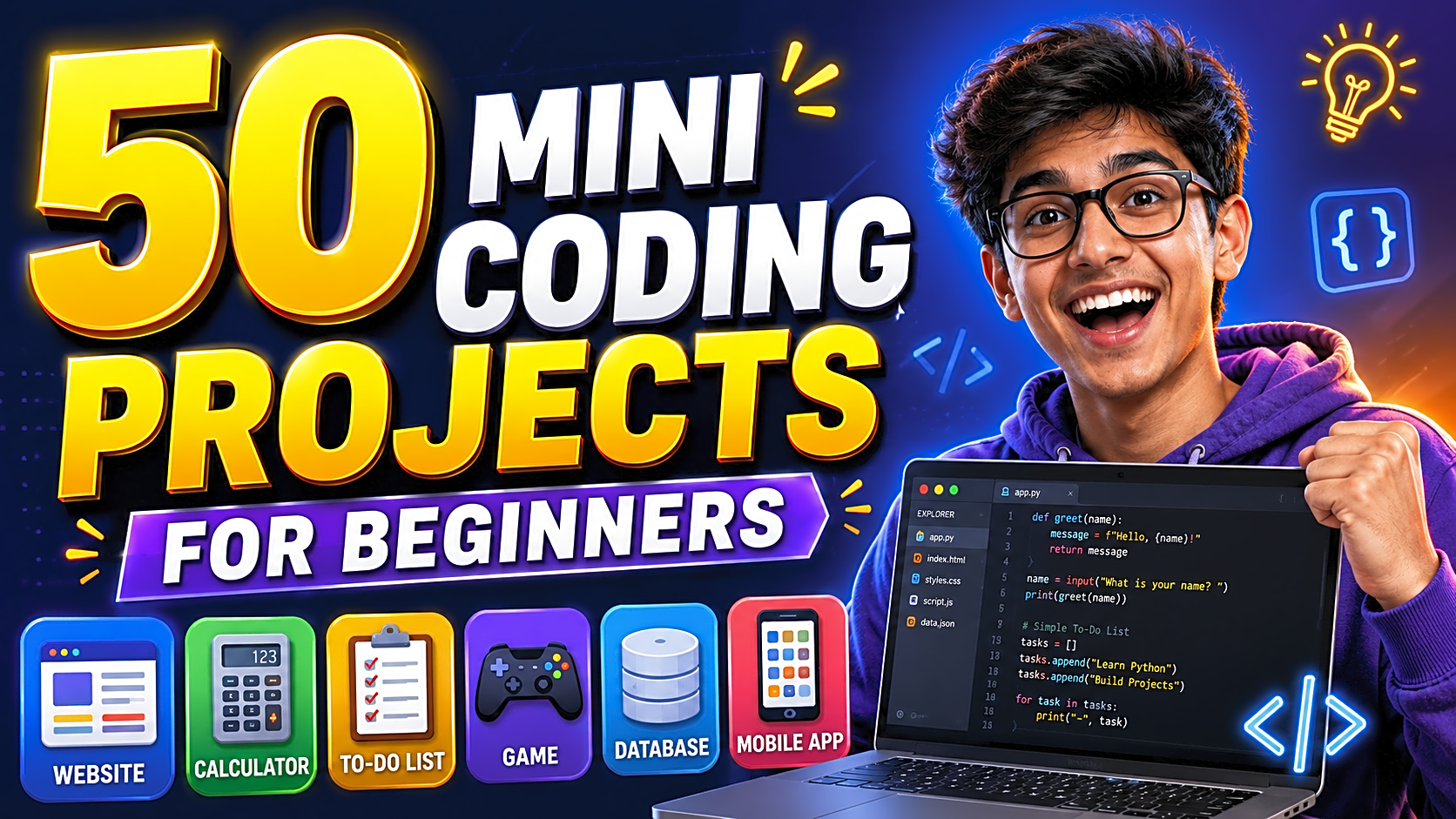
In this guide, you will find 50 mini coding projects for beginners, organized by tech stack, difficulty, time required, database need, and learning outcome. You will also learn how to choose the right project, how to build it step by step, and how to make it look stronger for college submission or placement.
Quick Answer: Best Mini Coding Projects for Beginners
The best mini coding projects for beginners are projects that teach logic building, CRUD operations, database handling, API integration, frontend design, authentication, and basic problem-solving.
Good beginner choices include:
- Calculator app
- To-do list app
- Student management system
- Expense tracker
- Weather app
- Library management system
- Quiz app
- Portfolio website
- Login registration system
- Chatbot mini project
For college or final-year use, choose a project with records, users, reports, admin features, and documentation. If you want ready references, you can also explore final year project source code or test a live project demo before selecting your topic.
What Is a Mini Coding Project?
A mini coding project is a small software application built to practice programming concepts. It usually has a limited scope, simple features, and a clear output.
A strong beginner project should include:
- Clear problem statement
- Simple user flow
- Working source code
- Input and output screens
- Form validation
- Database, if required
- README file
- Screenshots
- Testing notes
- Future scope
For example, a to-do list app teaches add, edit, delete, and data storage logic. A student management system teaches forms, database tables, search, update, delete, and reports.
Best Picks: Top 10 Easiest Mini Coding Projects
|
Project |
Best Stack |
Difficulty |
Time Needed |
Best For |
|
Calculator App |
HTML, CSS, JS |
Easy |
2–4 hours |
Logic practice |
|
To-Do List |
JavaScript / Python |
Easy |
1 day |
CRUD basics |
|
Digital Clock |
JavaScript |
Easy |
1–2 hours |
Date/time handling |
|
Password Generator |
Python |
Easy |
2–3 hours |
Randomization |
|
Quiz App |
JavaScript / Java |
Easy |
1–2 days |
Score logic |
|
Portfolio Website |
HTML, CSS, JS |
Easy |
1–2 days |
Resume profile |
|
Weather App |
JavaScript API |
Medium |
2–3 days |
API integration |
|
Expense Tracker |
Python / PHP |
Medium |
3–5 days |
Data handling |
|
Student Management System |
PHP / MySQL |
Medium |
4–7 days |
College submission |
|
Library Management System |
Java / PHP |
Medium |
5–7 days |
Database project |
50 Mini Coding Projects for Beginners
|
No. |
Project Idea |
Best Stack |
Difficulty |
Database Needed |
Skill You Learn |
|
1 |
Calculator App |
HTML, CSS, JS |
Easy |
No |
Logic and events |
|
2 |
To-Do List |
JS / Python |
Easy |
Optional |
CRUD basics |
|
3 |
Digital Clock |
JavaScript |
Easy |
No |
Date/time handling |
|
4 |
Unit Converter |
Python / JS |
Easy |
No |
Functions |
|
5 |
Password Generator |
Python |
Easy |
No |
Randomization |
|
6 |
Number Guessing Game |
Python / Java |
Easy |
No |
Conditions |
|
7 |
Quiz App |
JS / Java |
Easy |
Optional |
Score logic |
|
8 |
Typing Speed Tester |
JS |
Easy |
No |
Timers |
|
9 |
Notes App |
JS / PHP |
Easy-Medium |
Optional |
Local storage |
|
10 |
Expense Tracker |
Python / PHP |
Medium |
Yes |
Data handling |
|
11 |
Student Management System |
PHP / Python |
Medium |
Yes |
CRUD + database |
|
12 |
Library Management System |
Java / PHP |
Medium |
Yes |
Records management |
|
13 |
Attendance Tracker |
Python / Java |
Medium |
Yes |
Forms and reports |
|
14 |
Online Voting System |
PHP / MySQL |
Medium |
Yes |
Authentication |
|
15 |
Result Management System |
PHP / Java |
Medium |
Yes |
Admin panel |
|
16 |
Portfolio Website |
HTML, CSS, JS |
Easy |
No |
Personal branding |
|
17 |
Landing Page Clone |
HTML, CSS |
Easy |
No |
Layout design |
|
18 |
Blog Website |
Django / PHP |
Medium |
Yes |
Content management |
|
19 |
Contact Form App |
PHP / Node.js |
Easy-Medium |
Optional |
Form validation |
|
20 |
Weather App |
JS API |
Medium |
No |
API integration |
|
21 |
Currency Converter |
JS API |
Medium |
No |
API response handling |
|
22 |
Movie Search App |
React / JS |
Medium |
No |
API search |
|
23 |
Recipe Finder |
JS / React |
Medium |
No |
Search filters |
|
24 |
QR Code Generator |
Python / JS |
Easy-Medium |
No |
Library usage |
|
25 |
URL Shortener |
Node.js |
Medium |
Yes |
Backend routes |
|
26 |
Chat App |
Node.js |
Medium |
Yes |
Real-time logic |
|
27 |
File Upload System |
PHP / Node.js |
Medium |
Yes |
Server handling |
|
28 |
Login Registration System |
PHP / MySQL |
Medium |
Yes |
Authentication |
|
29 |
Personal Diary App |
Python / PHP |
Medium |
Yes |
Privacy logic |
|
30 |
Habit Tracker |
JS / Python |
Easy-Medium |
Optional |
Progress tracking |
|
31 |
Bank Management System |
Java / C++ |
Medium |
Yes |
OOP concepts |
|
32 |
Payroll System |
Java / PHP |
Medium |
Yes |
Calculations |
|
33 |
Inventory Management |
PHP / MySQL |
Medium |
Yes |
Stock control |
|
34 |
Book Store System |
PHP / Java |
Medium |
Yes |
Order workflow |
|
35 |
Food Ordering Mini App |
PHP / MERN |
Medium |
Yes |
Cart logic |
|
36 |
Bus Reservation System |
Java / PHP |
Medium |
Yes |
Booking workflow |
|
37 |
Hotel Booking System |
PHP / Python |
Medium |
Yes |
Availability logic |
|
38 |
Complaint Management System |
PHP / MySQL |
Medium |
Yes |
Ticket tracking |
|
39 |
Online Exam System |
PHP / Java |
Medium |
Yes |
Timer + scoring |
|
40 |
Resume Builder |
JS / React |
Medium |
Optional |
Form-to-output |
|
41 |
Job Portal Mini App |
PHP / MERN |
Medium |
Yes |
Listings |
|
42 |
Campus Recruitment System |
PHP / Java |
Medium |
Yes |
Role-based access |
|
43 |
Music Player |
JS / Python |
Easy-Medium |
No |
Media handling |
|
44 |
Image Gallery |
JS / PHP |
Easy-Medium |
Optional |
File display |
|
45 |
Text Summarizer |
Python |
Medium |
No |
NLP basics |
|
46 |
Spam SMS Detector |
Python ML |
Medium |
No |
Classification |
|
47 |
House Price Predictor |
Python ML |
Medium |
No |
Regression |
|
48 |
Sentiment Analyzer |
Python ML |
Medium |
No |
Text analysis |
|
49 |
Face Attendance Demo |
Python OpenCV |
Medium |
Yes |
Computer vision |
|
50 |
Chatbot Mini Project |
Python / JS |
Medium |
Optional |
Conversation flow |
Best Mini Projects by Category
1. Logic-Based Mini Projects
Start with calculators, converters, games, password generators, and typing testers. These projects are best for learning variables, loops, functions, conditions, arrays, and events.
2. Web Development Mini Projects
Portfolio websites, weather apps, movie search apps, recipe finders, and contact forms are ideal for students learning HTML, CSS, JavaScript, React, APIs, and responsive design. For backend practice, you can move toward PHP, Node.js, or MERN projects.
3. Database Mini Projects
Student management, library management, attendance tracking, inventory management, and expense tracking are excellent for academic submission. These projects allow you to prepare ER diagrams, DFDs, database tables, admin modules, screenshots, and test cases.
If your college requires documentation, check a B.Tech final year project report format before finalizing your modules.
4. Resume-Friendly Mini Projects
For placement or internship preparation, choose projects that solve real problems. Expense tracker, online exam system, resume builder, job portal, chatbot, and complaint management system are stronger than very basic apps because they show practical workflows.
5. Python and Machine Learning Mini Projects
Python is beginner-friendly for automation, logic, data handling, and ML. Good choices include password generator, QR code generator, text summarizer, spam SMS detector, sentiment analyzer, and house price predictor. You can explore more Python projects with source code or machine learning projects with source code if you want advanced examples.
Sample Mini Project Breakdown: Expense Tracker
An expense tracker is one of the best beginner projects because it is simple but practical.
Problem statement: Students need a simple way to record daily expenses and understand where their money goes.
Main modules:
- User login
- Add expense
- Edit expense
- Delete expense
- Category filter
- Monthly total
- Expense report
Database tables:
- users
- expenses
- categories
Extra features:
- Date filter
- Export report
- Monthly chart
- Budget limit alert
This project is easy to explain in a viva because every feature has a clear purpose.
How to Build a Mini Coding Project Step by Step
Step 1: Pick One Clear Problem
Do not choose a project only because it sounds advanced. Choose something you can build and explain. “Expense tracker for students” is better than “AI finance platform.”
Step 2: Define 5–7 Features
Keep the first version small. For example, a library management system can include login, add book, issue book, return book, search book, and report.
Step 3: Choose the Right Tech Stack
Use HTML, CSS, and JavaScript for frontend projects. Use Python for logic and ML projects. Use PHP and MySQL for college CRUD projects. Use Java for OOP-based academic systems. Use Node.js or MERN if you want a modern full-stack project.
Step 4: Build One Module at a Time
Start with add data, then view data, then edit, delete, search, login, and reports. This makes debugging easier.
Step 5: Test With Real Inputs
Try blank forms, duplicate records, wrong passwords, long values, missing fields, and invalid dates. Testing makes your project more reliable and easier to defend.
Step 6: Prepare Documentation
Your report should include introduction, objectives, system requirements, modules, database design, ER diagram, DFD, screenshots, testing, conclusion, and future scope.
Mini Project Documentation Checklist
Before submission, prepare:
- Project title
- Abstract
- Problem statement
- Objectives
- Technology used
- System requirements
- Module description
- Database design
- ER diagram
- DFD
- Screenshots
- Test cases
- Source code link
- Conclusion
- Future scope
Also upload your code to GitHub with a clear README file, setup steps, screenshots, and project features.
Common Mistakes Beginners Make
- Choosing a project that is too difficult
- Copying code without understanding it
- Ignoring database design
- Not adding validation
- Building without a README file
- Forgetting screenshots and test cases
- Not practicing viva questions
- Using advanced terms they cannot explain
- Submitting a project without running it properly
Pro Tips to Make a Simple Project Look Advanced
Add an admin/user module. Add search, filters, reports, validation, authentication, dashboard cards, and clean screenshots. Deploy the project if possible. Mention future scope such as payment gateway, analytics, mobile app, AI integration, or cloud hosting.
You can also convert a mini project into a major project by adding database support, role-based access, reporting, deployment, and better documentation.
FAQ: Mini Coding Projects for Beginners
1. What are the best mini coding projects for beginners?
The best beginner projects are calculator, to-do list, quiz app, portfolio website, expense tracker, student management system, weather app, and library management system.
2. Which coding project is best for final-year students?
Database-backed projects such as student management system, library management system, online exam system, campus recruitment system, and expense tracker are strong choices for final-year students.
3. Which programming language is best for mini projects?
Python is best for beginners, JavaScript is best for web projects, PHP is useful for college CRUD projects, and Java is good for OOP-based academic systems.
4. Which mini projects need a database?
Student management, library management, attendance tracker, login system, expense tracker, inventory management, online exam system, and booking systems usually need a database.
5. Can mini projects help in placements?
Yes. A well-built mini project with GitHub code, README, screenshots, demo, and clear explanation can help freshers discuss practical skills during interviews.
6. How long does it take to complete a mini coding project?
Simple projects may take a few hours. Database or full-stack mini projects may take 3–10 days depending on features, testing, UI, and documentation.
7. Can I use mini coding projects with source code?
Yes, but you should understand the code before submitting or presenting it. Use source code as a learning reference, then customize the UI, modules, database, and documentation.
8. How do I make my mini project look advanced?
Add login, dashboard, database, search, filters, reports, validation, screenshots, documentation, GitHub README, live demo, and future scope.
Conclusion
Mini coding projects are the fastest way to move from programming theory to practical development. The best project is not the most complicated one. It is the one you can build, run, explain, document, and improve.
Start with a small idea such as a to-do app, expense tracker, quiz app, or student management system. Then improve it with database support, admin features, reports, authentication, GitHub documentation, and deployment.
That is how a simple beginner project becomes a useful college submission, portfolio project, and interview discussion point.