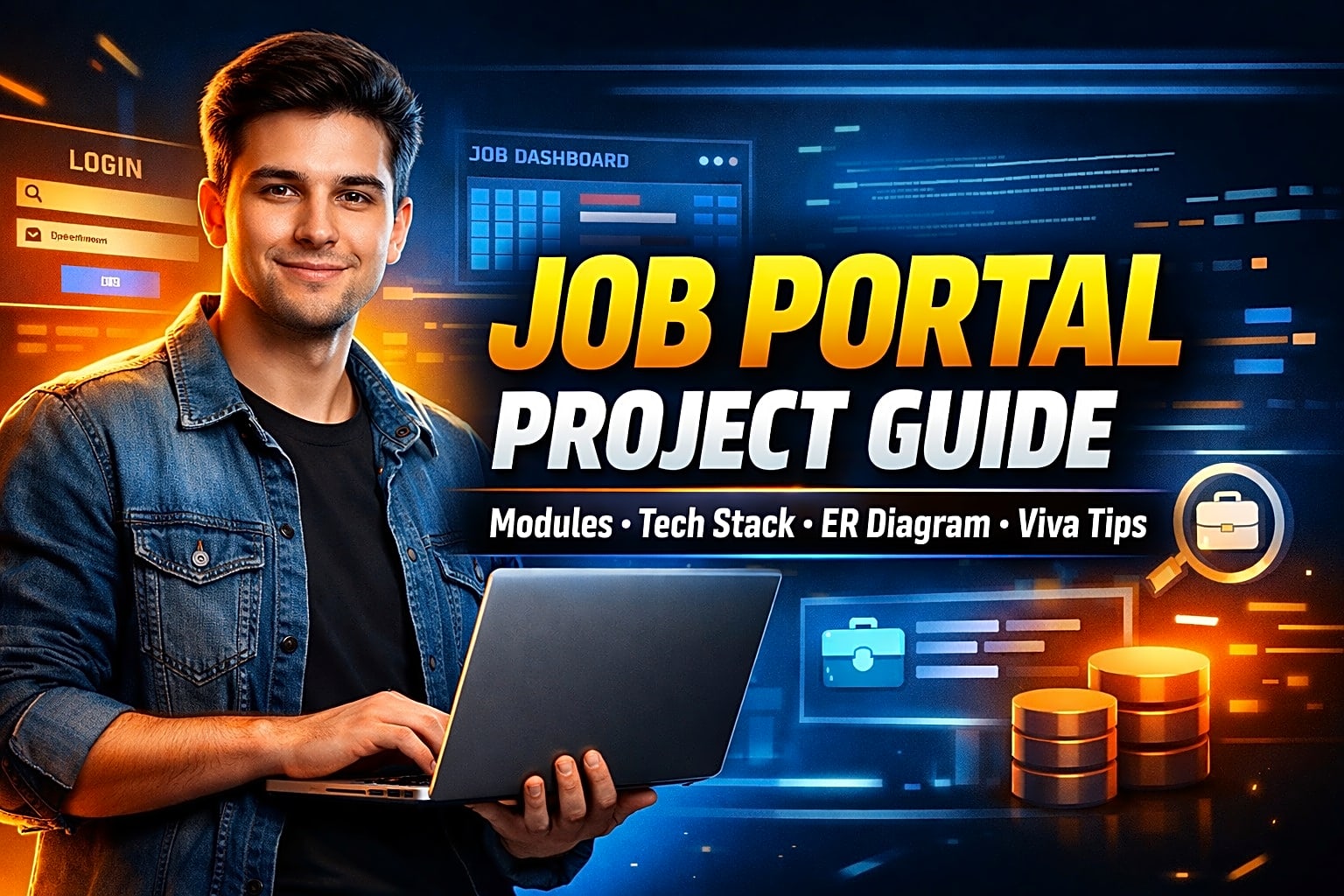
Job Portal Website Project Guide for Final Year Students
Choosing a final-year project is not just about picking a topic that looks impressive. It is about choosing something you can build on time, explain confidently, document properly, and present smoothly in front of faculty. That is why a job portal website project is one of the best options for final-year students.
Quick Answer
A job portal website project is a web-based application where job seekers create profiles, search jobs, upload resumes, and apply, while recruiters post openings and manage candidates. For a strong final-year submission, your project should include user authentication, recruiter and admin modules, job posting, job search, applications, resume upload, database design, ER diagram, DFD, testing, project report, and viva preparation.
If you also need submission-ready material, many students look for an online job portal project report, source code, diagrams, screenshots, and degree-specific versions for BCA, MCA, B.Tech, and BE.
What Is a Job Portal Website Project?
A job portal website project is an online recruitment system that connects three main users on one platform:
- Job seekers who search and apply for jobs
- Recruiters who post vacancies and review applications
- Admins who manage users, categories, job listings, and platform activity
This project is popular in final year because it combines core software engineering concepts in one practical system:
- frontend and backend development
- authentication and authorization
- CRUD operations
- search and filtering
- file upload
- relational database design
- role-based dashboards
- testing and documentation
For academic evaluation, it is a strong choice because it is both easy to demonstrate and relevant to real-world business workflows.
Why a Job Portal Project Is a Smart Final-Year Choice
A job portal project works well because it is realistic without becoming too difficult to finish.
Key benefits
- Easy to explain in viva
- Suitable for mini and major project formats
- Strong fit for web development and DBMS evaluation
- Demonstrates user roles and admin workflows
- Looks professional in report, PPT, and demo
- Can be extended later with advanced features
Best fit for
- BCA final year students
- MCA final year students
- B.Tech / BE CSE or IT students
- students looking for a web-based DBMS project
- teams that want a role-based application
If your college expects degree-specific documentation, you can tailor the same project scope slightly differently for BCA, MCA, or B.Tech based on technical depth.
Core Modules of an Online Job Portal Project
A complete online job portal project should be divided into clear modules.
1. Job Seeker Module
This module lets candidates:
- register and log in
- build a profile
- upload a resume
- search jobs by keyword, location, category, or skill
- apply for jobs
- track application status
2. Recruiter Module
This module lets companies or HR users:
- register and log in
- create company profiles
- post new jobs
- edit or close vacancies
- view applicants
- shortlist candidates
3. Admin Module
The admin panel is important because it proves system control and monitoring.
Admin features usually include:
- manage users
- approve or remove recruiters
- moderate job listings
- manage categories and skills
- generate reports
- monitor activity
4. Search and Filter Module
This makes the project more practical and closer to a real product.
Useful filters include:
- job title
- location
- experience level
- salary range
- category
- job type
5. Resume and Application Module
This module handles:
- resume upload
- application submission
- status tracking
- recruiter feedback
- shortlist updates
Mini Project vs Major Project Scope
|
Scope |
Best For |
Features |
Timeline |
Viva Expectation |
|
Mini Project |
Beginners or short semester timelines |
login, registration, job posting, job search, apply |
2–4 weeks |
explain core workflow clearly |
|
Major Project |
Final-year capstone or group project |
role-based dashboards, admin panel, resume upload, filters, reports, status tracking |
4–8 weeks |
explain modules, DB design, testing, and future scope |
|
Advanced Version |
Portfolio-focused students |
email alerts, analytics, recommendations, interview scheduling |
6–10 weeks |
explain architecture and scalability |
A safe strategy is to keep the core version stable first, then add advanced features only if time allows.
Best Tech Stack for a Job Portal Project
Choose your stack based on skill level, time, and academic requirements.
|
Tech Stack |
Best For |
Advantages |
Caution |
|
PHP + MySQL |
Beginners |
simple, fast, easy to host, common in student projects |
structure can become messy if not planned |
|
Django + MySQL/PostgreSQL |
Students who want cleaner backend structure |
built-in admin, strong authentication, faster development |
requires Python familiarity |
|
MERN Stack |
Modern portfolio projects |
strong UI flexibility, modern architecture |
takes more time to integrate fully |
|
Java JSP/Servlet |
Java-focused colleges |
good for enterprise-style learning |
more setup and boilerplate |
Expert tip
If your goal is a stable academic submission, PHP + MySQL or Django is often the safest choice. If your goal is portfolio value, MERN can stand out, but only if you can complete it properly.
Database Design for Job Portal System
A good job portal database design should be simple, normalized, and easy to explain in viva.
Main tables
- users
- job_seekers
- recruiters
- jobs
- applications
- resumes
- categories
- skills
- interview_status
- admin
Key relationships
- one recruiter can post many jobs
- one job seeker can apply for many jobs
- one job can receive many applications
- each application belongs to one candidate and one job
Required diagrams for report
|
Diagram |
Purpose |
|
ER Diagram |
shows entities, relationships, primary keys, foreign keys |
|
DFD |
explains system data flow |
|
Use Case Diagram |
shows interactions between users and system |
|
Flowchart |
explains process logic |
|
SRS/Synopsis |
documents requirements and scope |
If you want your submission to look complete, include at least an ER diagram, DFD, and use case diagram.
Sample Job Portal Workflow
Here is a simple example you can explain during demo or viva:
- A recruiter logs in and posts a “Java Developer” vacancy.
- A student job seeker searches for Java jobs by keyword.
- The student opens the job details page and applies with a resume.
- The application is stored in the database.
- The recruiter views the applicant list and shortlists the candidate.
- The admin monitors user activity and job listing validity.
This kind of workflow makes your project easier to present because faculty can see the complete end-to-end process.
Step-by-Step Implementation Guide
Step 1: Define the scope
Decide whether you are building a mini project or a major final-year project. Start with must-have features first.
Step 2: Identify user roles
At minimum, create:
- Admin
- Recruiter
- Job Seeker
Step 3: Prepare the module list
Break the system into:
- authentication
- profile management
- job posting
- job searching
- job applications
- admin management
Step 4: Design the database
Create:
- ER diagram
- table structure
- relationships
- sample records
Step 5: Build basic UI wireframes
Sketch:
- homepage
- login/register page
- job listing page
- recruiter dashboard
- admin panel
Step 6: Build backend logic
Implement:
- registration
- login
- role validation
- CRUD for jobs
- application handling
- file upload for resumes
Step 7: Connect frontend and database
Make sure each form:
- validates input
- stores records correctly
- shows clear success and error states
Step 8: Test the project
Check:
- invalid login
- duplicate email
- empty job post
- broken resume upload
- failed application submission
- admin moderation workflow
Step 9: Prepare your documentation
Your job portal project report should include:
- abstract
- introduction
- objective
- existing vs proposed system
- feasibility study
- requirements
- diagrams
- implementation
- testing
- conclusion
- future scope
Step 10: Prepare for viva
Be ready to explain:
- why you chose this project
- your technology stack
- your database tables
- the difference between admin and recruiter
- future enhancements
What to Include in the Final Deliverables
Before submission, keep these items ready:
- source code
- project report
- PPT presentation
- screenshots
- ER diagram
- DFD
- use case diagram
- test cases
- sample login credentials
- one-page viva revision notes
This checklist is especially useful for students searching for a job portal project with source code and documentation.
Common Mistakes Students Make
Choosing too many features
Do not add everything at once. Chatbots, AI matching, payment systems, and analytics sound attractive, but they often delay completion.
Ignoring admin controls
A project without admin logic feels incomplete and weak in evaluation.
Poor database planning
Messy tables make both coding and viva explanation harder.
Weak documentation
Even a decent project can lose marks if the report lacks diagrams, screenshots, and clear module explanations.
No demo flow
Your final demo should show:
- user registration
- recruiter job posting
- candidate application
- admin record management
Viva Questions You Should Prepare
- What is the objective of your job portal project?
- Which technologies did you use and why?
- What are the main modules in the system?
- How does the admin module differ from the recruiter module?
- What tables did you create in the database?
- What is the purpose of the ER diagram?
- What validations did you apply in forms?
- What future enhancements can be added?
Strong viva answer pattern
Use this sequence:
problem → users → modules → database → workflow → benefits → future scope
That structure makes your answers sound organized and confident.
FAQ
1. What is the objective of a job portal project?
The objective is to build a centralized platform where recruiters can post jobs and candidates can search and apply efficiently.
2. Which technology is best for a job portal website project?
For beginners, PHP + MySQL is practical. For cleaner architecture, Django is a strong choice. For modern portfolio value, MERN works well.
3. Is a job portal project good for BCA final year?
Yes. It is one of the best BCA final-year project ideas because it covers database design, forms, modules, and real-world workflow.
4. What modules are required in an online job portal project?
At minimum, include admin, recruiter, job seeker, job posting, job search, resume upload, and application tracking.
5. What should a job portal project report include?
Your report should include abstract, objective, scope, literature review, diagrams, implementation, testing, conclusion, and future scope.
6. Which diagrams should I include in the report?
Include ER diagram, DFD, flowchart, and use case diagram. These make your documentation stronger and easier to defend in viva.
7. Can I build this as a mini project?
Yes. A mini project version can include registration, job posting, job search, and applications without advanced features.
8. How do I explain this project in viva?
Explain the problem statement, user roles, main modules, database design, workflow, technology stack, and future enhancements.
Conclusion
A job portal website project is one of the strongest final-year project ideas because it is practical, scalable, and academically presentable. It helps you demonstrate web development, role-based access, CRUD operations, search, file upload, database relationships, and project documentation in one system.
The best strategy is not to make the biggest project. It is to build a project that is complete, clean, and easy to explain. Focus on essential modules first, create a strong database design, prepare your report carefully, and practice a smooth demo flow.
If you want to go beyond a guide and move toward submission-ready material, the next step is to explore a full online job portal project report, degree-specific project pages, or related final-year project resources.